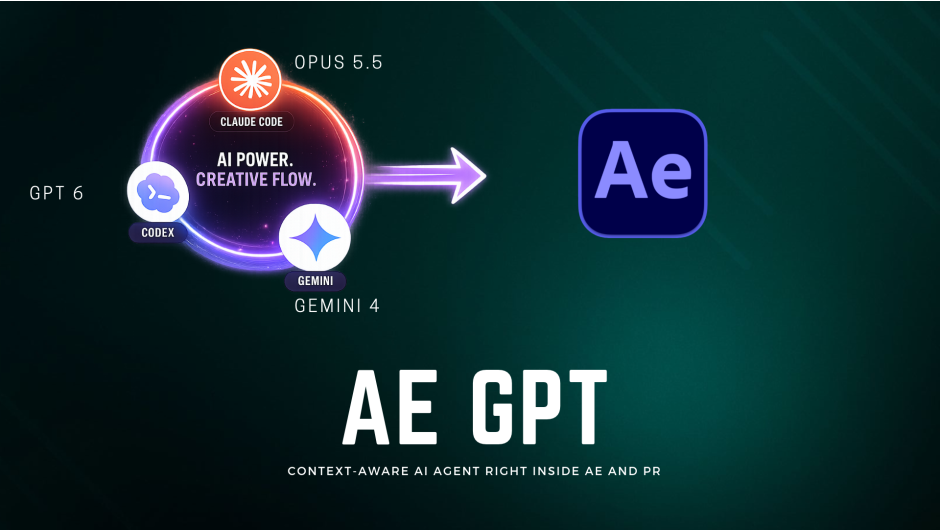
AE GPT runs inside Adobe’s Extensions panel and combines project-aware chat with an agent that carries out scriptable tasks in After Effects. Install it with the aescripts + aeplugins Manager App or a ZXP installer, restart the Adobe app, then open Window > Extensions > AE GPT and sign in or activate your license if the aescripts licensing flow prompts you.
Use chat for guidance and Agent Mode for After Effects tasks
In After Effects, Chat Mode can use context from the active composition or selected layers to answer questions, troubleshoot expressions, write ExtendScript, and help plan a scene. Agent Mode turns a request into steps that can create compositions and shape layers, organize layers, apply effects, write expressions, or automate repeatable work. Version 1.4 added parallel code generation for planned layers and clearer progress updates.
For an Agent Mode request, specify the composition or selection, size, style, duration, and constraints. Review the visible steps and the result in the timeline. You can undo unwanted changes and refine the prompt. For a larger scene, build it in stages and check each part before asking for the next.
Choose a provider and reference workflow
Connections include OpenAI API or Codex CLI, Claude API or Claude Code CLI, Gemini API or Antigravity CLI, local Ollama models, and custom API endpoints, including an OpenRouter preset. CLI connections require the relevant provider tool to be installed and authenticated on your computer. API connections may need provider credentials and incur usage charges. Available capabilities depend on the selected model and connection.
For visual direction, supported connections can use motion clips in MP4, MOV, WebM, or M4V format, up to 50 MB, as references for movement, timing, and visual style. Image and PDF references are documented for supported API modes. Check attachment support for your chosen connection before building a workflow around reference files.
Premiere Pro and compatibility
Premiere Pro supports chat-style assistance. AE GPT does not directly edit Premiere video or audio, and Agent Mode is for scriptable After Effects tasks. The current aescripts compatibility table lists After Effects and Premiere Pro versions 2024, 2025, and 2026. The separate AE GPT documentation describes support for versions 2021-2026 but identifies itself as version 1.2.5, so confirm compatibility with the current release before relying on After Effects or Premiere Pro 2021-2023.
Price and license terms
The aescripts listing shows a $29 price, a free trial, and a 25% checkout discount; check the listing for the current total. Its EULA allows one copy on one computer at a time. Multiple users or computers require appropriately licensed copies. The EULA also restricts transferring, renting, sublicensing, or redistributing the software without the author’s written consent.