Typing animation and cursor controls
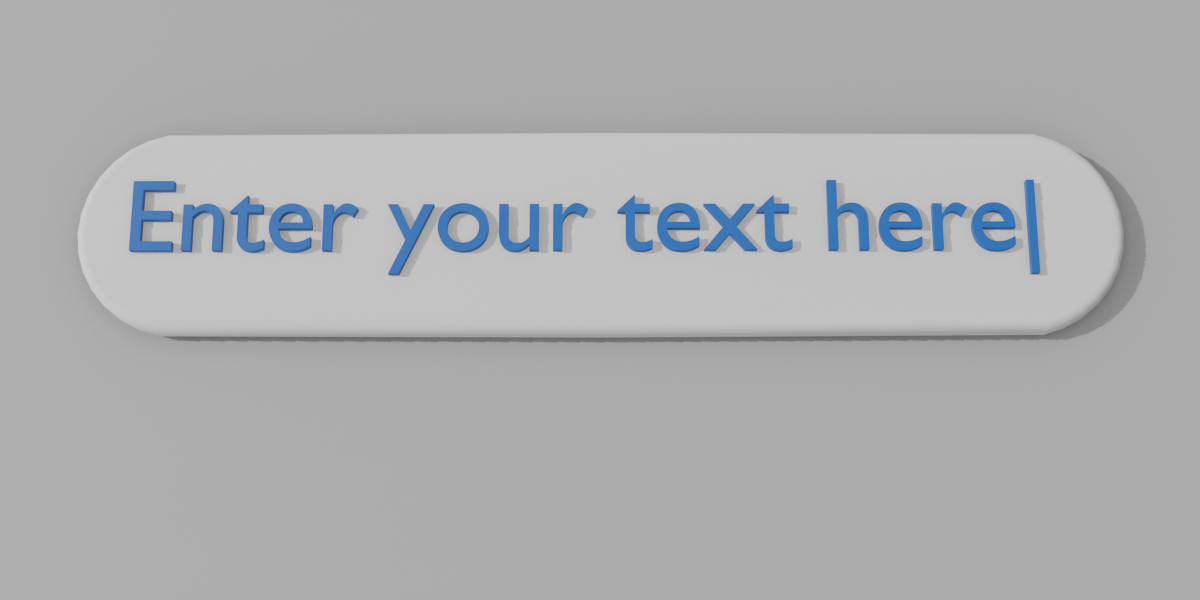
AEJuice Add Typing Cursor is an After Effects script that creates a type-on text animation in one click. A cursor blinks and moves along with the text as it appears. AEJuice lists controls for cursor speed, color and size, plus an option to add a sound effect.
Text and workflow
Use it for a title or other text-led motion graphic when the reveal should look like someone typing. AEJuice says it works with any font and language and supports multiline text, so titles or longer text can use the same typing treatment.
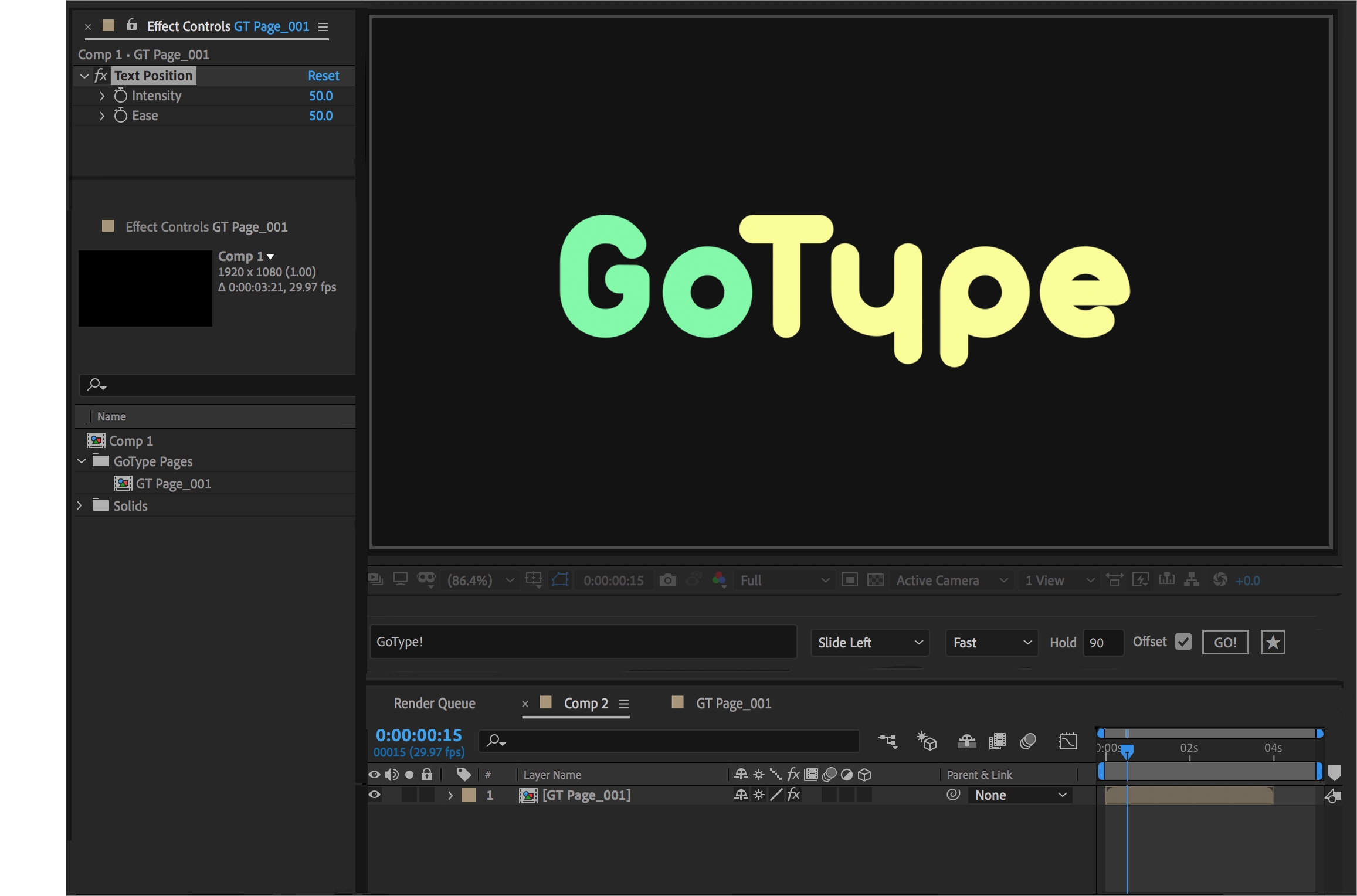
Install AEJuice Pack Manager 4 and sign in. Restart After Effects, then open Window > AEJuice Pack Manager 4 and select Refresh Purchases. Installed scripts appear under the Window menu.
Compatibility and license
AEJuice lists After Effects CC 2015, CC 2017, CC 2018, CC 2019, CC 2020, CC 2021 and CC 2022 or higher. Its product page specifies Windows 10 or later and Mac OS X 10.14 or later. It also lists M-Series support. The script runs in After Effects. To use the result in another video editor, AEJuice specifies a rendered video with a transparent or black background.
The listed license covers one user and allows unlimited videos for unlimited clients.