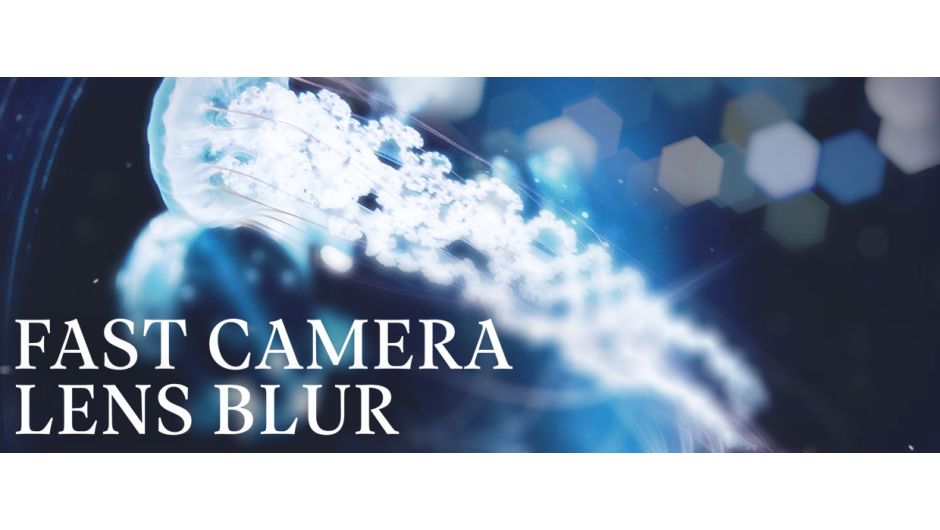
AEJuice Glowy Effect adds glow to footage in Adobe After Effects and Premiere Pro. Use it to target individual objects with a mask or apply a glow across the full frame. The effect supports up to 4K and automatically adjusts to horizontal, square, vertical and intermediate resolutions.
Choose where the glow appears
Mask an object to isolate the glow within a shot. AEJuice recommends Lighten blending mode for masked work and Screen for a full-frame treatment.
Adjust the look
The effect includes controls for beam angle, light intensity, color and blur direction. Use these to shape the glow around the footage instead of relying on a single fixed look.
Compatibility and license
AEJuice lists Glowy Effect for After Effects and Premiere Pro. Its product page does not specify minimum application versions or operating system requirements, so check compatibility if you use an older setup. The listed license covers one user, with unlimited videos and clients; confirm the terms if multiple editors need access.
AEJuice Pack Manager handles product previews, downloads, imports and favorites. AEJuice recommends Pack Manager for its packages. The Glowy Effect listing does not establish whether this effect requires it.