How Beauty Box Video retouches skin
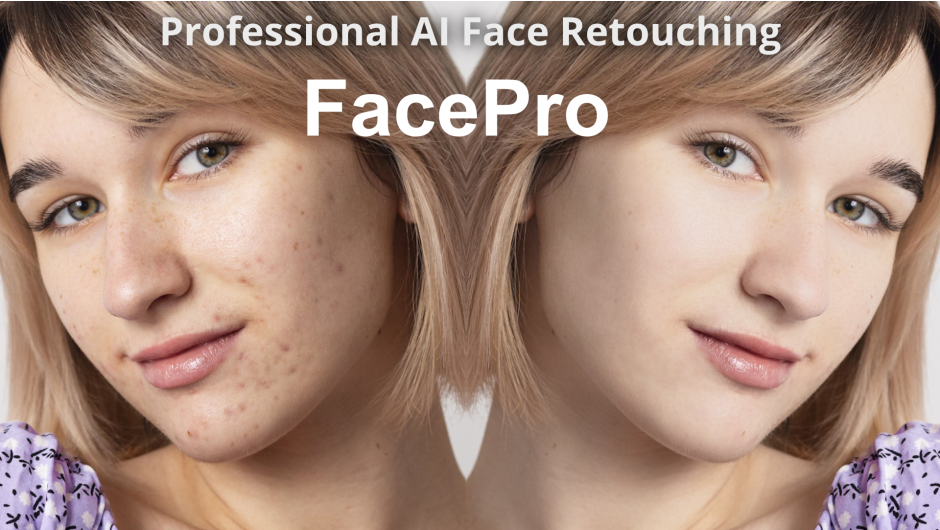
Digital Anarchy Beauty Box Video is a video effect for editors who need to retouch skin in footage of people. It identifies skin tones and creates a mask so smoothing can reduce the look of wrinkles and blemishes while preserving important facial detail. Its color controls allow small skin-tone adjustments.
It fits portrait clips, interviews, and commercial shots that need a repeatable first pass without manually building a skin mask for every frame. The smoothing controls let you choose how much texture to retain; stronger values can make skin look overly smooth.
Working through a clip
- Apply Beauty Box to a video layer, then click Analyze Frame to sample skin tones and generate a mask.
- Adjust the smoothing controls and preview the footage. There are no universal settings: the result depends on the image, subject, and resolution.
- Turn on Show Mask to inspect the grayscale selection. If the mask includes hair or background, refine it with the manual Set and Add tools or the Hue, Saturation, and Value range controls.
Strong highlights or shadows, or hair and background colors close to the skin, can cause the automatic mask to include areas you do not want to smooth.
Shine removal and color controls
In version 6.0, Shine Removal is a separate plugin with its own mask, independent of the skin-smoothing mask. According to the 6.0 manual, the new machine-learning mask improves how Shine Removal handles white areas such as eyes and teeth, which the previous version could make less white. Digital Anarchy's 6.0 manual notes that the AI processing can take longer to render.
The built-in hue, saturation, and brightness controls handle small color adjustments. The manual recommends doing more extensive color grading in the host editor before applying Beauty Box. Beauty Box 6.5 adds AI-powered eye and teeth whitening.
Compatibility and licensing
Digital Anarchy lists Premiere Pro, After Effects, Final Cut Pro, Avid Media Composer, and DaVinci Resolve with OpenFX support. It provides Mac and Windows builds, but system requirements vary by host and version. Its general support page lists Windows 10 or later and macOS 10.14 or later. The version 6.0 download pages specify macOS 13 or later and Apple Silicon for Final Cut Pro, macOS 11 or later or Windows 10 and 11 for Resolve, and macOS 10.14 or later or Windows 10 and 11 for Avid. The Adobe download page lists macOS 11 or later for its Apple Silicon build. The support FAQ says Beauty Box should work in Vegas and Motion, though Digital Anarchy no longer develops or offers technical support for either host. Check the download page for your host and version before installing; current host pages also list version 6.5.
The same installer runs as a demo or full version. The demo adds a watermark; entering a purchased serial number activates the paid version and removes it. The store offers host-app choices and an all-host-apps option, so select coverage for the editors you use.