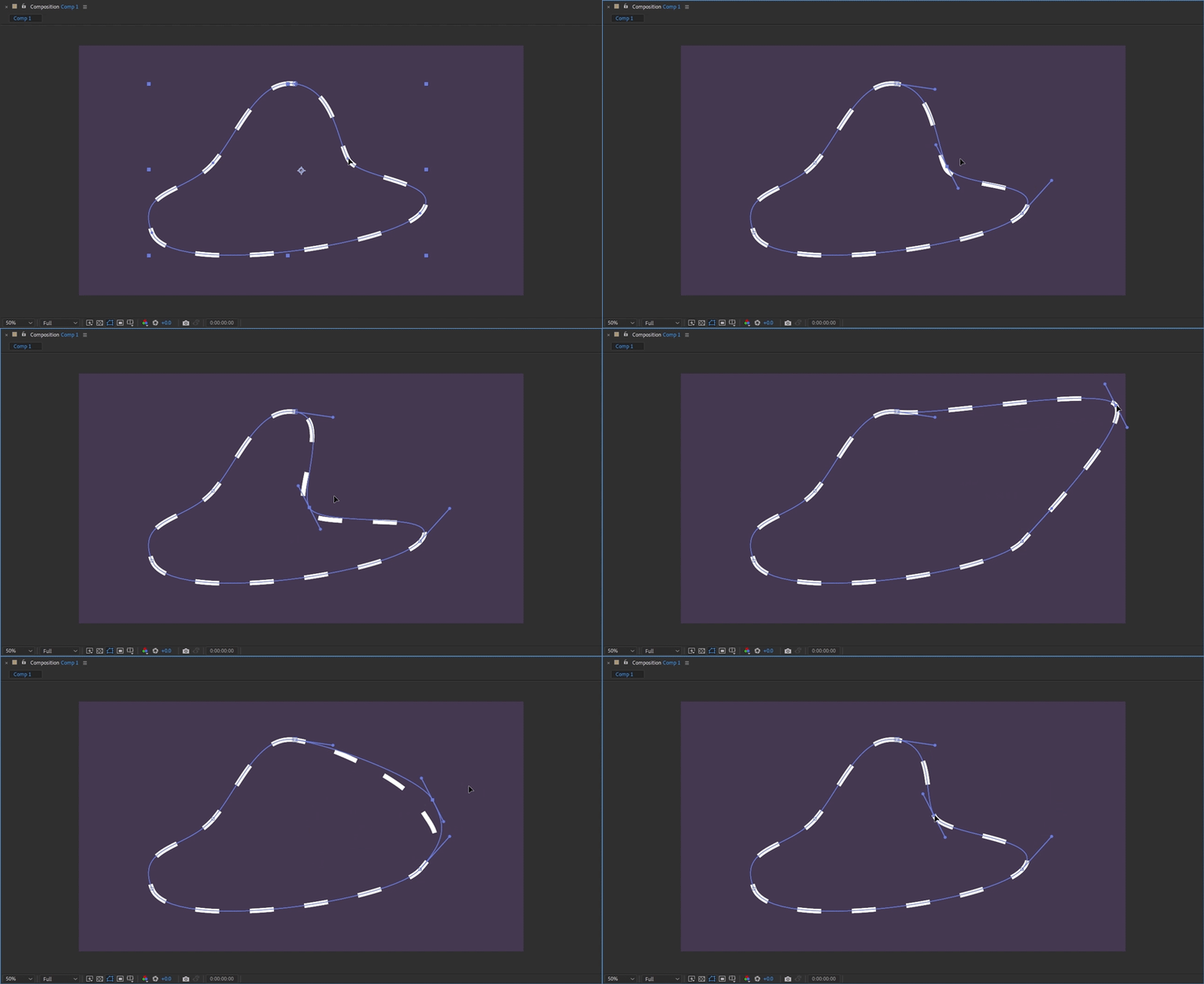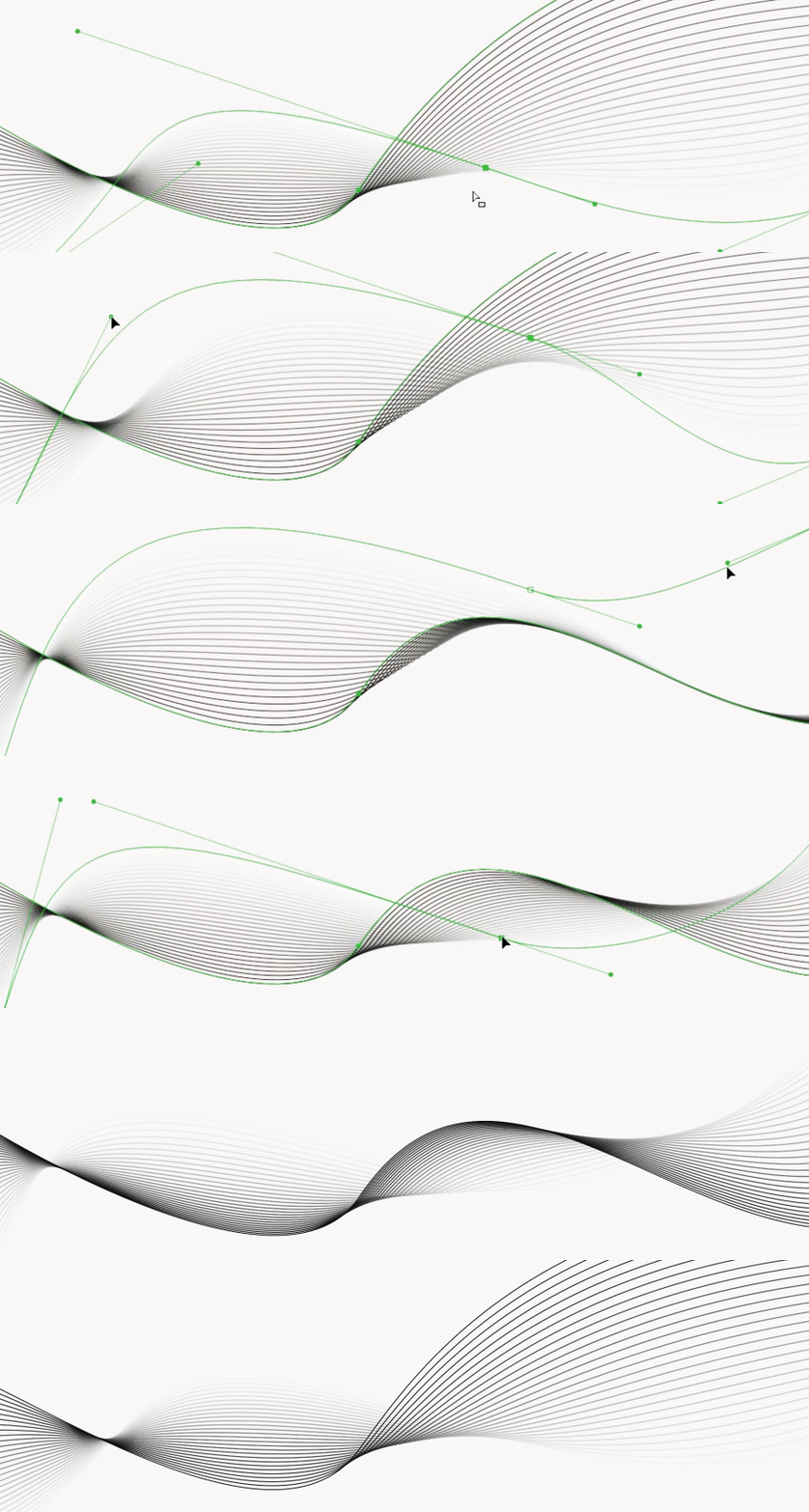
AEPathfinder is a vector shape editing plugin for motion designers working in Adobe After Effects. It helps turn shapes into editable pieces for workflows such as UI state changes and logo reveals.
After Effects' Merge Paths handles basic combinations. AEPathfinder adds one-click divide, trim, crop, and outline operations, along with workflows to combine, split, and animate vector shapes across one or multiple shape layers. Its listed multi-layer operations are Outline, Divide, Intersect, Trim, Subtract, and Exclude.
How layer selection changes the result
Select one layer to access After Effects' built-in merge options. With multiple shape layers selected, AEPathfinder creates a new editable shape layer and keeps the originals. After processing, its Split Shapes feature can separate the result into individual elements for animation.
This workflow suits motion designers breaking icons or buttons into pieces for state transitions, or dividing a complex vector mark for a logo reveal.
Original layers and licensing
By default, AEPathfinder preserves the source layers and uses no expressions. To remove the original shape layers during an operation, hold Shift, Alt, or Cmd/Ctrl.
AEPathfinder's listed After Effects versions run from 2020 through 2025; 2026 is not listed. AEPathfinder is a paid product. A floating license requires the separate aescripts Floating License Server. Each floating license allows one user at a time; its client computers must be on the same network, and remote users need VPN access to that network. Check the selected license type and current host compatibility before purchase.