AE Shapes Blender is an After Effects script for blending two or more shape paths into a controllable sequence. It suits path-based motion graphics where you want to animate shape transitions, build loops, or make shape backgrounds. Select the path properties to blend. Convert primitive paths to Bezier paths first. Similar vertex counts and matching open or closed status are recommended; if they differ, the script detects the mismatch and offers to fix it.
Build and control a blend
Creating a blend produces four layers: Calc holds the calculations, Spine provides an optional guide path, Blend contains the rendered paths, and Master holds the source paths whose changes affect the blend. This layer structure gives you a place to adjust the source shapes and, when using a spine, its path.
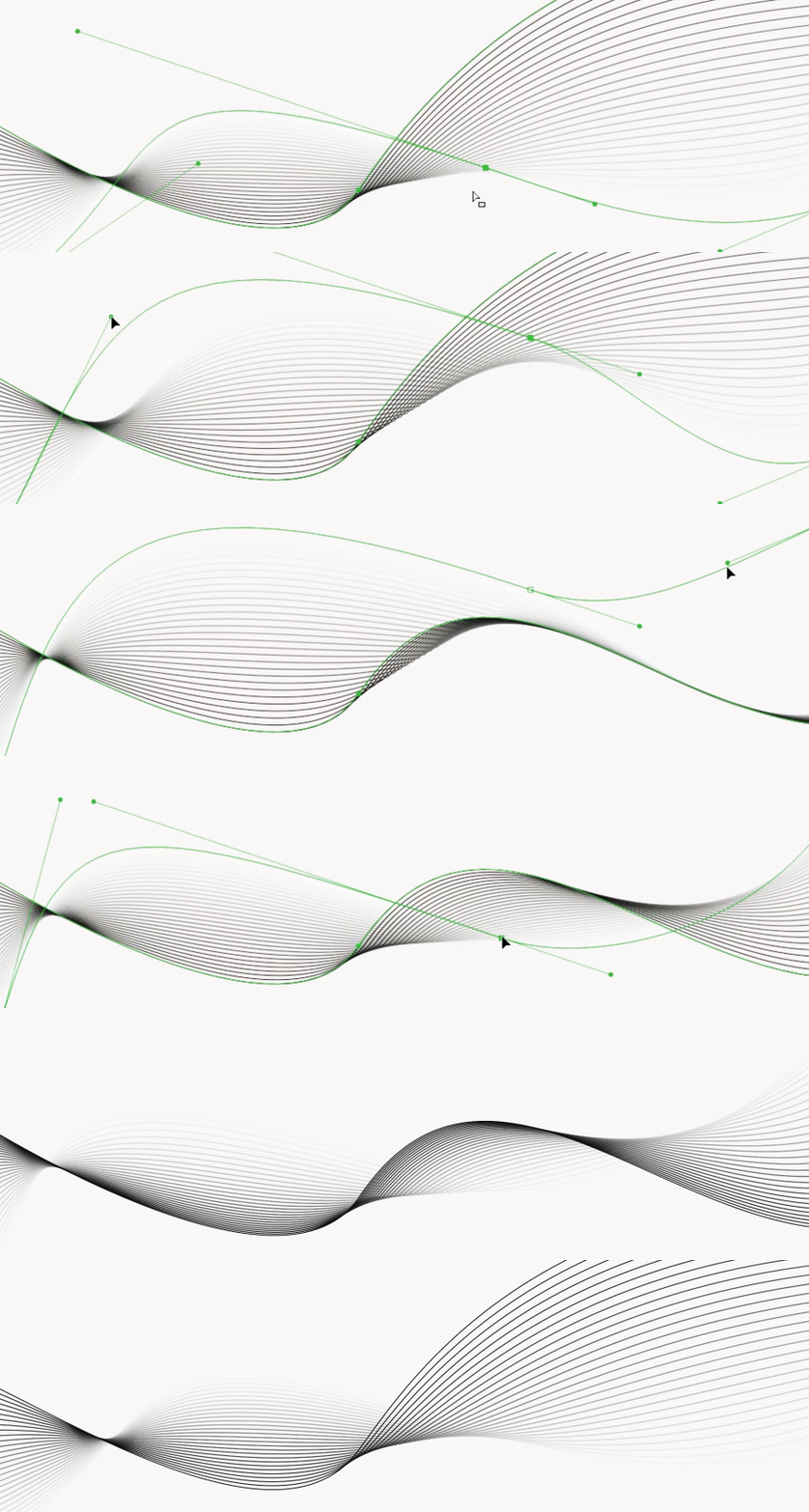
Choose between two methods. Blend Directly transitions the paths toward one another. Blend With Spine keeps them aligned to a guide path, which you can edit to change their direction or position. Advanced properties are optional. They add stretch, scale, and offset controls, plus loop, fill, stroke, opacity, and twist settings. Master path offsets along a spine require the spine to be enabled; blend path offsets also work without a spine. Fill and stroke controls can interpolate colors and opacity, while opacity start and end controls can trim the blend.
Animate and edit paths
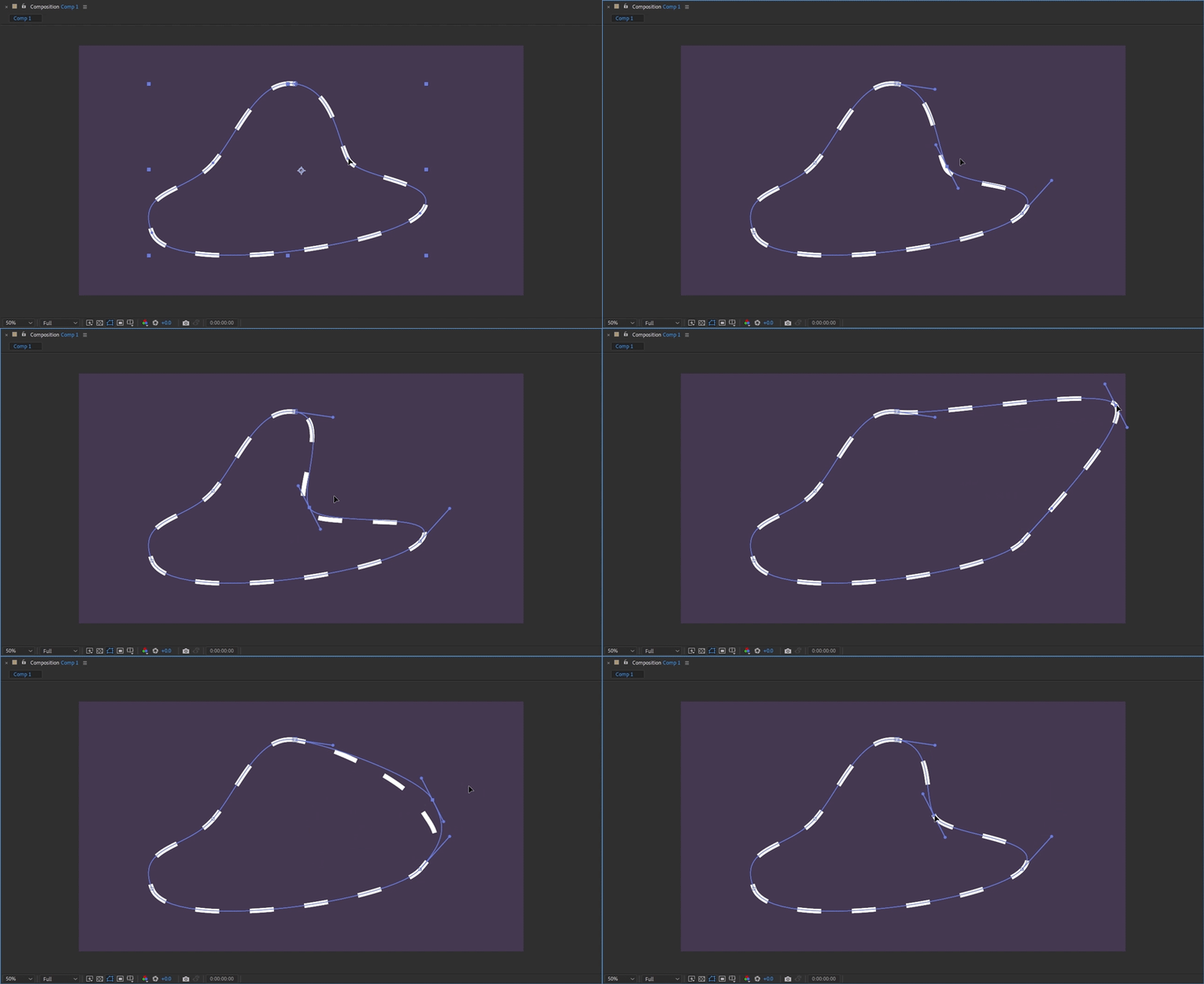
Keyframe the master paths and the blended paths update automatically. If you add or remove vertices, use Match Vertices to align them again. Other path tools can shift or reverse vertices, reverse path direction, and open or close paths. You can also add, remove, or replace paths in a blend and replace its spine.
To switch between simple and advanced controls, select a blend layer, click Refresh, change the advanced properties, then click Update. For complex paths with many points or blends with many shapes, calculations may take longer.
Freeze, compatibility, and licensing
Freeze bakes the blend's expressions into static values, which can improve performance. Frozen properties cannot be edited until you unfreeze the blend. This is useful for a finished, non-animated blend or temporarily while working in a render-intensive project.
The product page lists compatibility with After Effects 2020 through 2026. Its displayed license agreement grants use of one copy on one computer at a time; multiple users or copies require an appropriate license for each user and copy.