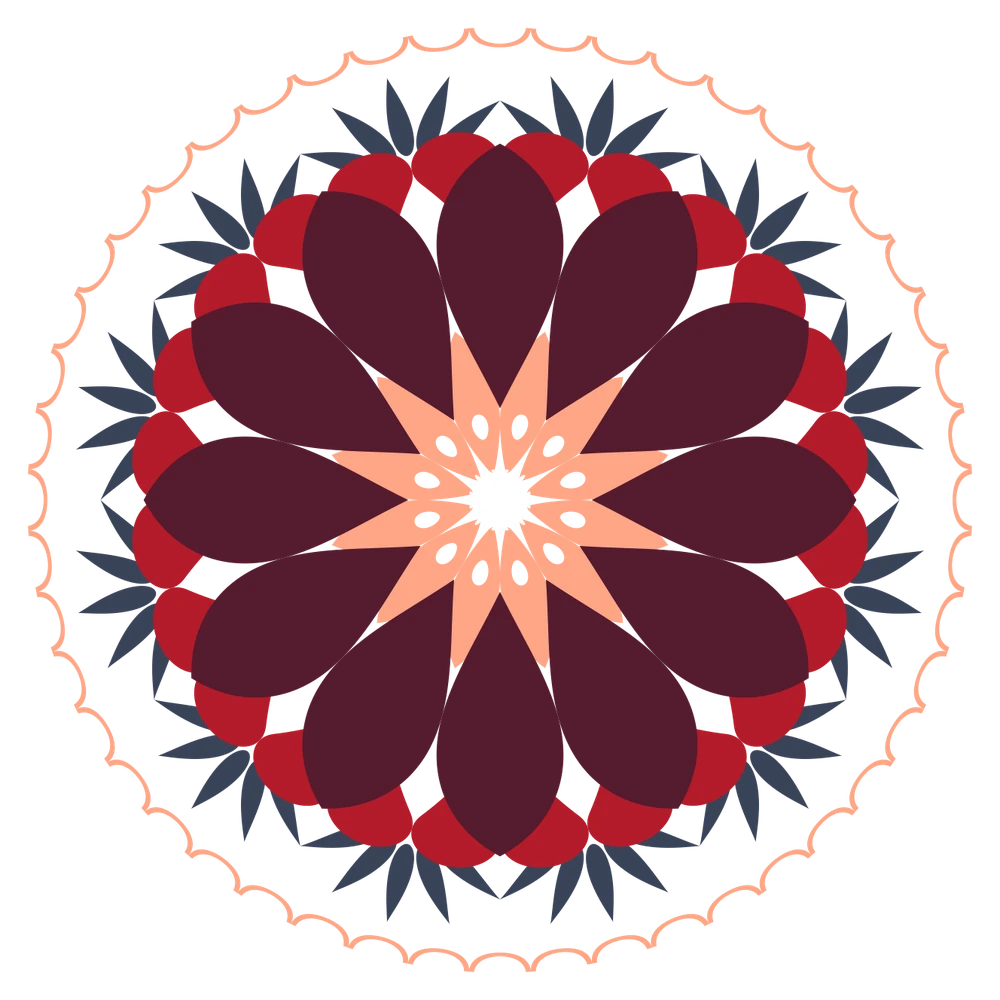
Bindu is an After Effects panel for making animated mandalas from repeated shapes. It suits projects where you want to assemble a radial design in separate rings, then animate those rings inside an After Effects composition.
Build ring by ring
Choose among more than 100 shapes in four libraries: Primitive, traditional Indian motifs, Floral, and Zellij, inspired by Moroccan mosaics. Assemble shapes into rings and rings into a mandala, or start from one of 12 templates. You can change each template ring by ring and save your own mandalas as templates for reuse.
Bring in custom shapes and animation
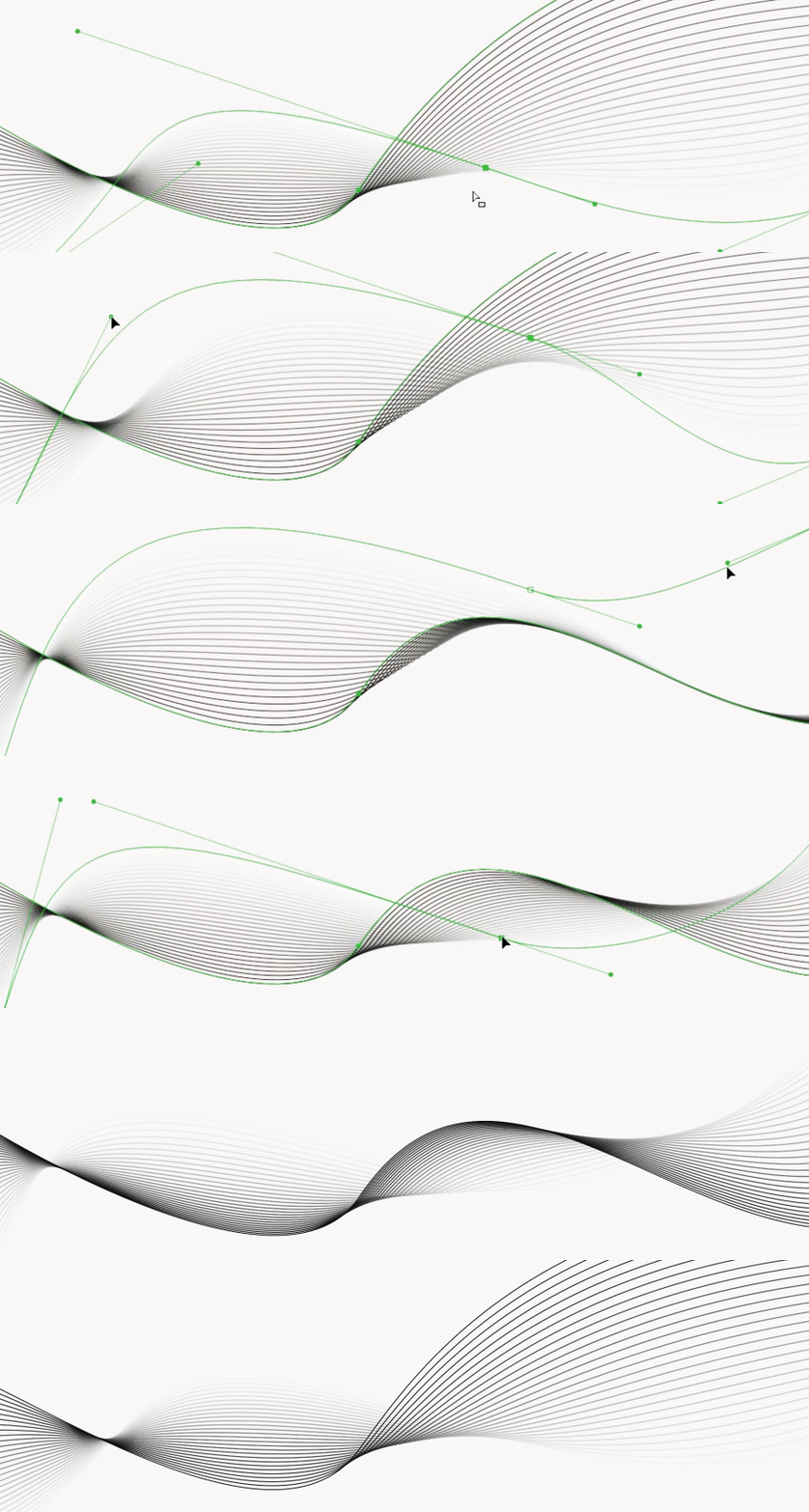
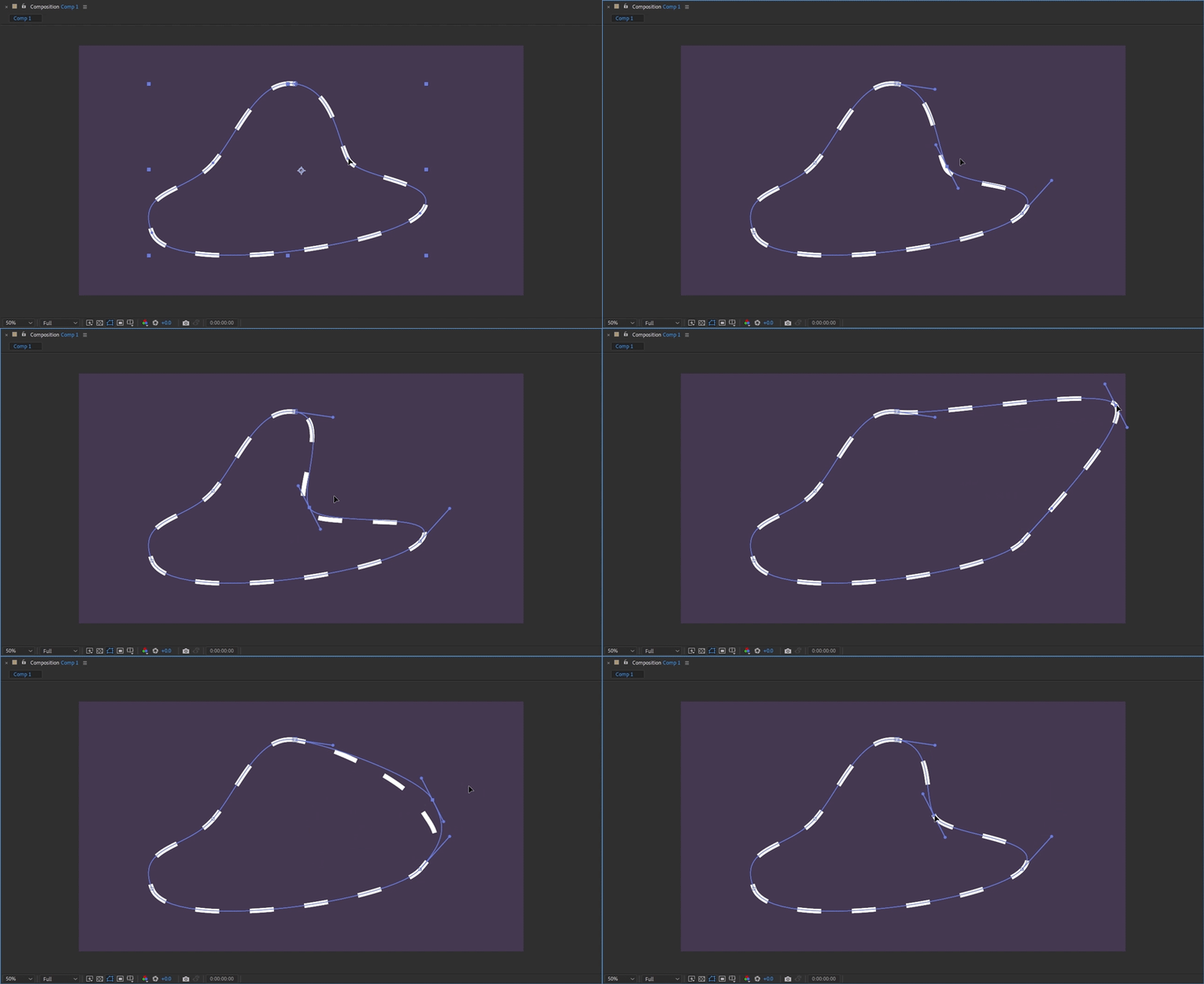
Draw in Bindu's panel with its pen and mirroring, or use a shape layer from your composition, including an animated layer. The repeated pieces of that ring follow the source layer's animation. For motion, choose an entrance, loop, and exit from 33 presets, preview them in the panel, then apply them. You can keyframe settings, undo or redo changes, select several rings at once, and click a shape in the preview to select its layer in the timeline.
Keep layers editable
Each ring is an After Effects shape layer, and its animation uses ordinary keyframes that you can retime or change. Because a mandala uses standard After Effects layers, another person can open and render the project without Bindu installed.
Requirements and trial
Bindu requires After Effects 2022 (22.0) or later on Windows or macOS. Open it from Window > Extensions > Bindu. The 10-day trial is fully functional and has no watermark. After the trial, mandalas already in your projects keep working, while creating new mandalas, rings, templates, or animations requires a license.