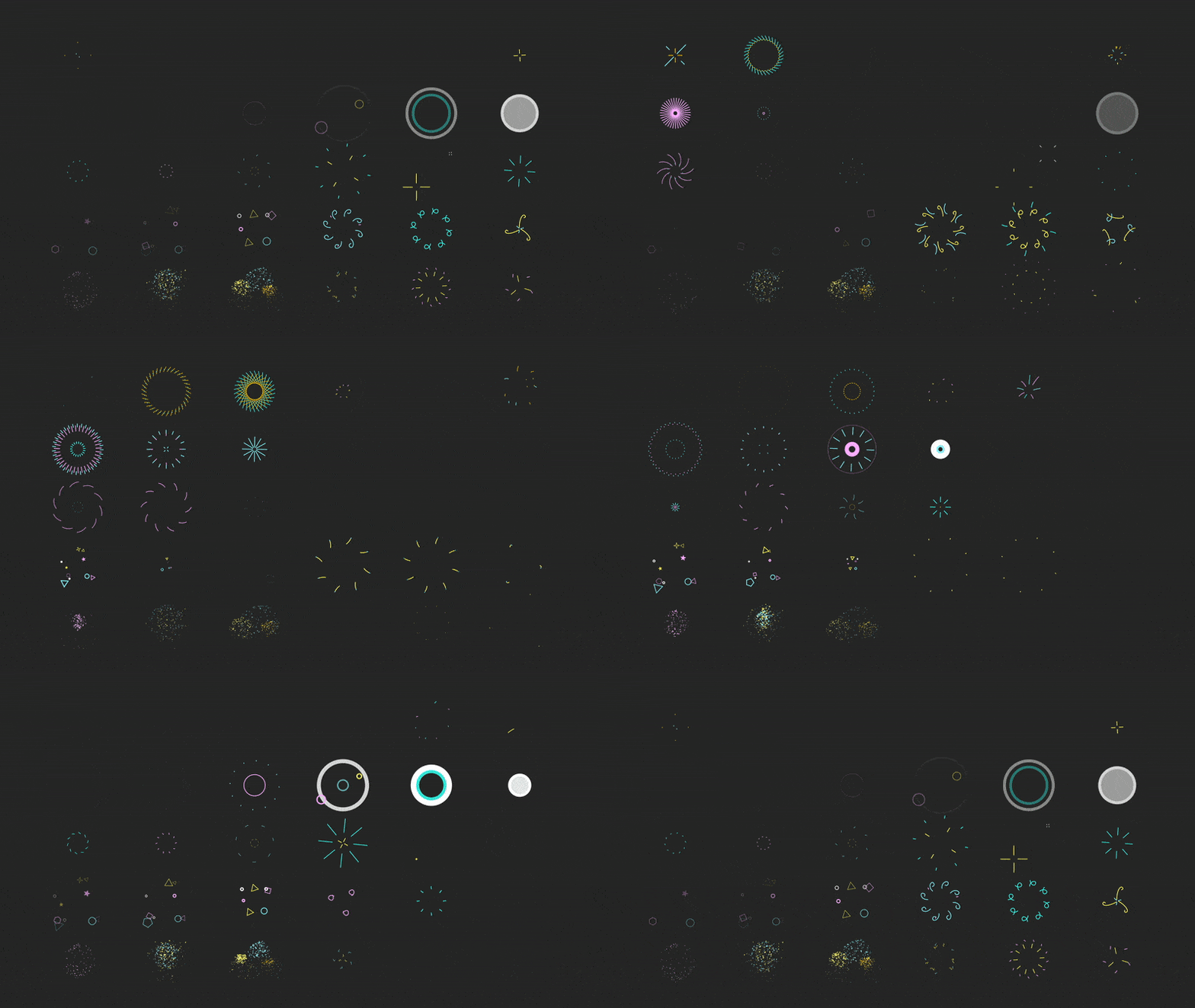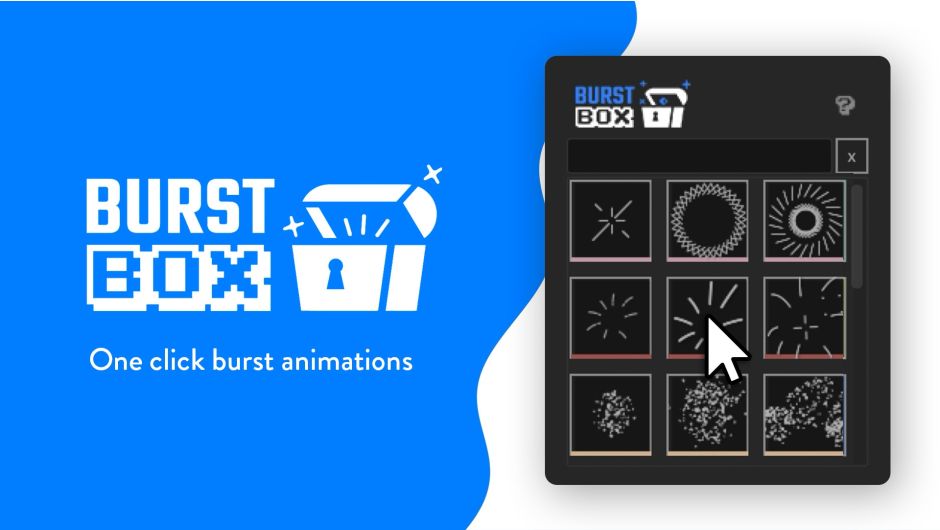
Burst Box is an After Effects script for adding burst and pop animations to logos, titles, and motion graphics. Its library has 30 designs. Choose one with the search bar and create it as a precomp with one click.
Edit the included bursts
Open a burst precomp to change its contents. Editing one path in a burst updates the repeated paths around its circle. You can also change how many copies appear. Burst Box lets you customize its supplied designs, but you cannot add your own bursts as new library items.
Switch colors across bursts
The script includes several editable color palettes. A palette control switches colors across your bursts at once, which helps keep multiple accents consistent or match them to a project's colors.
Compatibility and trial
The listing names After Effects CC 2019 and versions 2020 through 2026 as compatible. It also offers a seven-day trial and says there is no payment at the end of the trial.
Check the license setup
The Burst Box listing's checkout prompt displays a Floating License Server requirement. aescripts' license guide says the server is required for Floating licenses, while Single User Licenses do not require it. The guide says a Single User License can be installed on up to two computers owned by one user, provided they are not used at the same time. The EULA on the Burst Box page separately states a one-computer-at-a-time limit for one copy. Check the terms for the license option shown at checkout before choosing a setup. Floating licenses require access to the server on the local network; remote users need VPN access to that network.
Burst Box fits After Effects users who want to add and reshape ready-made bursts quickly. Its library of ready-made bursts is less suitable if you need to add original burst designs as reusable library items.