Adobe Photoshop
Adobe Photoshop supports photo retouching, layered composites, illustration, and graphics. Review its AI tools, plans, credits, and desktop needs.
Published software and plugin guides for Adobe Photoshop.
Read the software guideAdobe Photoshop supports photo retouching, layered composites, illustration, and graphics. Review its AI tools, plans, credits, and desktop needs.
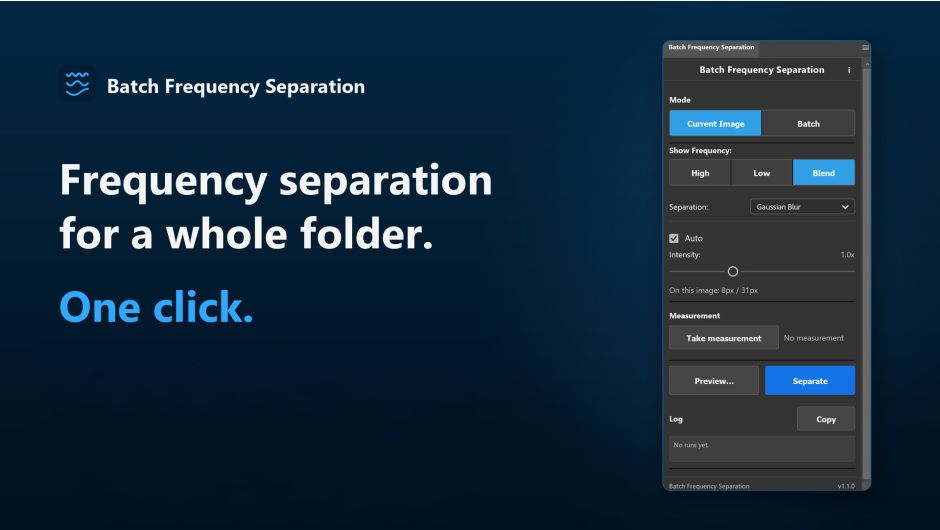
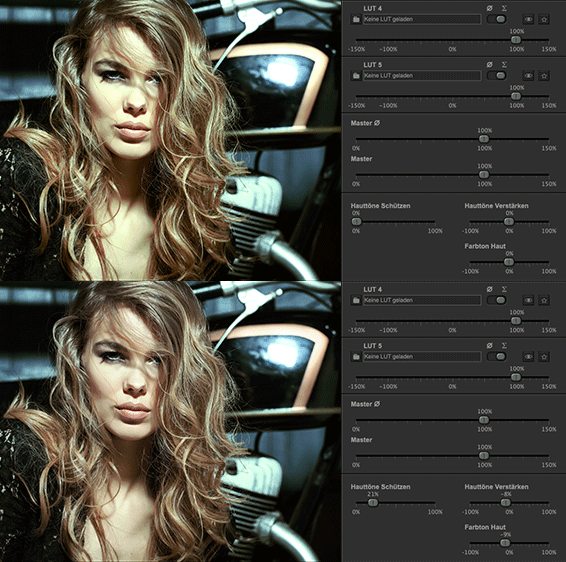
Build a three-band Photoshop retouching rig in one click, or batch a folder into layered PSDs. Review the preview controls and system requirements.
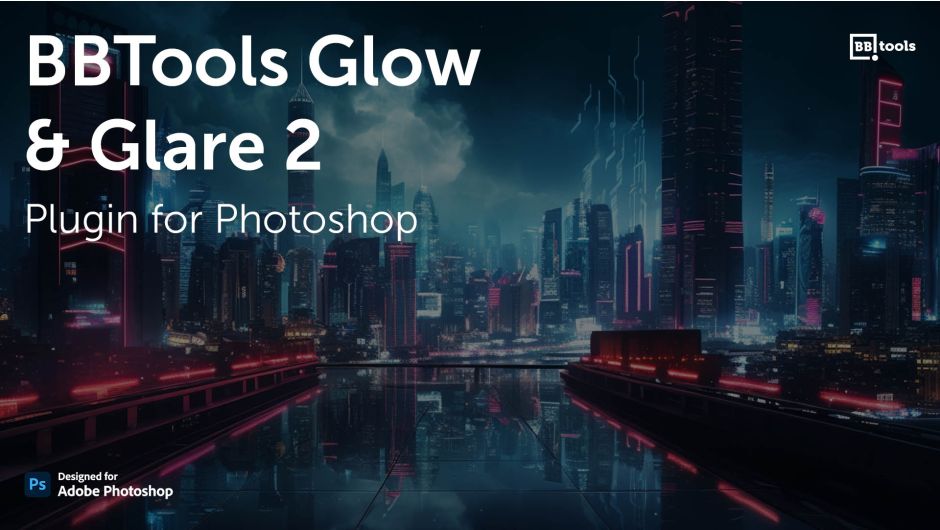
Add BBTools Glow & Glare 2 for non-destructive Photoshop glow and glare with separate controls and 18 glare shapes. Check compatibility and try it.
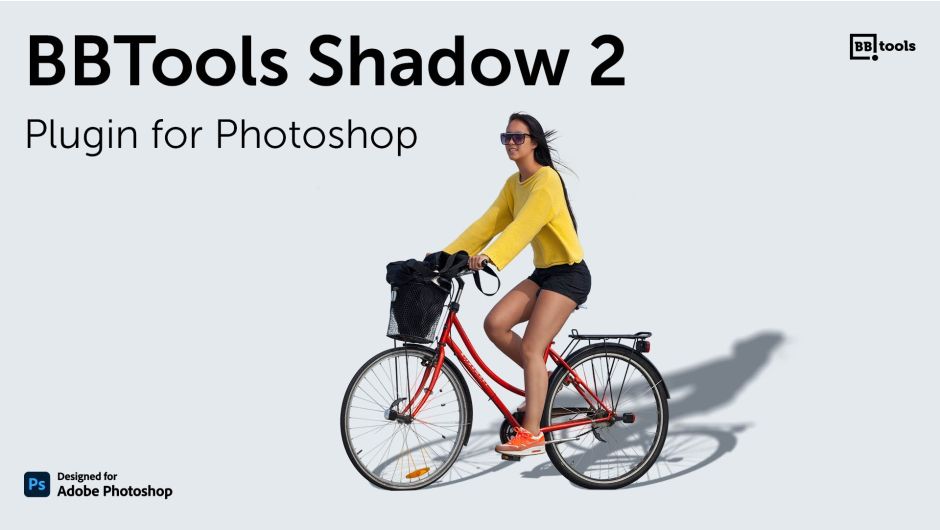
BBTools Shadow 2 creates shadows for standing objects in Photoshop. Set angle, scale, blur, opacity and color; check compatibility and the free trial.
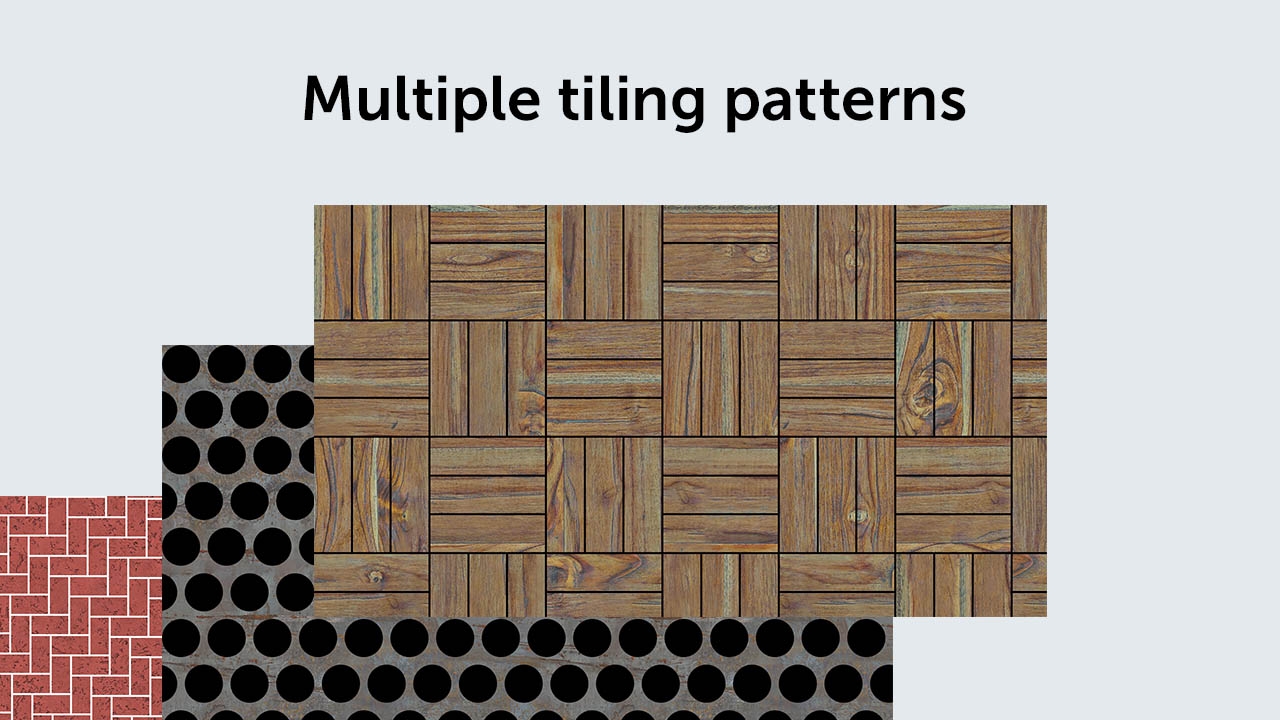
Build tile grids and seamless textures in Photoshop with BBTools Tiler 5. Adjust shapes, patterns, spacing, and per-tile color variation.
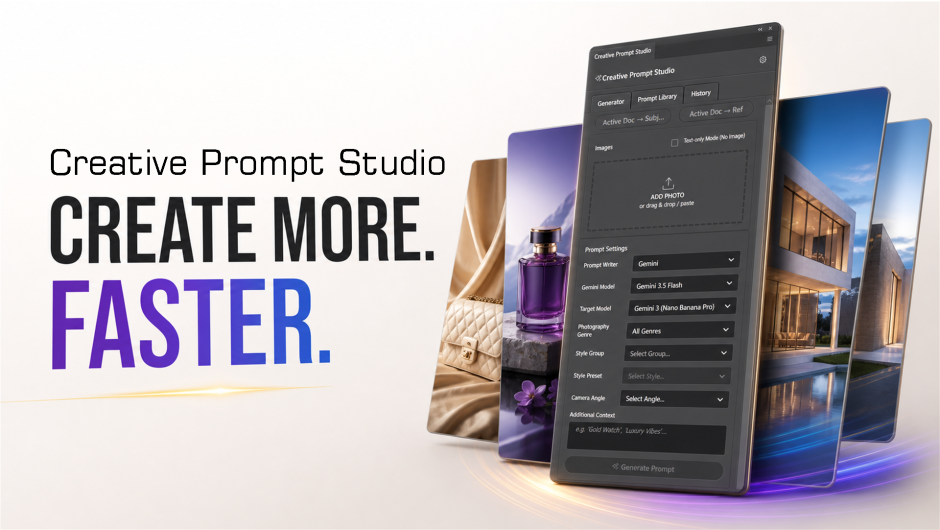
Creative Prompt Studio creates model-aware Photoshop image prompts from references and written direction, then saves them in a searchable library.
Creator MAX is a Photoshop UXP panel for AI image generation and editing with models, reference images, selection-based layers, and your API key.
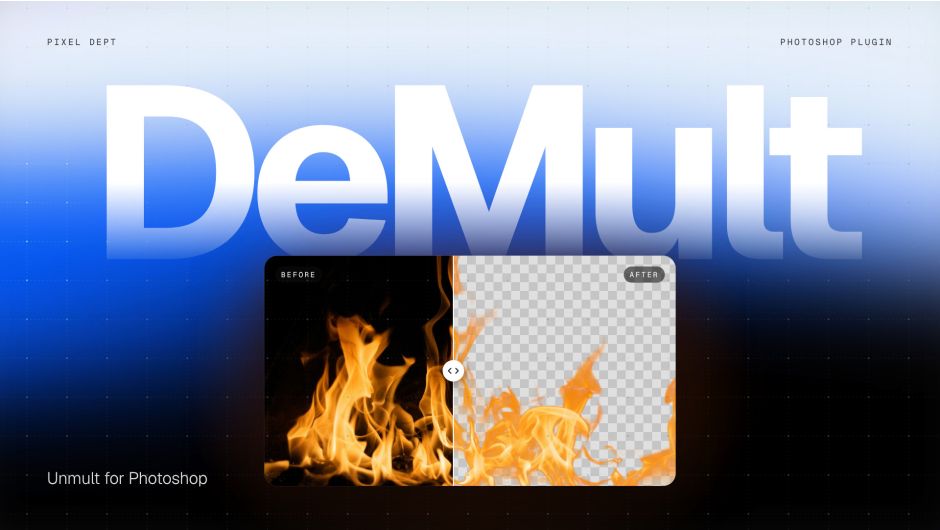
DeMult removes black or white backgrounds in Photoshop while restoring semi-transparent color in VFX elements. See its controls and free trial.
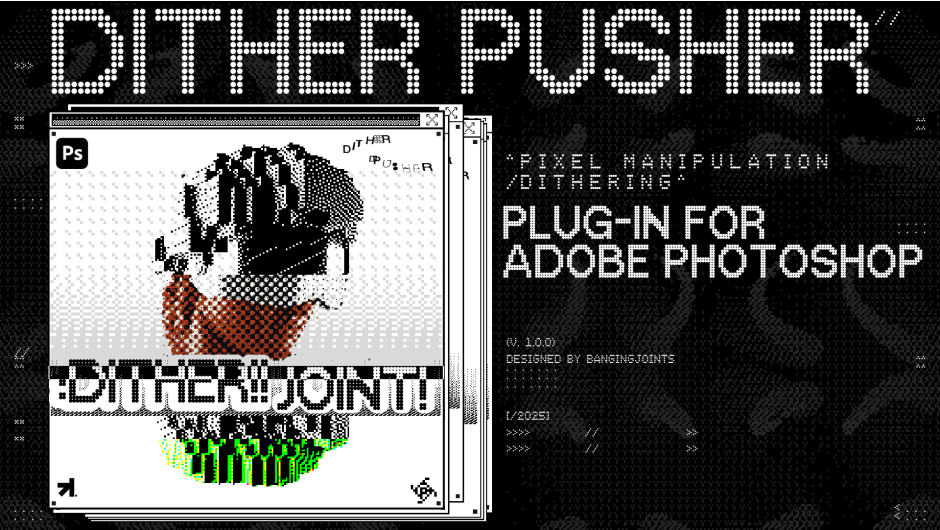
Dither Pusher 2 Photoshop Plugin creates pixel-art and halftone effects with palettes and Spectrum glow. Try its limited free trial to check compatibility.
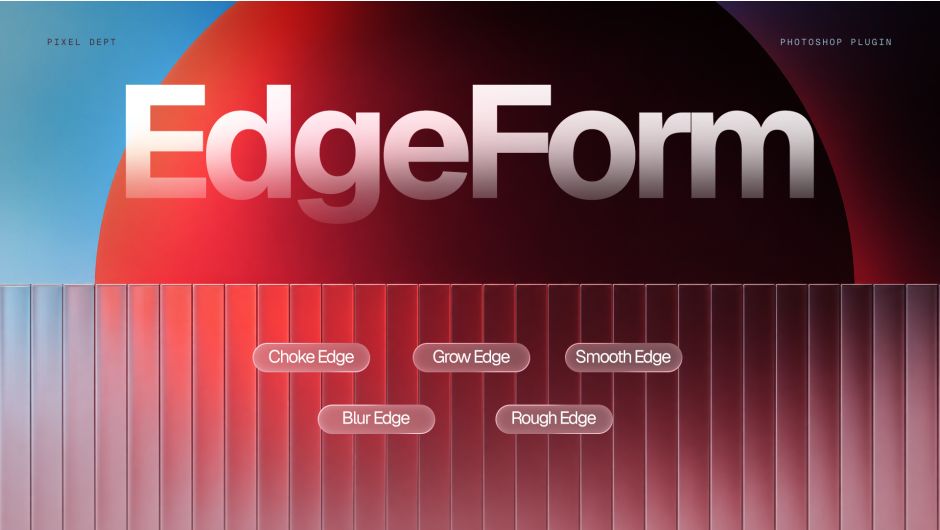
Use EdgeForm in Photoshop to choke, grow, smooth, blur or roughen layer edges with a live preview. Check its 10-day trial and requirements.
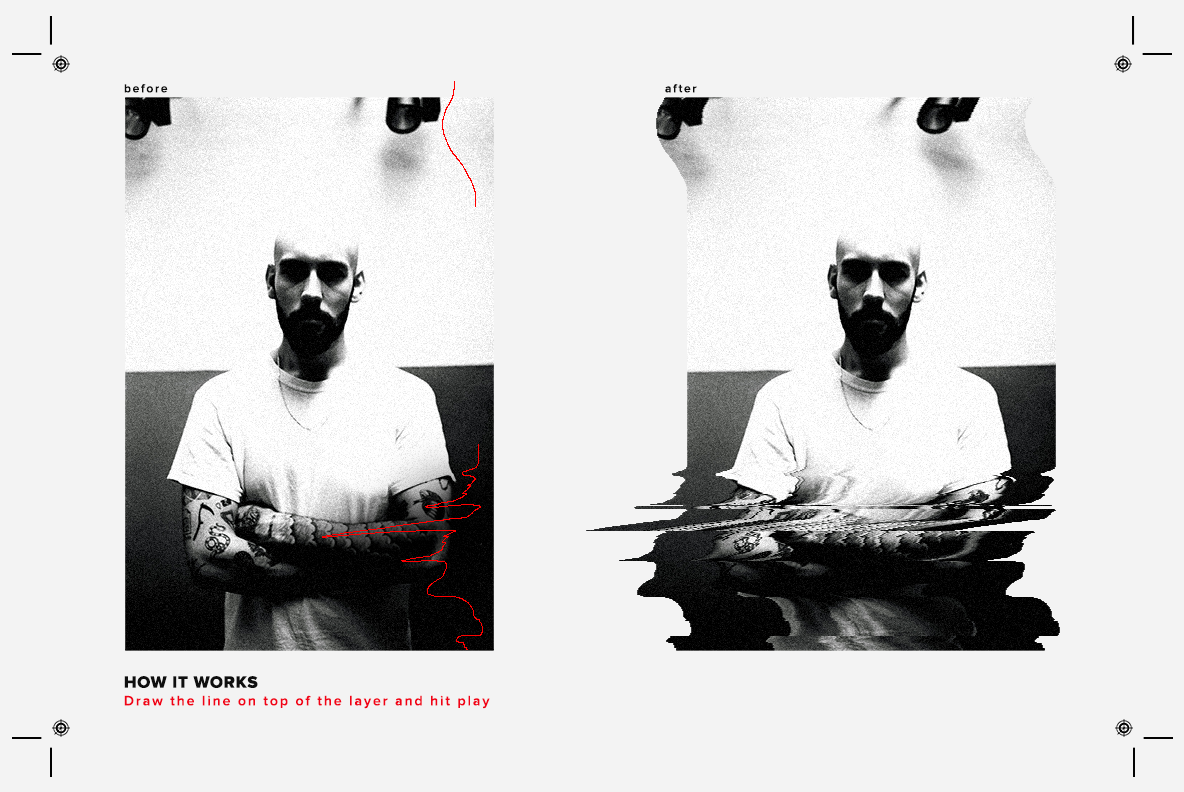
GhostScan Photoshop Extension has six scan modes and interactive pixel-stretch effects guided by drawn lines. Check its trial and Photoshop versions.
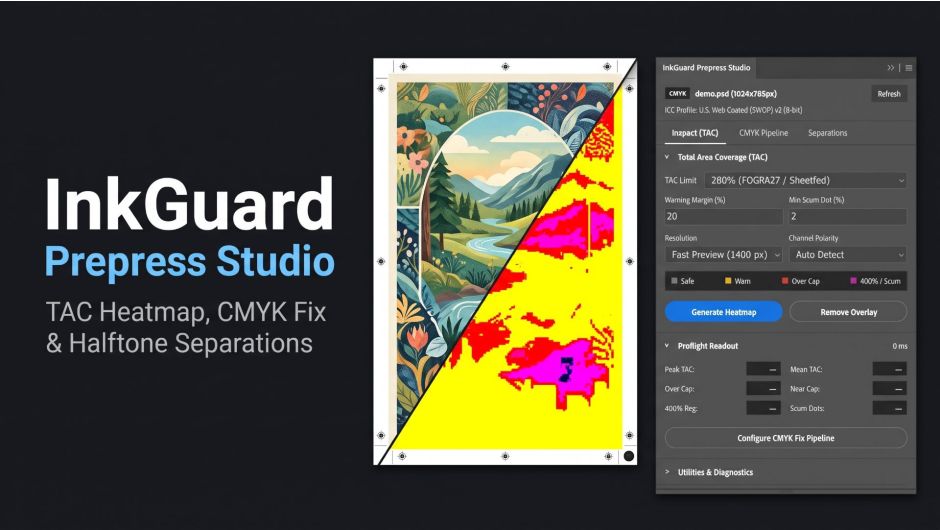
Inkguard Prepress Studio checks CMYK coverage, applies TAC and flexo fixes on a new layer, and creates screen-print separations in Photoshop. View TAC presets.
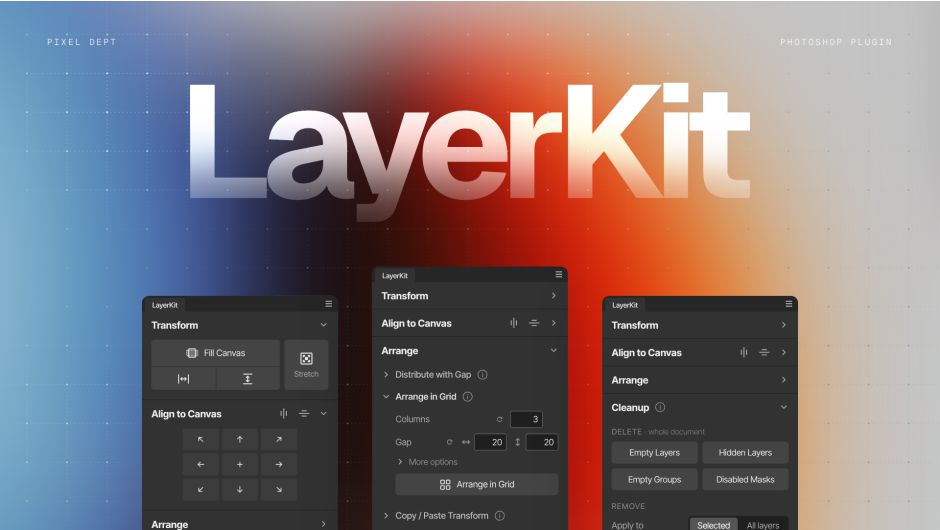
LayerKit adds alignment, spacing, grid, transform and cleanup tools to Photoshop. Check its system requirements and name-your-price terms.
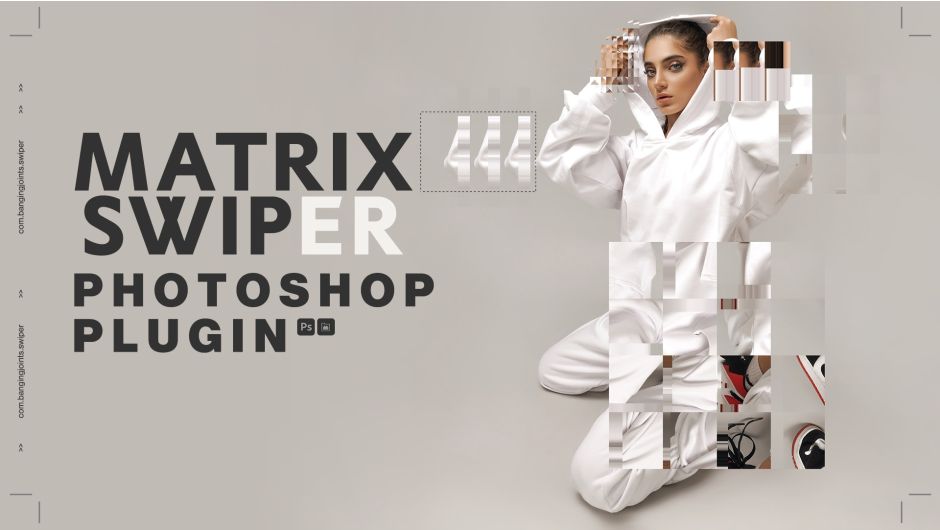
Matrix Swiper Photoshop Extension is for grid patterns, collages, slit-scan effects and swipe animations. Check compatibility and try a three-day trial.
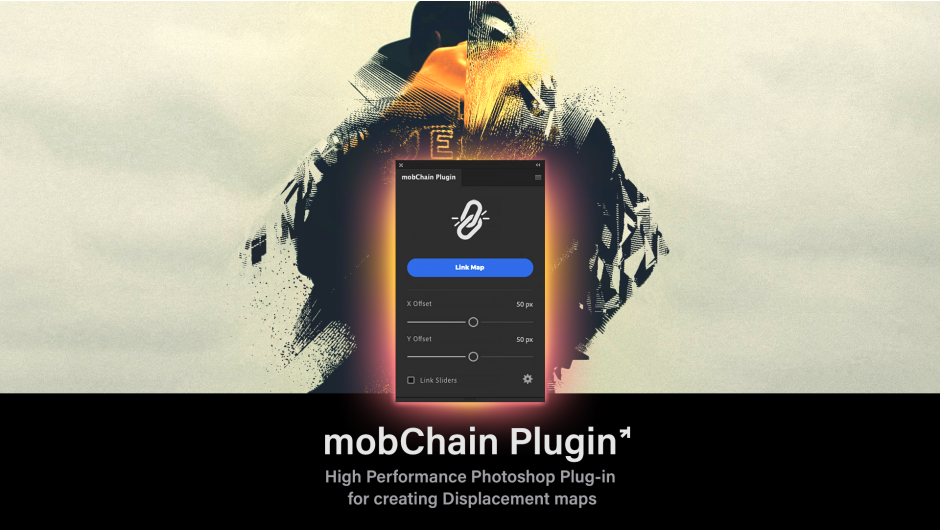
mobChain Photoshop Plugin previews displacement maps as you edit. See how Auto and Manual sync work, check Photoshop compatibility, and review included files.
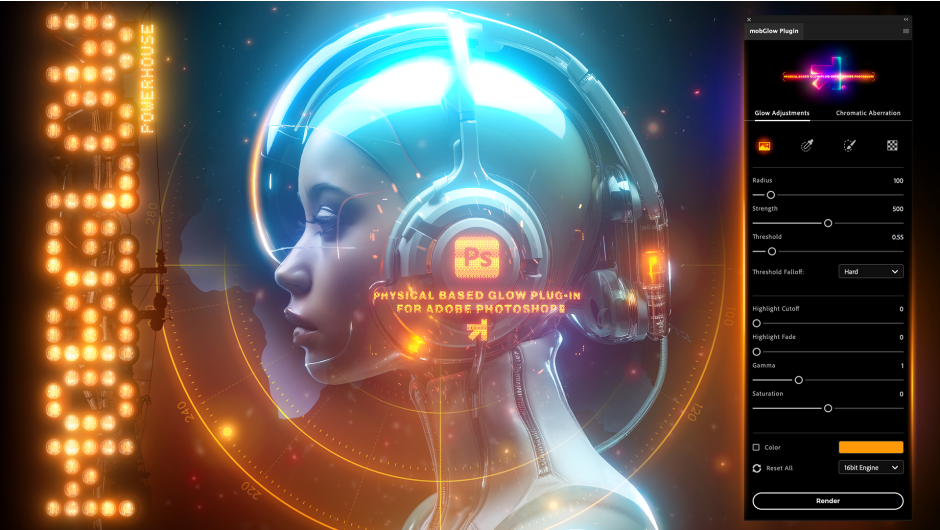
mobGlow Photoshop Plugin shapes glow by tone, color and masks, then composites it with alpha output. Check the trial against your Photoshop setup.
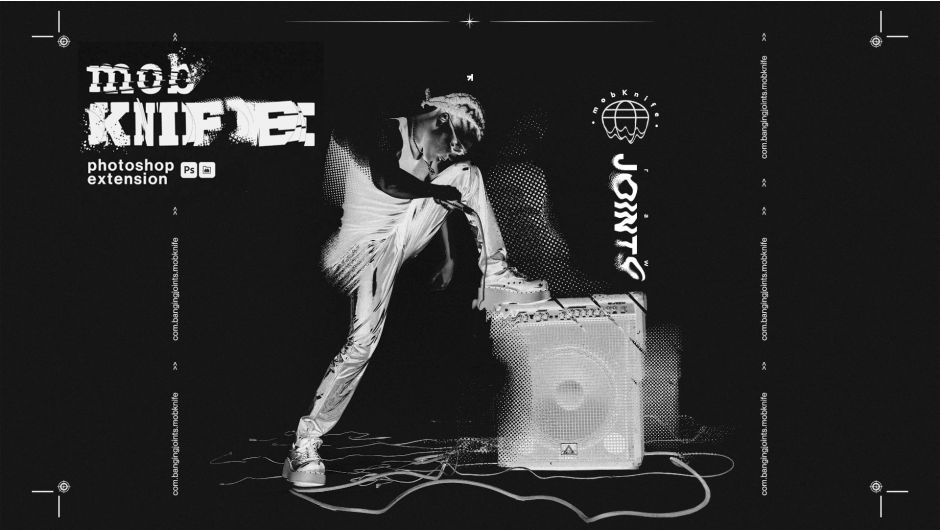
mobKnife Photoshop Plugin is for cutting and displacing images and rasterized type, using drawn paths, three cut modes, and interactive rendering.
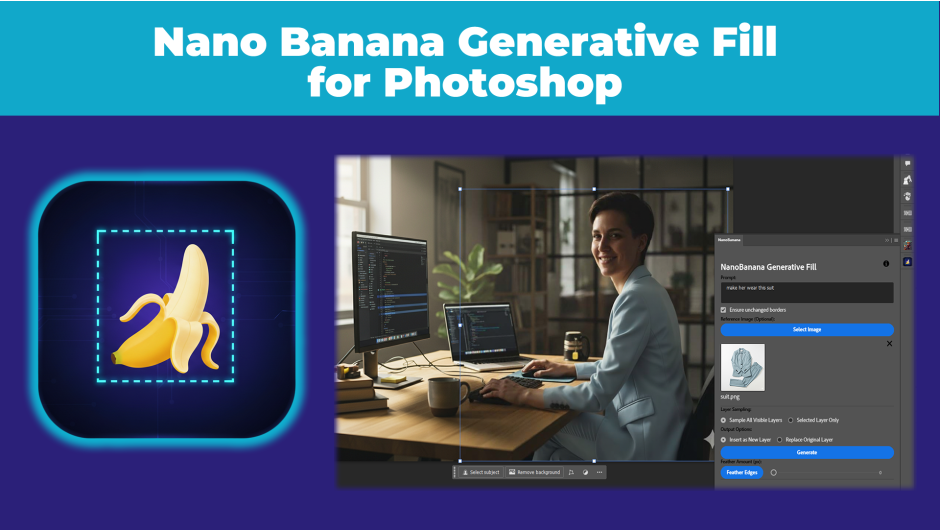
Nano Banana Generative Fill for Photoshop is an extension for image generation and editing with references and prompts. Check API access and version support.