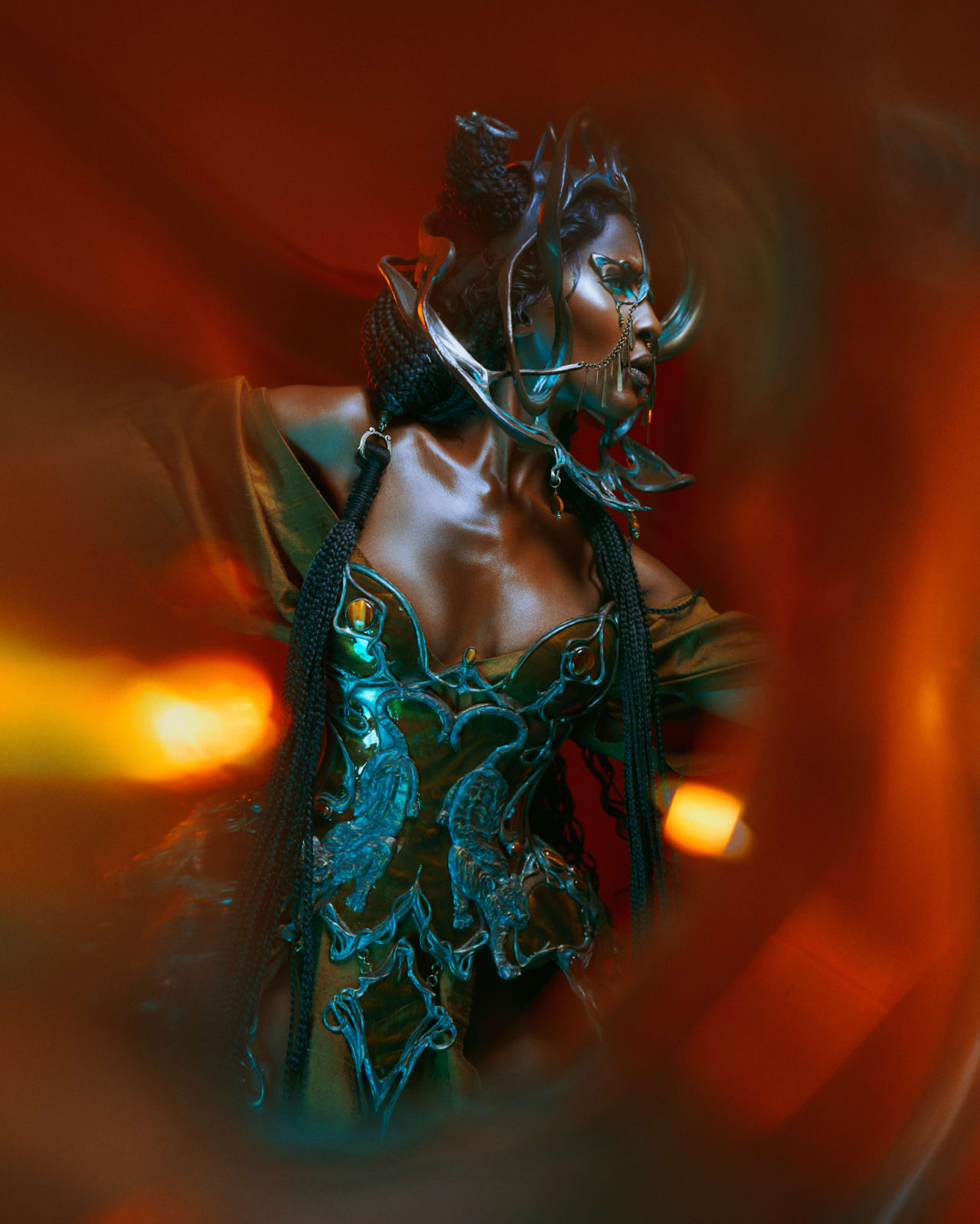
Boris FX Optics is a photo-effects application that runs as a plugin in Adobe Photoshop, Lightroom, Capture One, Affinity Photo and Apple Photos, or as a standalone app on macOS and Windows. It gives photographers and digital artists tools for film looks, lens effects, lighting, particles and selective masking. Version 2026.5 added support for Capture One, Affinity Photo and Apple Photos alongside Photoshop and Lightroom.
Effects for photographic work
The effects library covers several kinds of edits. Film Stock tools emulate film exposure and processing, with options for color correction, grain, glow and soft focus. Lighting effects include lens flares, light rays, gobos and light leaks. Boris FX also lists more than 600 film stocks and looks, 173 Sapphire lens-flare presets, over 800 gobo patterns and more than 1,700 particle presets.
Optics includes effects from the Sapphire collection and Continuum’s Beauty Studio. Its Particle Illusion category adds elements such as smoke, fire, water, sparkles and dust. The S_Grunge tools create textured backdrops from hand-painted stamps, while S_FilmBurn adds film-burn marks and light leaks.
Masking and targeted adjustments
Machine-learning tools can create object, face and depth-based masks for isolating an effect or making a local adjustment. In Optics 2026.5, Face ML adds separate nose and neck segmentation. Masks can be combined with blend modes, and Optics can exchange masks with Photoshop. Paint tools support painting, cloning and blurring, including use with Wacom tablets.
Color Mixer controls hue, saturation and luma channels with sliders. This can help adjust a selected color range without applying the same change to the whole image.
What changed in version 2026.5
The 2026.5 release added three plugin hosts: Capture One, Affinity Photo and Apple Photos. It also introduced new S_Grunge stamps, S_FilmBurn, handcrafted tintype and wet-plate borders, and a Color Mixer. Particle Illusion received new photographer-designed emitters, more than 30 additional presets, improved animation and camera controls, and updated frame-rate options for cinemagraph exports. See the Boris FX 2026.5 release announcement for the release details.
Compatibility and system requirements
- macOS: Monterey 12 or newer, with an Apple silicon or Intel Sandy Bridge-or-newer processor. Boris FX lists 8 GB RAM as the minimum and 16 GB or more as preferred.
- Windows: Windows 10 or 11 on an Intel x64 Sandy Bridge-or-newer processor, with 8 GB RAM minimum and 16 GB or more preferred. The published requirements call for a high-speed disk array or NVMe SSD.
- Machine-learning filters and masks: On Mac, these require an Apple silicon integrated GPU. On Windows, they require an NVIDIA GPU with compute capability 6.0 or higher (Pascal), or an AMD Radeon PRO Series GPU.
The Optics documentation lists supported host applications but does not give their version numbers in the supplied compatibility details. Check the Optics User Guide if you need to confirm support for a particular host release.
Standalone use and file limits
The standalone application does not open Photoshop PSD files. Boris FX lists JPG, PNG, RAW and TIFF as supported standalone formats. If your work depends on PSD documents, use Optics through Photoshop instead. The product page lists Optics features and system requirements.
Who may find it useful
Optics may suit photographers and digital artists who want lighting, film treatments, texture, particles and masking tools in one photo-effects package. Its host plugins keep the tools available inside supported editing applications; the standalone format limits matter if a workflow depends on PSD files. Hardware also matters for machine-learning masks, so check the GPU requirements before relying on those tools.