Adobe Fresco
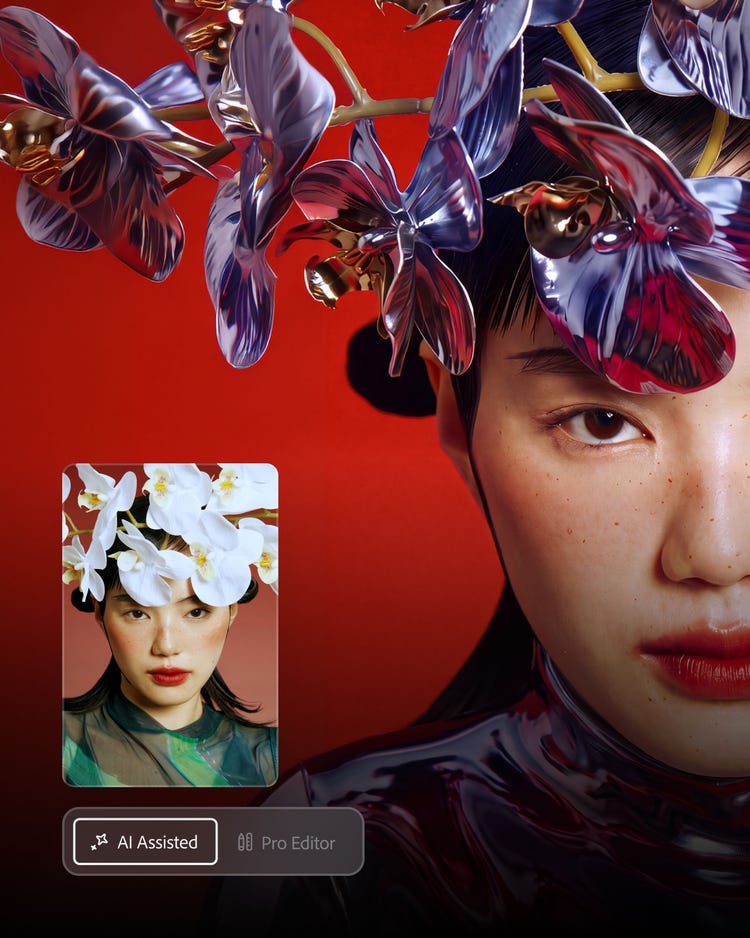
Adobe Fresco combines pixel, vector, and live brushes with animation and artwork export. Explore its drawing workflow and check device support.
Photo editing plugins and extensions. Check host application support and current installation requirements.
Adobe Fresco combines pixel, vector, and live brushes with animation and artwork export. Explore its drawing workflow and check device support.
Adobe Photoshop supports photo retouching, layered composites, illustration, and graphics. Review its AI tools, plans, credits, and desktop needs.
Explore AfterShot Pro's folder-based photo management, non-destructive RAW adjustments, batch processing, and export options to see if it fits your workflow.
PaintShop Pro is Corel's Windows photo editor for correction, RAW and HDR work, batch edits, and graphic design. Compare its editions and requirements.
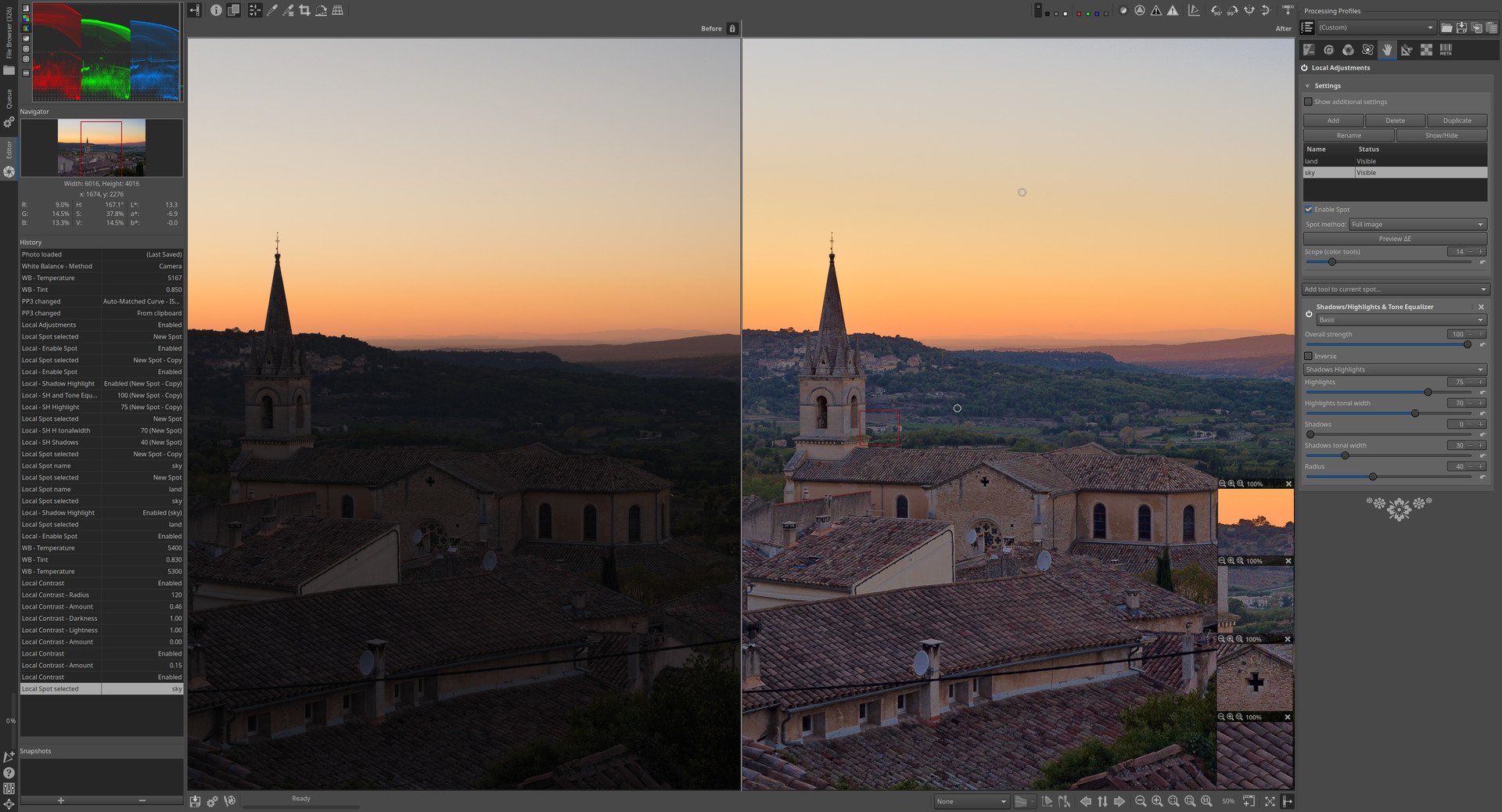
Develop camera raw files with RawTherapee, a free GPLv3 raw photo processor for Windows, macOS, and Linux. Review its tools and download options.