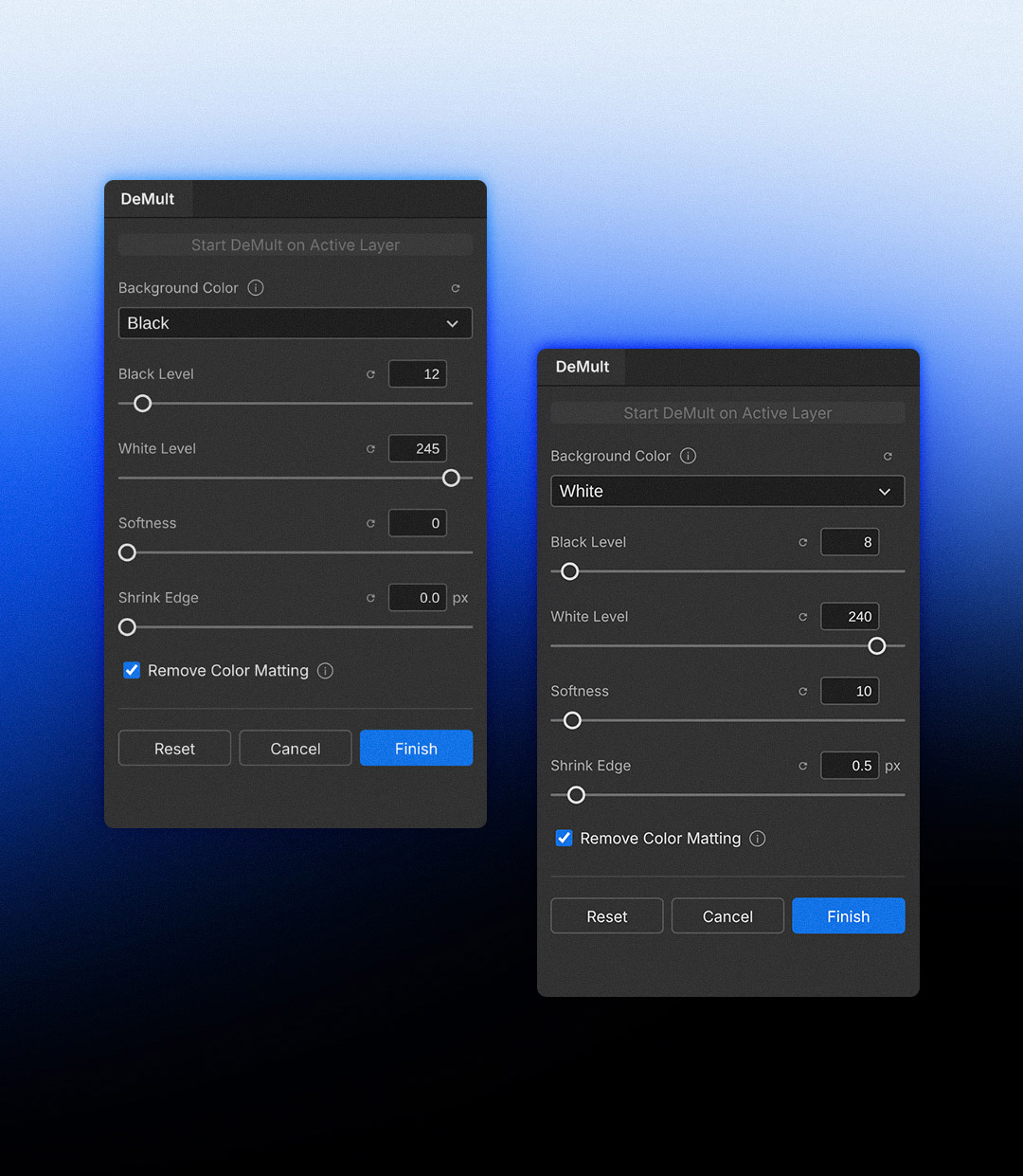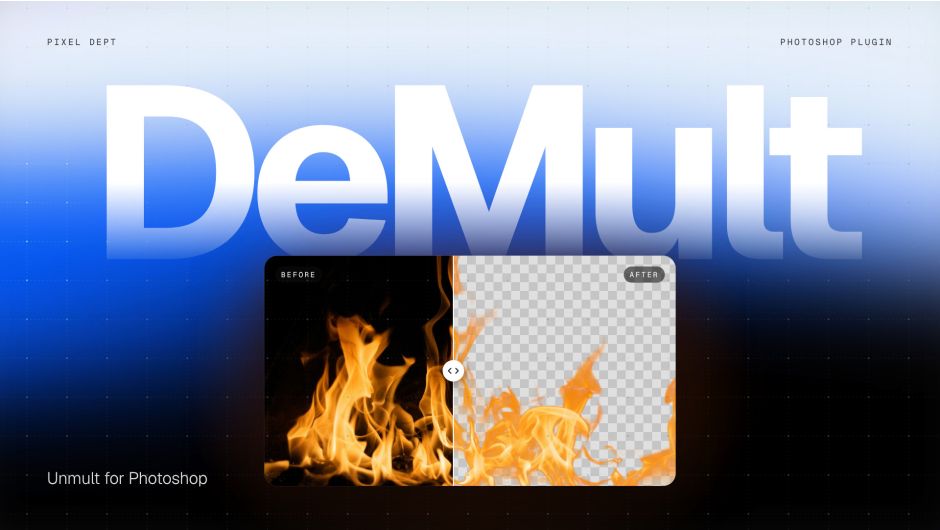
DeMult is a native Photoshop UXP panel that converts black or white backgrounds into transparency while restoring the foreground color of semi-transparent pixels. It is intended for soft effects such as smoke, fog, fire, sparks, glows, light leaks, lens flares, dust, particles, and water splashes, which can be difficult to cut out with selection tools. Leftover matte color can also leave dark or light fringes around them. The DeMult product listing includes compatibility details and a free trial.
How DeMult removes a matte
The panel turns the brightness of a black or white background into transparency, then recovers the foreground color in partially transparent pixels. This helps preserve soft detail when you place an element over a different color background, where leftover matte color could show along its edges. The product brings an Unmult-style workflow into Photoshop.
Where it fits in a Photoshop workflow
Use DeMult when an effect element is already on a black or white background and needs to sit over a new background in Photoshop. The product listing names posters, key art, and social graphics as examples. It describes the panel as a way to reduce work that might otherwise involve manual masking, Blend If, or several channel steps.
Its controls include Black Level, White Level, Softness, Shrink Edge, and Remove Color Matting. The panel also has Reset, Finish, and Cancel actions.