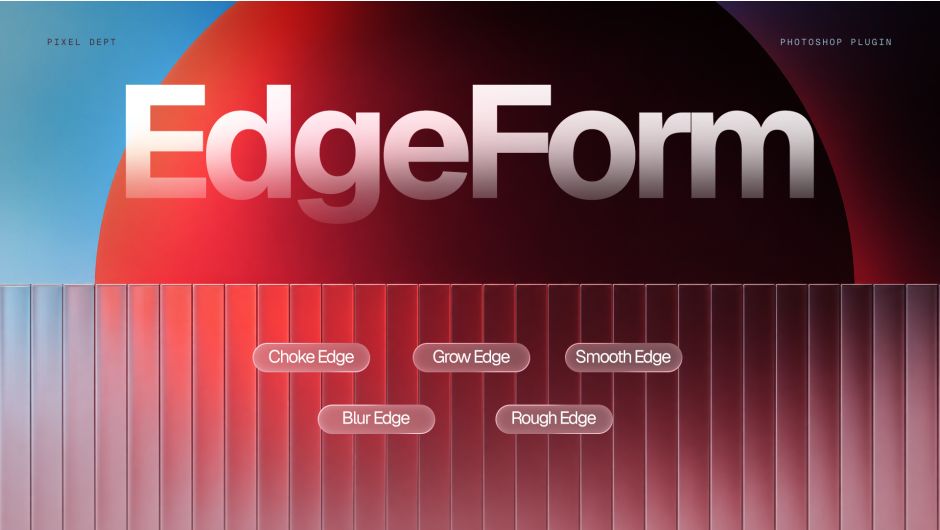
EdgeForm is a Photoshop plugin by pixel dept. for adjusting the edges of layers with transparency. Its live preview lets you clean up fringes around cutouts or change the outline of product shots, stickers, text and graphics.
The controls work on the layer edge, so routine adjustments do not require a selection or a chain of filters. EdgeForm offers five modes:
- Choke pulls the edge inward to reduce halos or leftover background. The product listing says one to three pixels is usually enough, and it allows numeric values beyond the slider range.
- Grow extends the edge using the object's outermost colors. Choose a solid or soft edge fill, with optional feathering.
- Smooth Edge reduces jagged outlines from quick selections or pixel masks. Adjust smoothness and edge sharpness; the listing advises keeping the setting low for hair and fine detail.
- Blur Edge softens the perimeter while keeping the center sharp. Blur level, depth and falloff control the effect.
- Rough Edges makes an outline uneven with six styles: Roughen, Rusty, Sandpaper, Spiky, Cut and Photocopy.
Preview changes before keeping them
Select a layer with transparency and choose “Start EdgeForm on Active Layer.” Pick a mode, then adjust its sliders or enter exact values while the layer updates in the preview. Choose Finish to keep the result or Cancel to restore the original layer. Locked layers are unlocked for the session, then their locks are restored.
Photoshop and system requirements
EdgeForm requires Photoshop 2023 (version 24.2) or later. It runs on Windows 10 or 11 and macOS, including Intel and Apple Silicon systems. The 10-day trial includes every feature and is installed through the aescripts + aeplugins Manager app. Check the EdgeForm product listing for current trial and compatibility details.