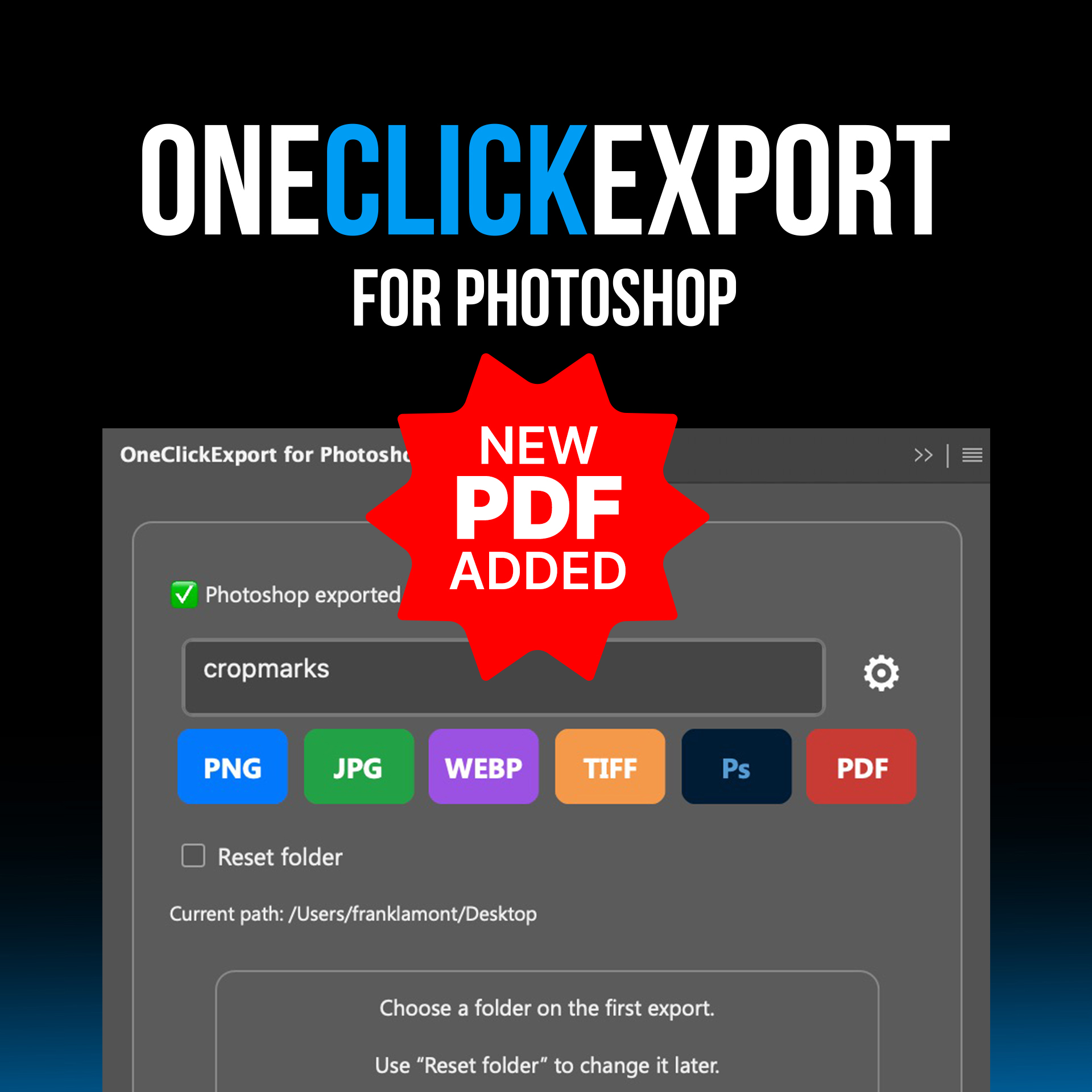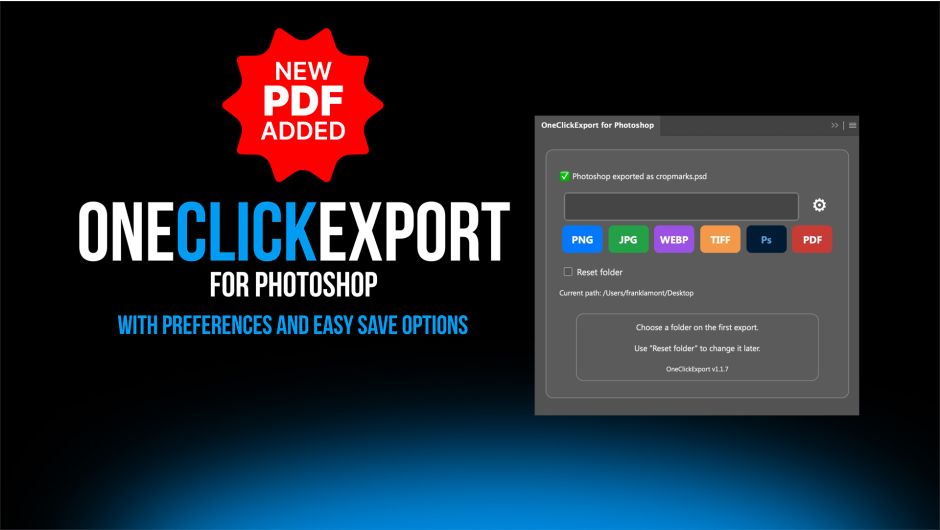
OneClickExport for Photoshop is a dockable panel by Frank Lamont for exporting the active Photoshop document with a single button. It remembers your preferred destination and export settings, so repeat exports take fewer trips through menus and dialogs. The listing names six main formats: PNG, JPG, WebP, TIFF, PSD, and PDF.
Export the active document from one panel
Choose a destination and set the options for the formats you use. The panel can show only the format buttons you want to keep available. Once configured, a click exports the current document using the saved destination and preferences. This suits recurring work where you already know the output you need and want to avoid reopening export menus for each file.
Six output formats
- PNG supports transparency and high-quality graphics.
- JPG produces compact, widely compatible images.
- WebP is available for modern web delivery.
- TIFF supports high-quality professional workflows.
- PSD export keeps layers.
- PDF export has Digital, Print, and Print with Marks options.
The product's version history also says Large Document Format was added in version 1.1.8. Since the overview lists six formats separately, check the current panel or product listing if Large Document Format is important to your workflow.
Adjust export settings and existing files
OneClickExport lets you choose which format buttons appear and adjust JPG and WebP quality, PNG compression, and TIFF preferences. For a file that already exists, you can choose automatic overwrite or have the plugin save a numbered version. It also remembers your destination and export settings, which helps keep repeated output consistent.
Photoshop compatibility and price
The listing names Photoshop 2022, 2023, 2024, 2025, and 2026 as compatible. Its version history lists release 1.1.9, dated October 8, 2026, with a fix for the naming field jumping to the top of the interface on first install. A free trial is available. When checked on November 22, 2026, the aescripts listing showed a $29.99 price and a 25% discount at checkout. Floating licenses require a Floating License Server. The product page's checkout flow displayed it as a required $99.99 add-on on November 22, 2026; confirm the selected license type and full checkout total before ordering. Check the OneClickExport for Photoshop product page for current price, trial, and license details.
Who may find it useful
The panel may fit Photoshop users who repeatedly export active documents in several formats or rely on consistent destination and file-handling settings. The product description focuses on one-click export of the active document. If batch processing or another specific workflow is essential, check that requirement against the current product details before purchasing.