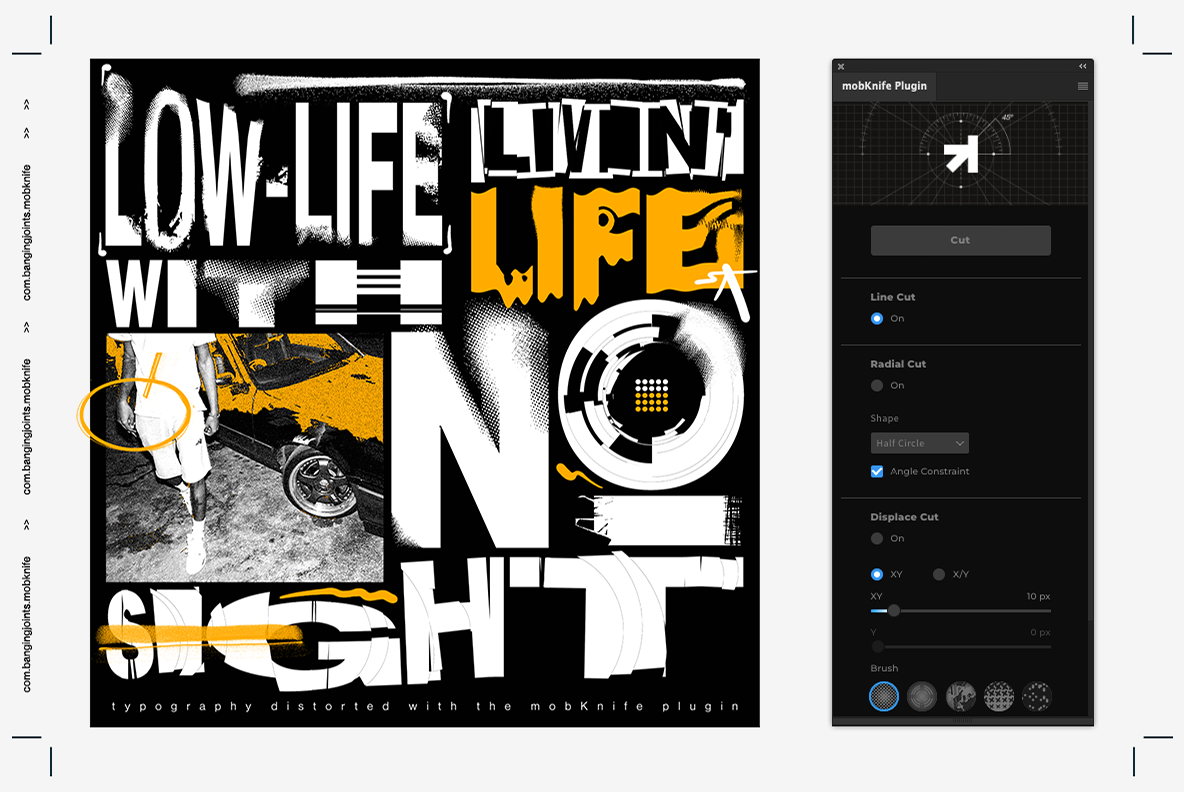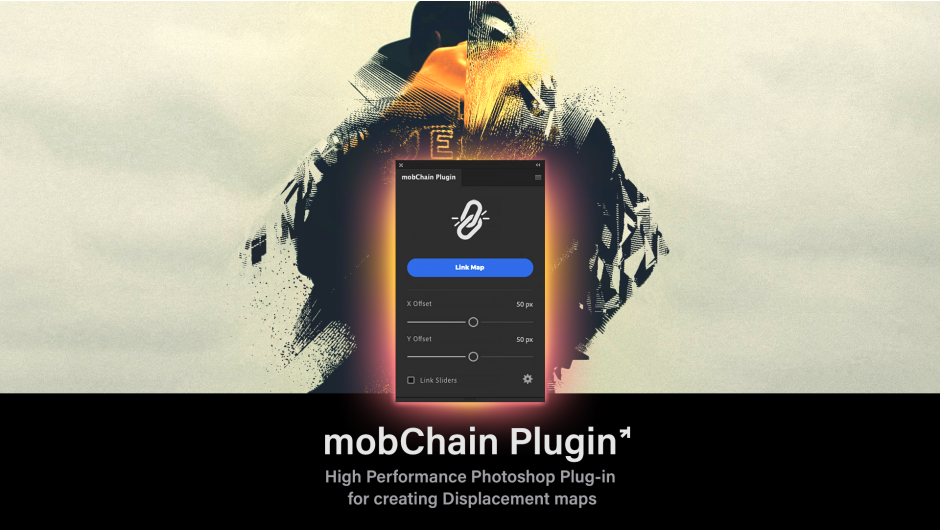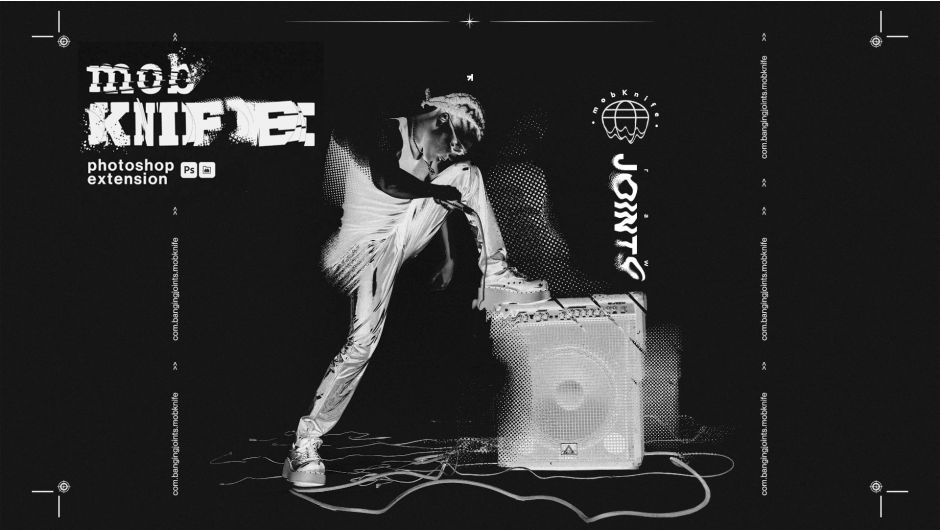
mobKnife Photoshop Plugin by bangingjoints creates cuts and displacement effects in images and typography. Users draw cut paths with Photoshop’s Line Tool; interactive rotation, scale and displacement effects create image and typography distortions.
Cut artwork along drawn paths
Draw a path with the Line Tool and mobKnife cuts or divides objects along it. The plugin has three cut modes: Line Cut, Radial Cut and Displace Cut. You can combine the modes with hand-drawn line paths, then use Interactive Render to see cuts and displacements based on the cutlines.
Displace images and rasterized type
The product listing describes displacement effects for photos, logos and rasterized text. It includes ten displace brush maps. The listing also identifies layouts, concepts and kinetic typography as uses for the plugin. For text effects, it specifically names rasterized text.
Adjust the result after rendering
Version 2.0 added dynamic slider controls for changing the offset after rendering. The version history lists 2.2, dated February 2, 2025, as its latest entry and notes a displacement map fix.