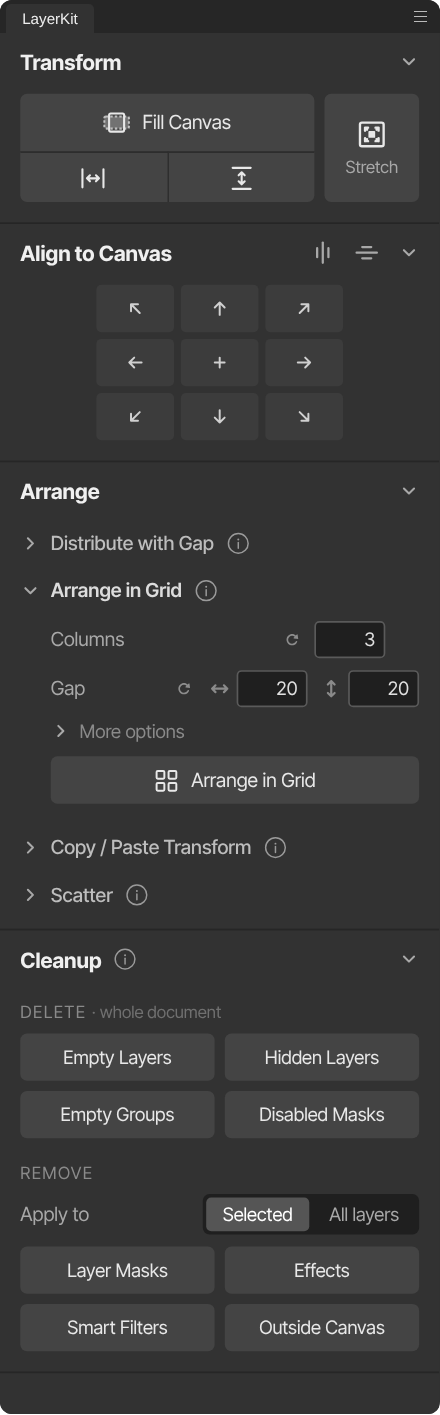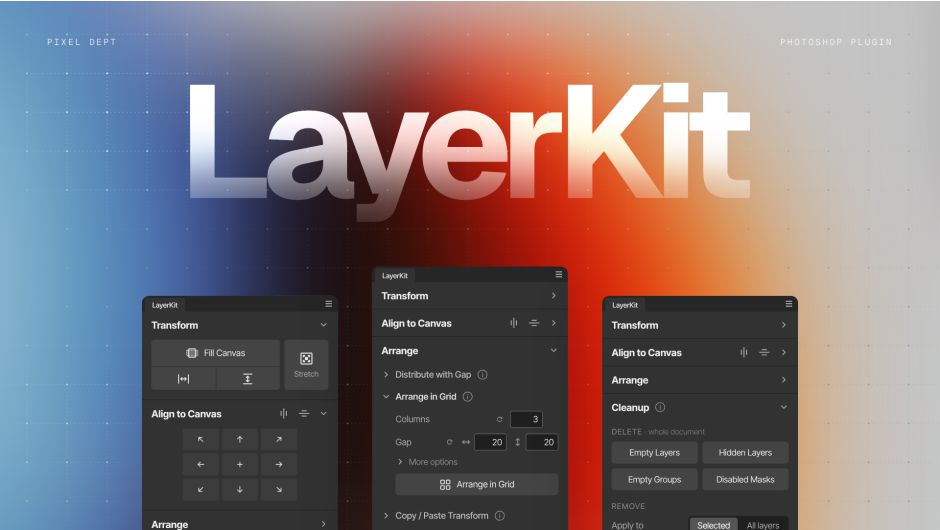
LayerKit is a Photoshop panel for recurring layer tasks: fitting layers to the canvas, aligning and spacing selections, arranging grids, reusing transforms, scattering elements and cleaning up a document. Select one or more layers, choose a command, and LayerKit applies it to each selected layer individually.
Place and distribute layers
Transform tools offer several ways to fit a layer to the canvas. Fill Canvas preserves proportions and chooses whether to fit by width or height so the layer covers the canvas. Fit Width and Fit Height match one side; Stretch matches the canvas dimensions exactly.
Align to Canvas places selected layers in one of nine positions, from corners and edges to the center. Distribute with Gap lines layers up horizontally or vertically with a specified space between their edges. The first layer stays in place, and a negative gap makes the layers overlap.
Arrange in Grid uses cells sized to the largest selected layer. Set the number of columns and the gap, choose an order based on the Layers panel or position, then place the grid using Keep, Center or Fit to the canvas.
Reuse transforms and try variations
Copy / Paste Transform stores a layer's size and position, then applies the chosen properties to selected layers. You can choose Position, Size and Keep proportions, and use the command in the same document or another one.
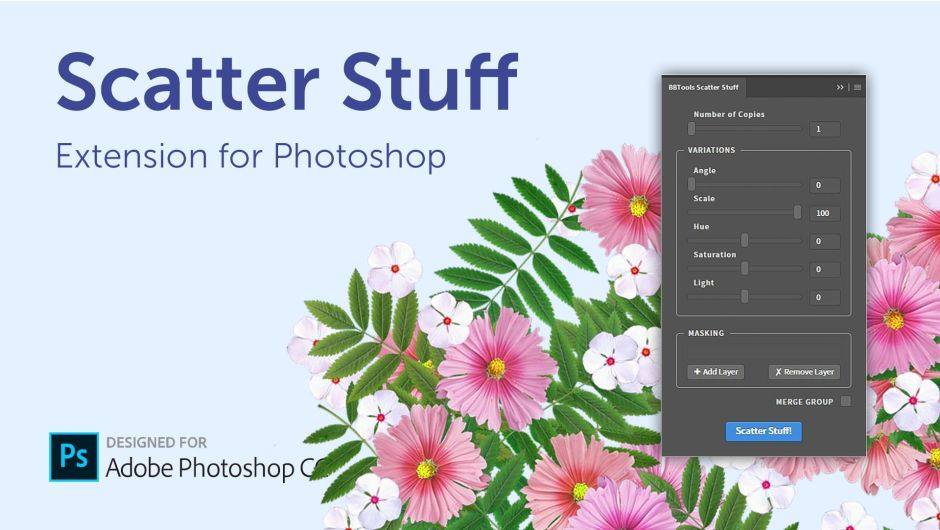
Scatter randomly changes the selected layers' position, rotation, scale and opacity within ranges you set. Choose Around to keep variations near each layer's current spot or Canvas to place them anywhere on the canvas. Reset returns the layers to their previous state.
Clean up and adjust the panel
Cleanup can delete empty or hidden layers, empty groups and disabled masks. It can also remove layer masks, effects, smart filters and content outside the canvas. Apply cleanup to selected layers or all layers.
The panel has four sections that open and close; Solo Mode keeps one section open at a time. Settings accept typed values, label dragging or mouse-wheel input, with a reset for each setting. Short explanations sit behind the information icons, and the panel follows Photoshop's light or dark interface theme.
Requirements, installation and pricing
The listing states a minimum requirement of Photoshop 2023 (v24.2) or later on Windows 10 or 11, or macOS, with Intel and Apple Silicon support. Its compatibility list names Photoshop 2025, 2026 and 2027. LayerKit is installed through the aescripts + aeplugins Manager App. See the LayerKit listing from pixel dept. for current details and support.
LayerKit uses name-your-own-price terms. The listing says individual users may pay any amount, including $0; it displays $12 as a suggested price. Businesses and teams must pay the suggested amount for a valid license. The author says their entire share from LayerKit payments goes to the Charity Foundation Family of Christ.