OMNIX Translator for Photoshop
OMNIX Translator for Photoshop translates text layers with DeepL, ChatGPT or local AI, then auto-fits and batch exports language versions. Check compatibility.
Published software and plugin guides for Adobe Photoshop. Page 2 of 2.
Read the software guideOMNIX Translator for Photoshop translates text layers with DeepL, ChatGPT or local AI, then auto-fits and batch exports language versions. Check compatibility.
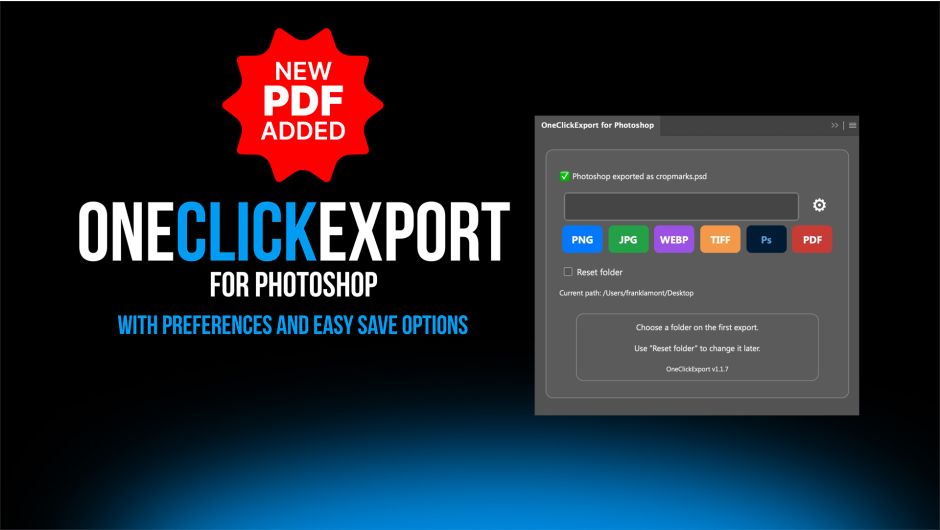
OneClickExport for Photoshop exports PNG, JPG, WebP, TIFF, layered PSD, and PDF from a dockable panel. Review its controls, compatibility, and free trial.
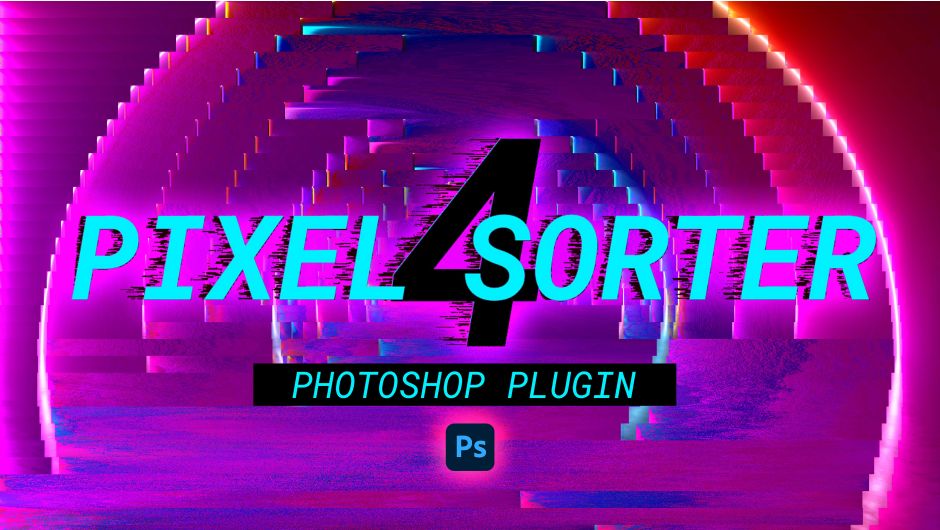
Pixel Sorter 4 for Photoshop is an interactive panel for pixel-sorting image layers, with Simple and Advanced controls and a free trial.
PostProduction Master for Photoshop builds and updates architectural visualization projects from render elements, with templates and 24 Photoshop tools.
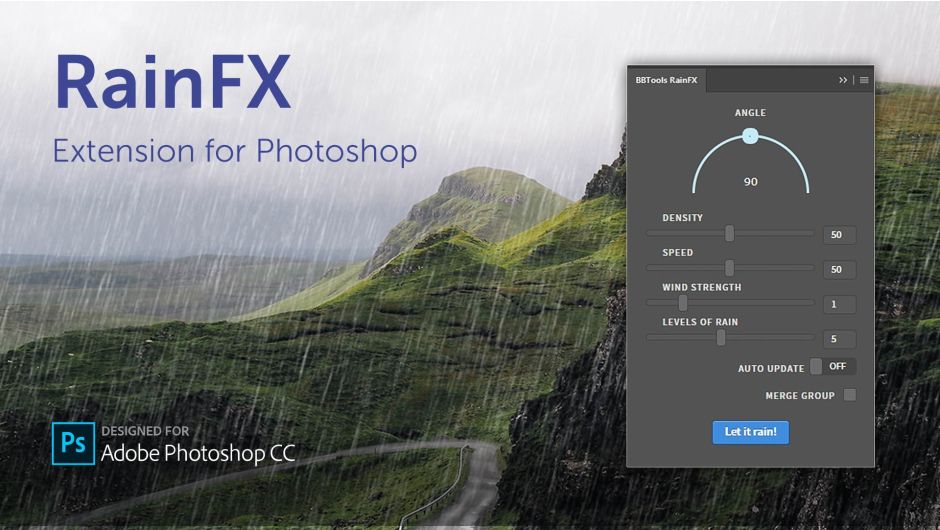
RainFX Photoshop Extension is a Photoshop panel for tuning rain direction, density, speed, wind and depth, with versions listed for compatibility.
ReName Ninja for Photoshop is a UXP plugin for batch renaming, numbering, text replacement, and cleanup. Check Photoshop compatibility.
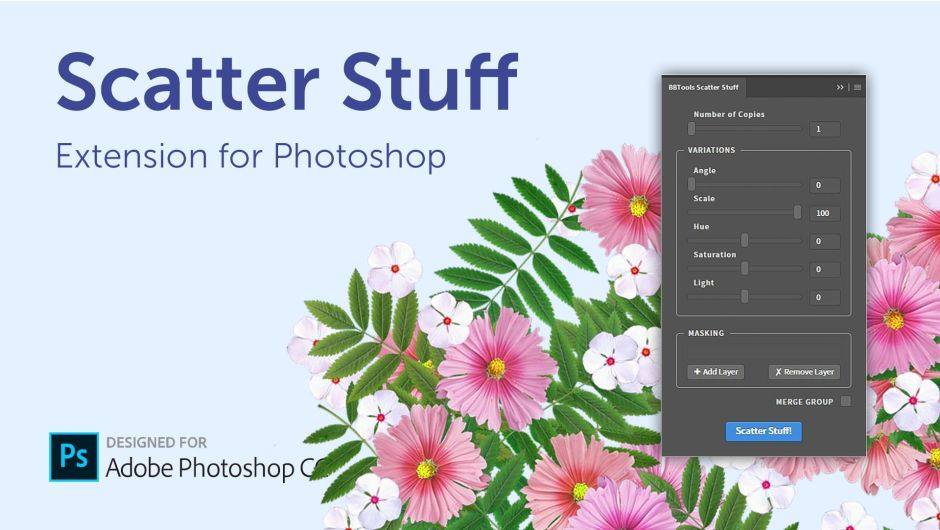
Scatter Stuff Photoshop Extension scatters text, smart objects or regular layers across a document, selection or mask. Check its controls and listed versions.
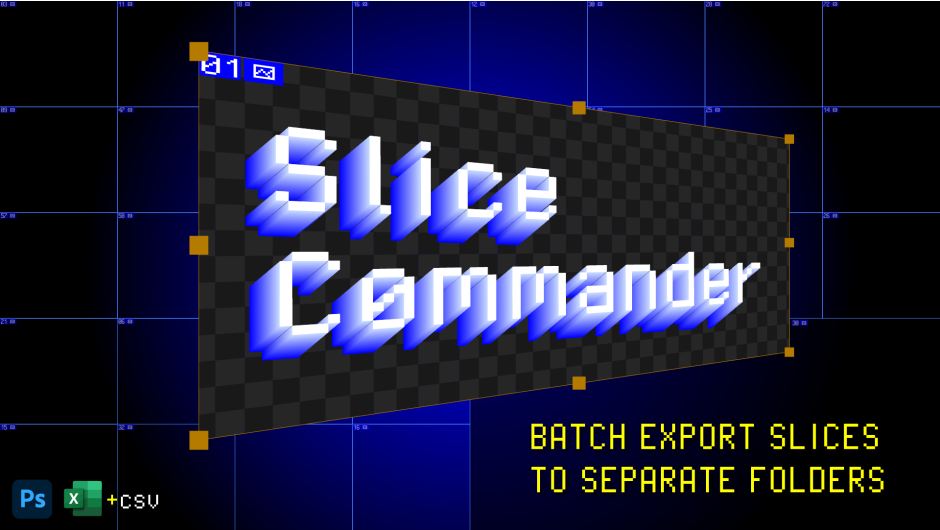
Batch-export Photoshop slices to separate folders. Set destinations with a CSV or Excel map, and assign individual output paths, scales, and formats.
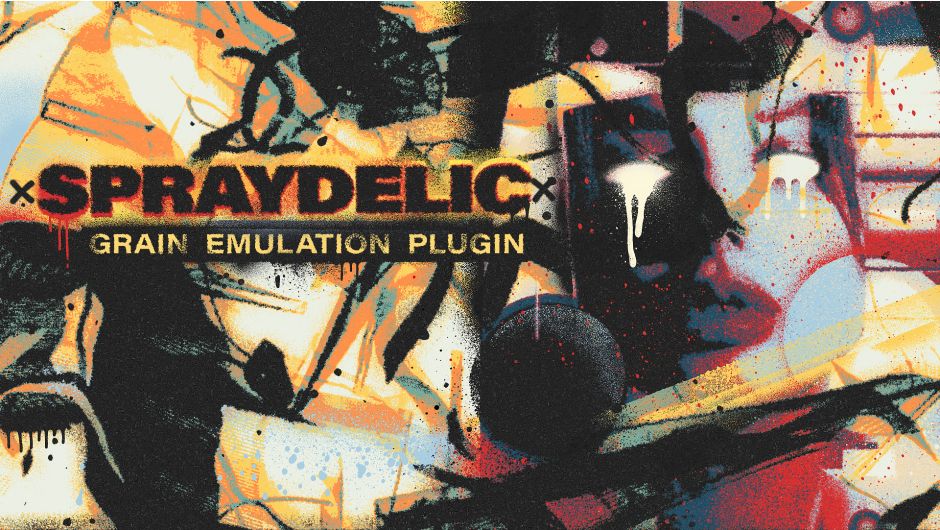
Explore the Spraydelic Photoshop Plugin's grain, spray and stencil effects, split-zone controls, 200 spray assets and palette tools. Check the requirements.
Create slit-scan and pixel-stretch collages in Photoshop. StretchMatic adds interactive rendering, custom stretch directions, and image and text layer support.
Create editable per-line or unified shapes behind Photoshop text with adjustable padding, styles and presets. Check trial and compatibility details.
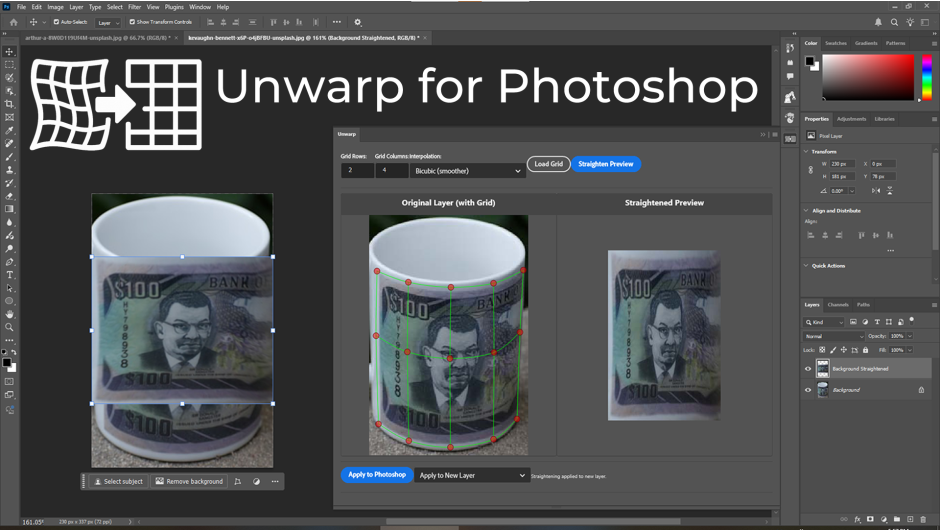
Unwarp for Photoshop uses an adjustable grid to straighten curved images, with 8-, 16- and 32-bit support and bilinear or bicubic interpolation.
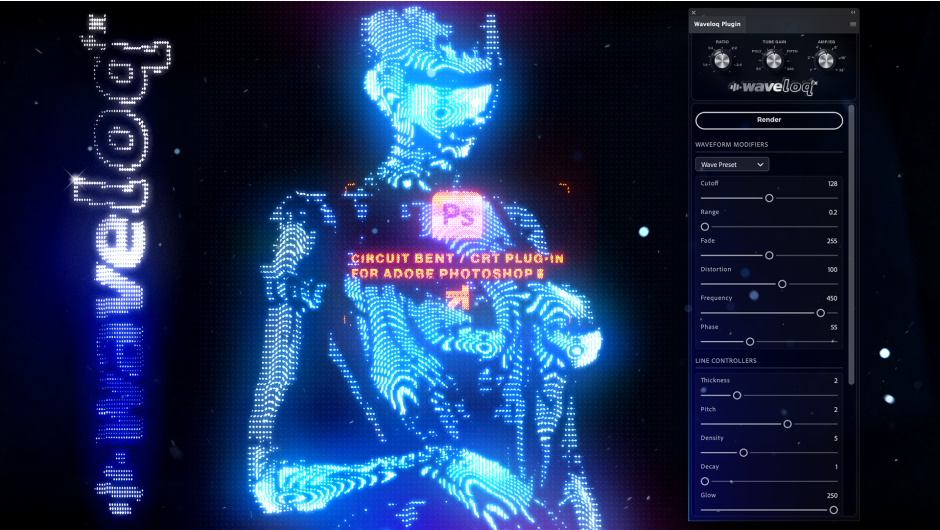
Create circuit-bent and CRT-style glitch effects in Photoshop with Waveloq’s 9 presets and 16 adjustable parameters. Requires Photoshop 24.2.0+.