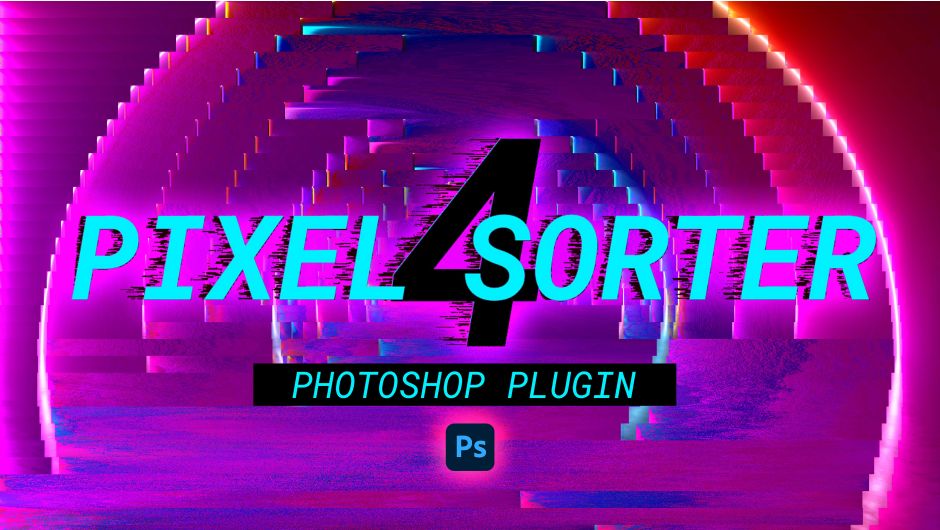
Pixel Sorter 4 for Photoshop is a Photoshop-only panel for applying pixel-sorting effects to image layers. It finds runs of pixels along a direction when a value such as luminosity or saturation falls within selected thresholds, then reorders the pixels in each run. The result can turn parts of an image into directional streaks and glitch textures for artwork, composites, or styleframes. The product listing describes this edition as an interactive Photoshop adaptation of Pixel Sorter.
How pixel sorting works
The effect uses a trigger value to decide where strips begin and end. Luminosity is the default, with channel values, minimum, maximum, saturation, and hue also available. The Sort by control determines how pixels are ordered within each strip: the documentation describes brightness sorting as producing smoother tonal ramps and hue sorting as producing rainbow bands. Adjusting the threshold range changes which parts of the image contribute to the streaks.
Controls for shaping the effect
Simple mode exposes Threshold, Shadows / Highlights, and Angle. Threshold selects the value range to sort; Shadows / Highlights determines whether the effect works inside or outside that range. Angle sets the sorting direction, with 0° horizontal and 90° vertical.
Advanced mode adds controls for stretching, Pop, Blur, block dimensions, noise, and output. Stretch lengthens the pixel strips, Pop boosts their saturation, brightness, and contrast, and Blur smooths pixels along each strip. Block Width and Block Height create a tiled look, while noise can break strips at irregular points. Lowering Resolution produces chunkier, pixel-art strips; Preserve alpha keeps the layer's original transparency.
Photoshop requirements and installation
Pixel Sorter Studio's documentation says to open the .ccx file so Creative Cloud can install it, restart Photoshop, then launch it from Plugins > Pixel Sorter 4. The documentation lists Photoshop 2023 (version 24.2 or later) and macOS on Intel or Apple silicon, or 64-bit Windows. The aescripts compatibility list names Photoshop 2024, 2025, 2026, and 2027. The plugin runs on the CPU with multithreading.
Who it suits
This panel fits image makers who want to shape pixel-sorting distortions inside Photoshop, including designers building glitch artwork or styleframes. The listing is specifically for the Photoshop version; Pixel Sorter Studio also has a separate video plugin for other editing workflows. The product page provides a free trial for checking the panel and its controls.