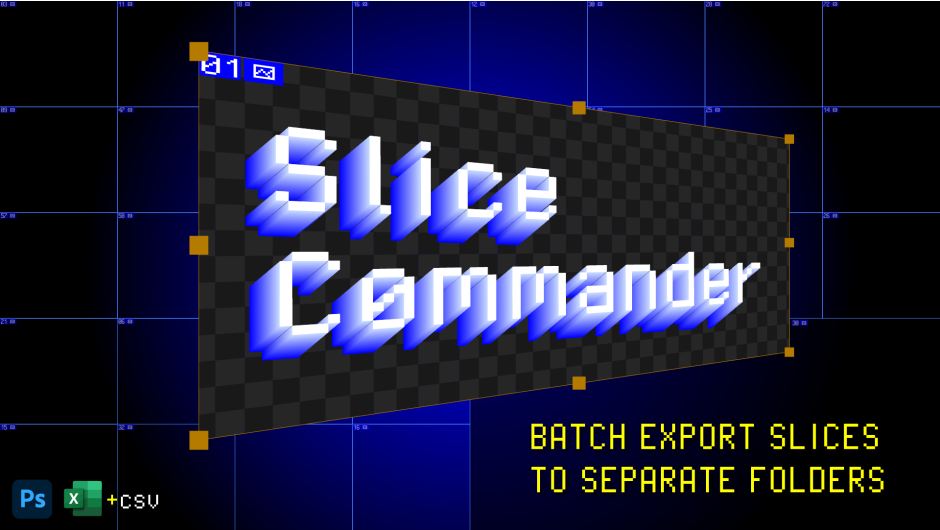
Slice Commander is a Photoshop plugin for batch-exporting existing slices to separate folders. It is aimed at workflows such as game development, localization, and e-commerce, where a document may contain UI icons, HUD assets, translatable graphics, or product shots that need different destinations.
Assign destinations to individual slices
The plugin scans a Photoshop document and creates a named deck for each slice. You can set an export path, scale, and format for each one, then export them together. The product listing describes routing 40 slices to 40 different folders in one batch, which can save manual sorting when assets belong to separate project directories.
Use a map file for repeated export patterns
For recurring jobs, Slice Commander can read a map file in Excel (.xlsx) or CSV format. The file uses two columns: the slice name and its relative export path. The plugin matches names in the document and assigns the corresponding destinations. For example, a map can send “siren” to “Project/characters” and “ship” to “Project/props.” The listing notes that CSV files can be created in Google Sheets or as plain text.
Photoshop compatibility and tutorial
The product listing specifies compatibility with Photoshop 2024, 2025, 2026, and 2027. Its tutorial video covers the introduction, maps, export, and settings. A free trial and sample files are listed on the Slice Commander product page, so you can try the workflow with the included examples.