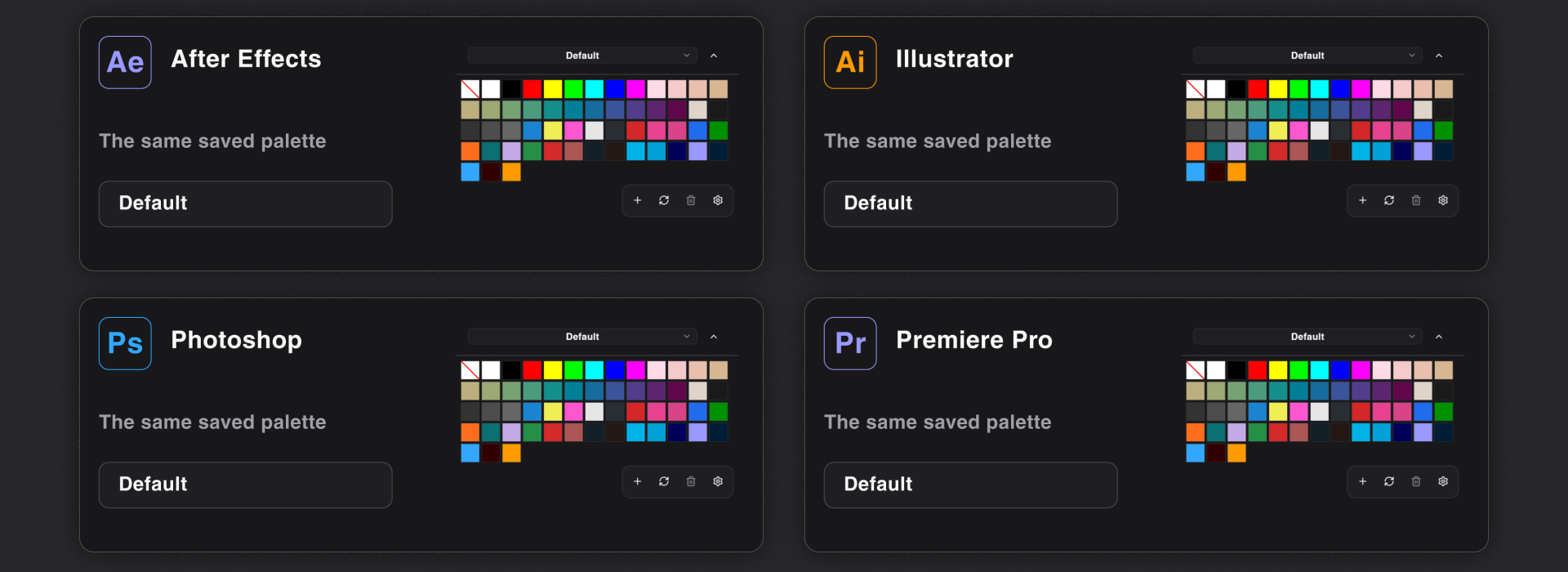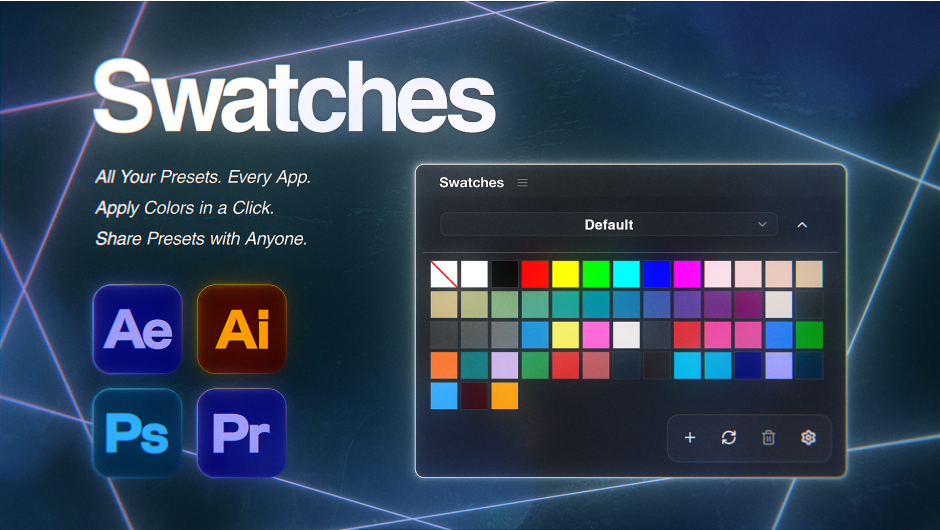
Swatches by HanaYuki is a color palette management panel for After Effects, Illustrator, Photoshop and Premiere Pro. It keeps project palettes, brand colors and other reusable colors in presets you can view and edit in one panel. One-click color application is available in After Effects, Illustrator and Photoshop; Premiere Pro supports palette management and editing.
Organize palettes by project
Swatches displays colors in a visual grid so you can compare them at a glance and arrange swatches by dragging them. Keep different projects in separate presets, then switch between presets as your work changes. The panel can be adjusted to suit a tight workspace: change the interface scale and swatch size, choose a light, dark or host-based theme, or collapse the preset selector.
Apply colors in supported apps
In After Effects, Illustrator and Photoshop, click a swatch to apply it as a fill. Shift-click applies it as a stroke. In After Effects, Alt-click applies the color as a fill effect. Premiere Pro has palette management and color editing, but click-to-apply is unavailable there.
Applied colors are snapshots. If you edit a swatch later, artwork already colored with it does not change automatically; reapply the updated swatch to change that artwork. Color appearance can also vary with the host application, selected target and document color space.
Edit colors and share presets
Swatches lets you edit colors using RGB, CMYK, OKLAB or OKLCH, review their values and copy HEX values. It keeps the original source color alongside its display preview, which helps when refining a palette and checking how a color is represented in the panel.
Export selected presets as JSON for backup, sharing or use on another workstation. Before importing, you can preview the palettes and resolve preset names that match existing ones. This gives collaborators a shared starting palette while leaving each person’s artwork and project files in their own applications.
Compatibility and recent version
The product listing shows support for After Effects, Illustrator and Premiere Pro versions 2021 through 2027, and Photoshop versions 2022 through 2027. The minimum application versions are After Effects 2021 (18.4), Premiere Pro 2021 (15.4), Illustrator 2021 (25.3) and Photoshop 2022 (23.0). Earlier point releases within those year versions are not supported.
The listing identifies version 1.0.6, dated November 14, 2026. Its release notes include an Illustrator fix for applying fill and stroke colors to objects inside certain compound paths. Version 1.0.5, dated October 29, 2026, fixed an After Effects issue where applying a swatch to a shape layer with multiple groups updated only the first fill; it now updates all solid fills, including those in nested groups. Check HanaYuki’s product listing for current compatibility and release details.