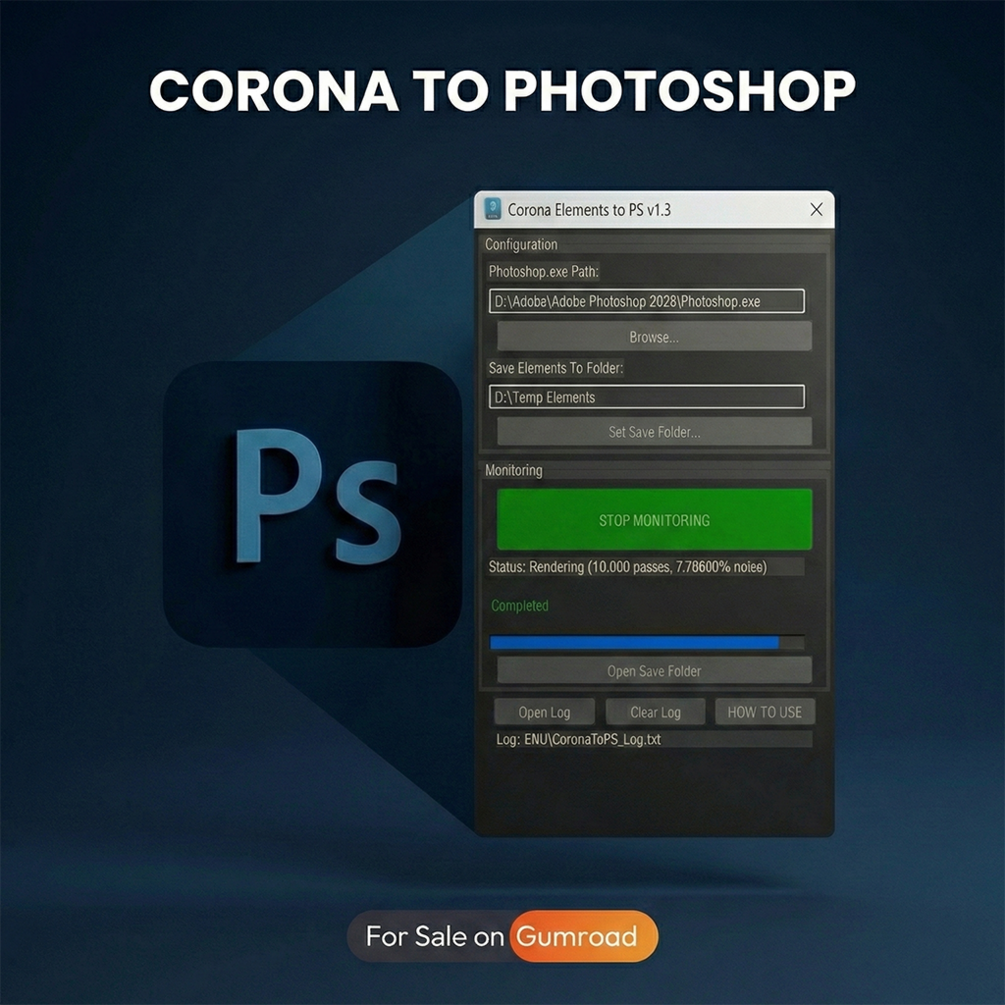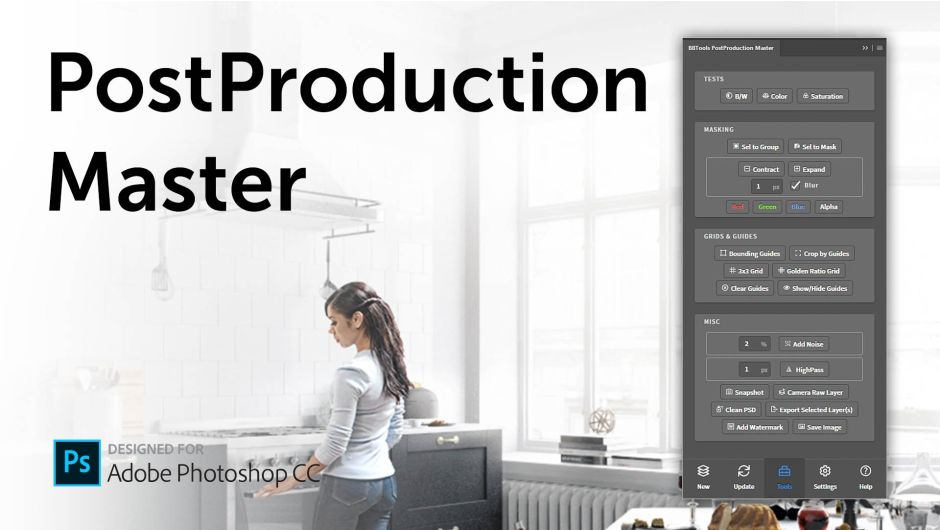
PostProduction Master for Photoshop is an extension for architectural visualization post-production in Photoshop. It helps assemble render elements into a project, refresh them after a new render, and handle common layer and image tasks through a built-in set of 24 tools.
Build a project from render elements
In the New tab, you can browse for render elements and stack them in Photoshop. The extension can sort elements into Masks and Channels groups, a workflow the product listing says supports V-Ray and Corona. For a new project, choose an existing template or create and name one. You can convert the image to 8-bit or leave its rendered bit depth unchanged, then choose where to save the project. New projects are saved as PSB files.
Update an existing project
When you have new render elements, browse for them in the Update tab. You can match their dimensions and bit depth to the existing project, then use Update All Render Elements to replace the render elements in one action. The listing says this update workflow supports V-Ray and Corona.
Tools for masks, guides, and finishing
The tools cover several common Photoshop tasks. Selection commands can turn an active selection into a layer group or create or replace a layer mask. Contract and Expand adjust a mask by a specified pixel amount, with optional blur. For MultiMatte render elements, separate tools select the red, green, or blue channel. The Alpha tool selects white areas from an alpha render element saved in a format such as TIFF that does not support transparency by default.
Guide tools can mark the image or current selection, crop to a rectangle defined by exactly four guides, and create rule-of-thirds or golden-ratio grids. For finishing, Add Noise creates an Overlay layer for subtle texture or color banding, while HighPass adds an Overlay layer for sharpening the selected layer. Snapshot merges visible layers into a new layer at the top of the stack; Camera Raw Layer creates a smart object named CAMERA_RAW. Other tools clean up PSD layer groups, export selected layers as separate files, and save an image in a specified format.
Who it suits and what to check
The strongest fit is a Photoshop workflow that assembles or refreshes architectural visualization render elements. The product also includes general layer-mask, guide, texture, sharpening, and export tools.
The compatibility section lists Photoshop 2020, 2021, 2022, 2023, and 2024. The visible version history records version 1.1.8 on June 11, 2024; it does not confirm whether a later release or support for newer Photoshop versions is available. Check the product listing for current compatibility, release, tutorial, and support details before installing.