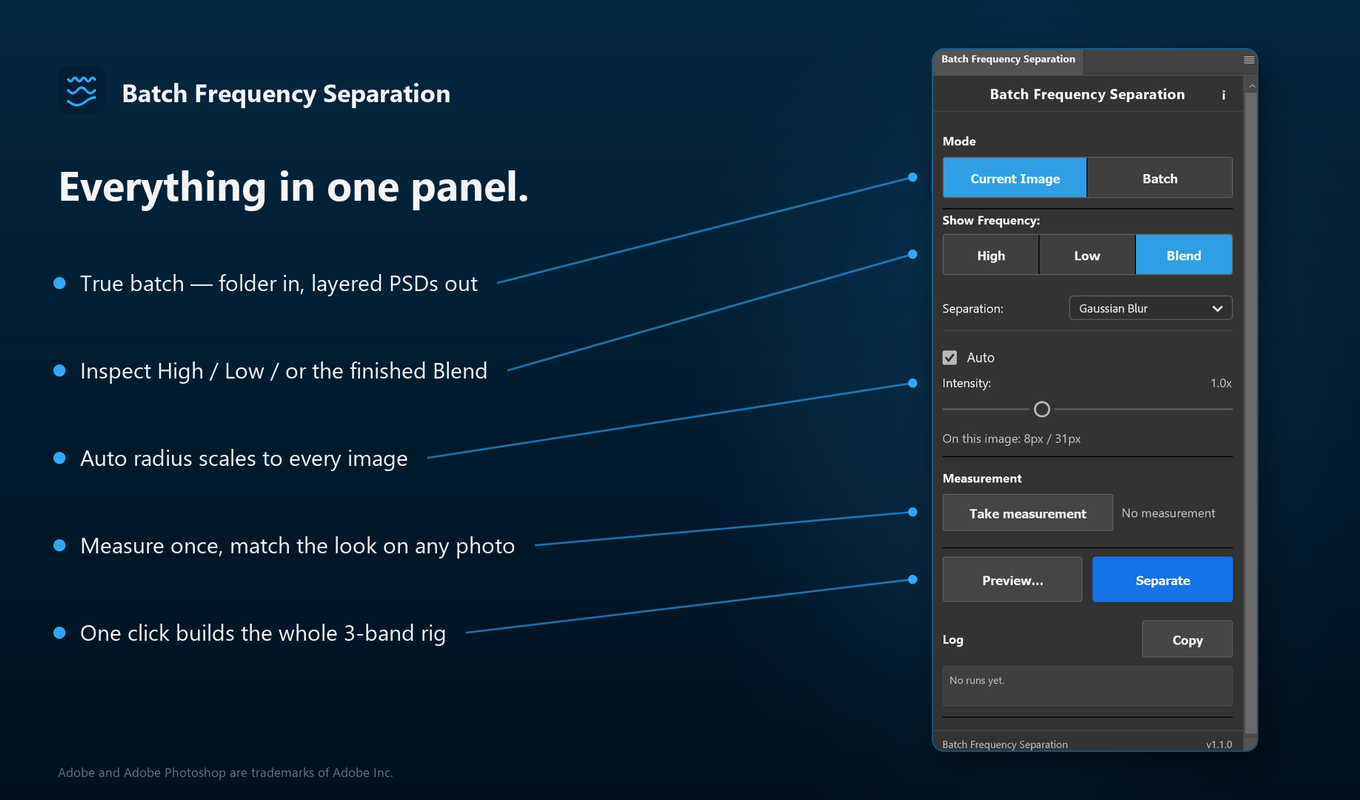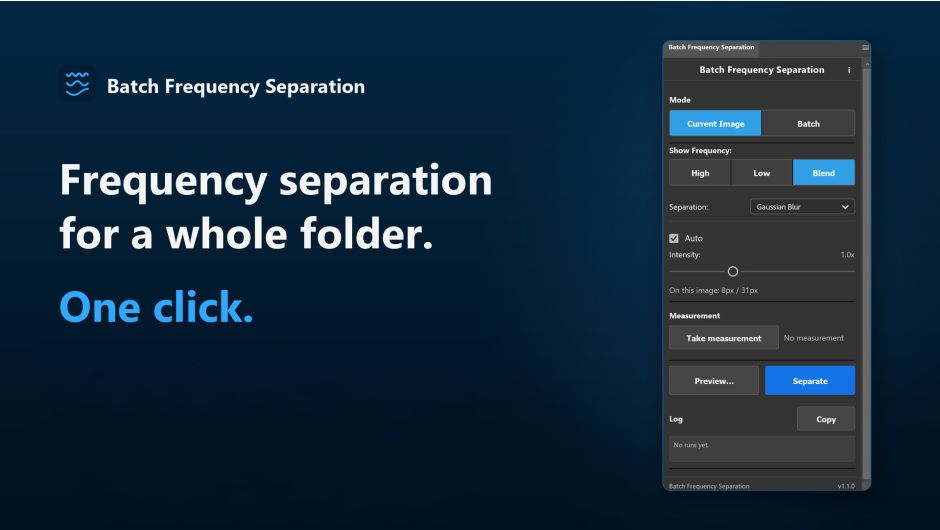
Batch Frequency Separation is a Photoshop plugin for retouchers who want a consistent layer setup across a series of images. A single command builds the retouching rig, while batch mode processes a folder into layered PSDs. The original image stays untouched at the bottom of the stack.
Build a ready-to-paint retouching rig
The rig includes High, Mid, and Low frequency layers, along with Dodge & Burn and Frequency Retouch layers. The publisher describes its three-band separation as mathematically exact: the Blend view matches the original image until you begin retouching.
Process a folder into layered PSDs
Choose input and output folders to create a layered PSD for each photo. The plugin names and saves the files, with the full rig built for retouching. The publisher lists no file-count cap, making the batch workflow suited to photographers working through dozens of wedding, school, studio, or e-commerce images.
Preview bands and adjust the separation
Live Split View lets you compare a frequency band with the finished image. Switch between High, Low, and Blend, adjust intensity, and choose Gaussian, Median, or Surface Blur. Auto radius scales to image resolution; the manual option lets you measure once and reproduce the same look on photos of any size.
During preview, Cancel restores the file as it was. After creating the rig, one undo removes it. The plugin also supports healing directly on a frequency layer with Photoshop's Remove Tool.
Photoshop requirements
Batch Frequency Separation requires Adobe Photoshop 24.2 or newer and runs on Windows and macOS. Median and Surface Blur require an 8-bit or 16-bit RGB image; 32-bit images are not supported for those filters. Installation and licensing use the aescripts + aeplugins Manager app, with ZXP/UXP Installer also supported. The publisher's product page lists a free trial and the current product details.