BBTools Tiler 5 is a Photoshop plugin for turning a source image into a tile grid or a seamless texture. It is aimed at 3D artists, game developers, texture designers, digital painters, and graphic artists who build repeating surface patterns.
Shape and arrange a texture grid
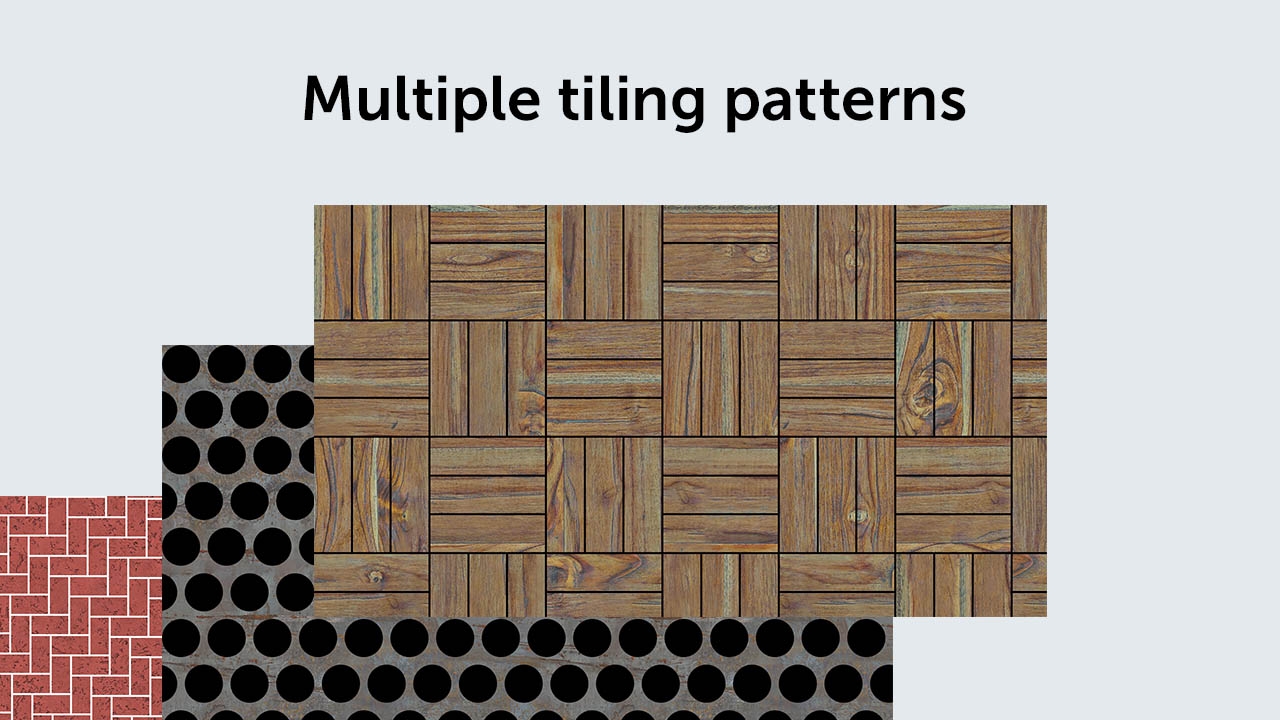
In the Make Tiles workflow, choose rectangular or elliptical tiles and a grid pattern such as bricks or ceramic tiles. Set tile width, height, gaps, and other aspects, then switch between grid patterns while working from a single seamless texture. You can use your own texture or browse the Texture Library, which contains hundreds of curated options. Library textures can be filtered by source or seamless type and inserted as editable Smart Objects in Photoshop.
Vary the surface
Per-tile randomization can give each tile its own Hue, Saturation, and Lightness values, adding variation across a grid. Texture Scale, Rotate Texture, and Reduce Repetition controls provide more ways to adjust the source texture and its pattern.
Create seamless textures or fill a canvas
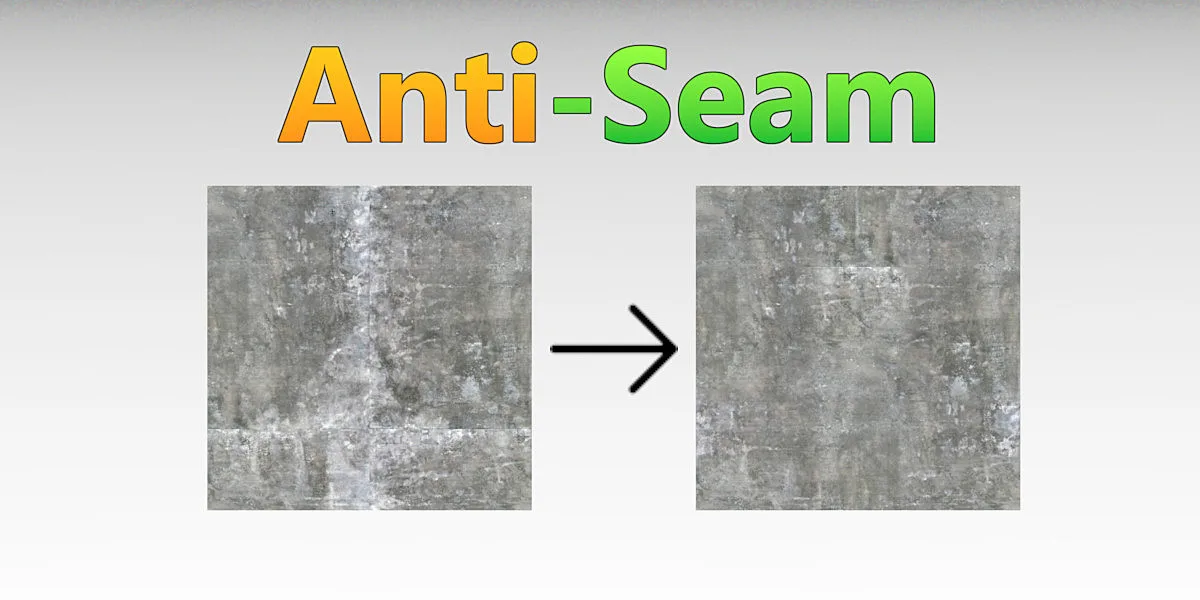
Convert to Seamless crops a texture according to the selected tiling grid to create a seamless result. Tile Texture can apply a texture across the whole canvas or within a selection. For a very large canvas, the product listing recommends using Pattern Fill or making a rectangular selection before using Tile Texture to help performance.
The aescripts listing identifies Bogdan Bogdanovic as the developer, offers a free trial, and lists compatibility with Photoshop 2024, 2025, 2026, and 2027. See the BBTools Tiler 5 product listing for its current details.