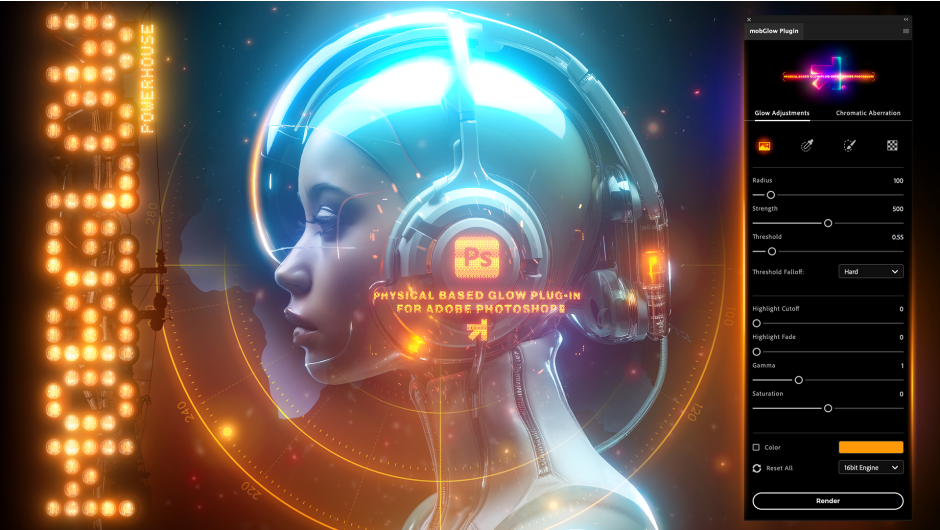
BBTools Glow & Glare 2 is a Photoshop plugin for adding glow and glare effects to artwork and images. Users can adjust the effects independently and apply them without altering the original image. It is designed for digital painters, retouchers, photographers, designers, and other Photoshop users who want adjustable light effects in their image workflow.
Adjust glow and glare separately
Separate color adjustments let you tune the tone of each effect. A threshold control changes glow or glare intensity, while blur can smooth or sharpen the glow. The plugin updates the preview as you change settings.
For glare, you can choose from 18 shapes and set minimum and maximum sizes to control the effect range. These options are useful when a preset needs more adjustment or when a repeated glare shape does not fit the image.
Reuse settings and Photoshop actions
Glow & Glare 2 includes built-in presets and lets you save custom ones for later. Presets can be managed separately for Glow and Glare. You can also record “Add Glow” and “Add Glare” as Photoshop actions to repeat those steps in an action-based workflow.
Photoshop compatibility
The product listing describes version 2 as a native UXP plugin for Photoshop 2024 and later on macOS and Windows; its compatibility list names Photoshop 2024 through 2027. Check current compatibility before installing and access the free trial through the aescripts product listing .