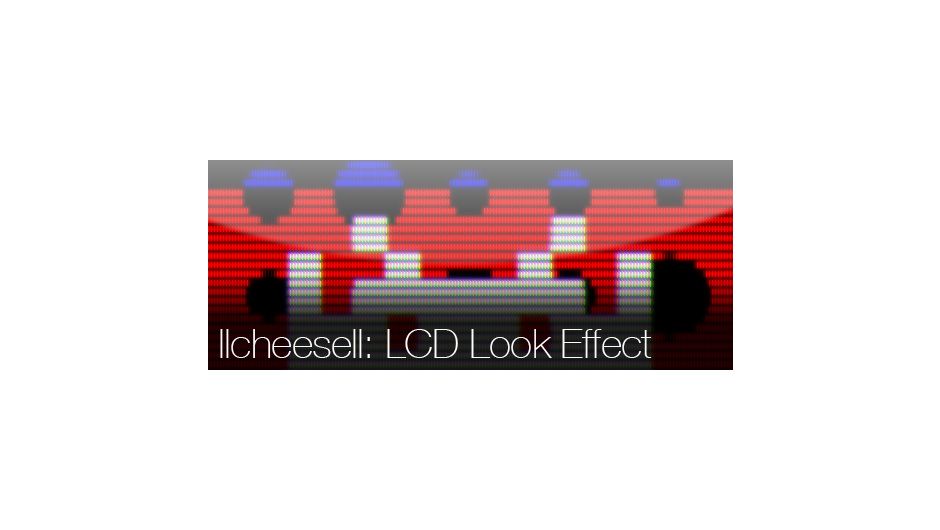
LCDeffect is an After Effects script for giving a selected layer an LCD-style image effect that can also resemble a CRT look. It provides separate controls for RGB channel amounts and pixelation resolution, letting you adjust the color separation and pixel pattern.
Apply and adjust the effect
- Select the layer to which you want to apply the effect.
- In After Effects, choose File > Scripts > Run Script File...
- Open and run
LCDeffect.jsx. - Adjust the sliders to vary the RGB channels and pixelation resolution.
Compatibility and licensing
The product page lists compatibility with After Effects CC, CS6, CS5.5, CS5, CS4, and CS3. Its Name Your Own Price terms let individual users choose what to pay. Businesses, teams, and other non-individual purchasers must pay the suggested price for a valid license. The EULA allows one copy on one computer per license; additional users or computers require appropriate licenses.