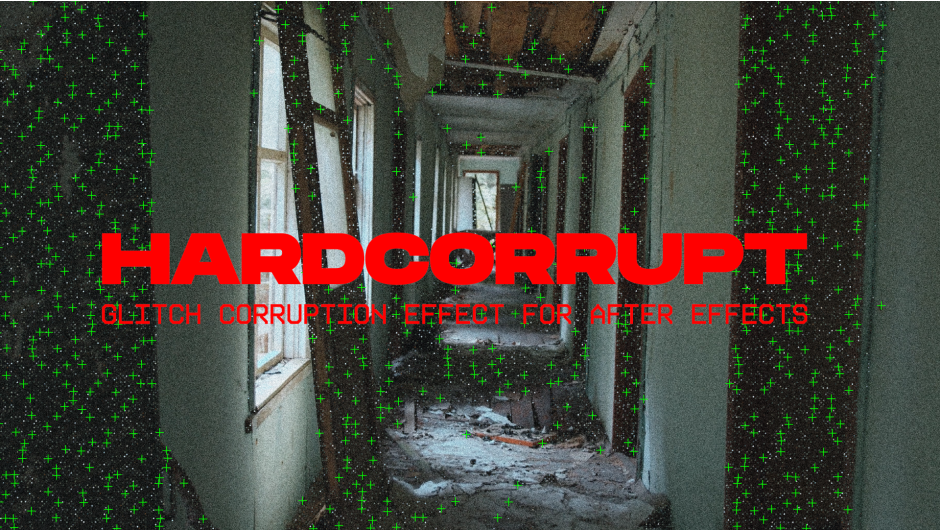
HardCorrupt is a block-based corruption effect for After Effects. Apply it to a layer to displace pixels, swap regions, separate color channels, or pixelate part or all of the frame. Its controls suit motion designers who want to shape the glitch and decide which parts of the image it affects.
Shape and limit the corruption
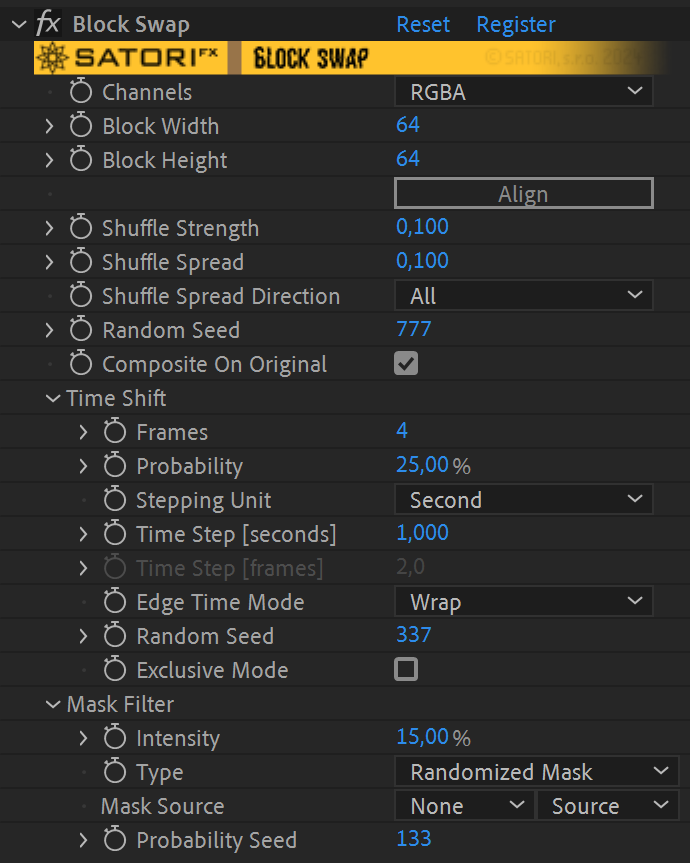
Set block size, corruption amount, horizontal and vertical displacement, and block jitter. Choose square blocks, horizontal strips, vertical columns, or mixed shapes. Fill patterns include Solid, Cross, Diamond, Checkerboard, Dot, Outline, and Scatter. You can pixelate corrupted blocks, feather their edges, or pixelate the entire frame.
Luma Gating limits the corruption pass to pixels above or below a brightness threshold. Feather the threshold edge for a gradual transition, or invert the gate to target shadows instead of highlights.
Add color, noise, and temporal effects
RGB Split offsets the red, green, and blue channels independently on both axes. It affects corrupted blocks, leaving the clean image untouched. Luminance and chromatic noise can be enabled separately, with different random values for each color channel.
Temporal Freeze holds a corruption pattern on blocks with stable luma signatures across frames. It can freeze static areas for a conventional codec-style glitch or moving areas for less predictable results.
Animate and composite
All controls are keyframeable. A manual seed makes results reproducible; Auto seed animates active sections from frame to frame without keyframes. Per-feature toggles isolate or disable sections, and Master Opacity blends the effect with the original image.
Output Mode offers Normal, Show Mask, and Corrupt Only. Show Mask produces a black-and-white matte of corrupted areas. Corrupt Only places the corrupted pixels on a transparent background for compositing.
Compatibility, installation, and license
The product listing specifies Adobe After Effects CC 2022 or newer on 64-bit Windows 10 or 11. It says macOS is not currently supported.
The aescripts + aeplugins Manager app can install the product; to install a trial, choose Add Trial from the Account menu. For manual installation, copy HardCorrupt.aex to the After Effects plug-ins folder and restart After Effects. The product includes a PDF guide with installation instructions.
The EULA allows one copy for use on one computer at a time. Multiple users or computers require an appropriate license for each user and copy.