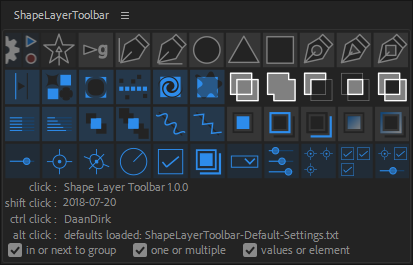
Shape Layer Toolbar by DaanDirk gives After Effects users quick-access buttons for shape-layer elements and expression controls. It lets you save and set element values, including values hidden by active expressions, and work with gradients through an animation preset. Expression Controls can save and load all settings.
Find and manage shape elements
You can select all elements of one type by holding Ctrl+Shift and clicking that element's icon. The toolbar's button display is customizable, so you can choose which controls appear.
Compatibility and getting started
The aescripts product listing includes a free trial and a Quick Start Guide covering settings, adding Shape Layers, finding elements, record mode and gradients. Check the listed After Effects versions against your installation before relying on compatibility.