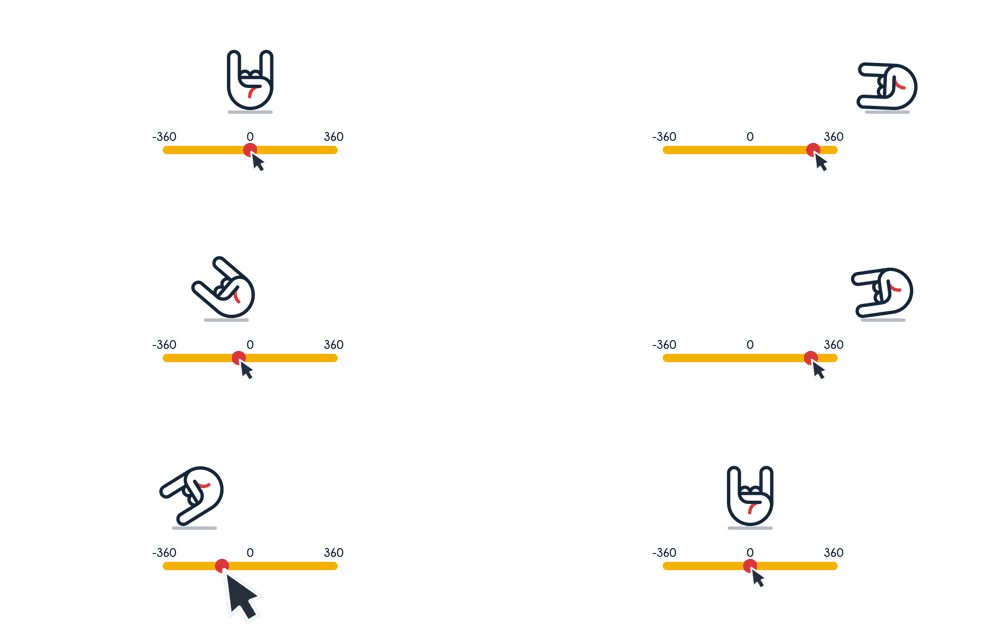
Roll It by Rendertom is an After Effects script for rolling shapes and masks along their paths. Select a shape or group, run the script, then change Rotation in the layer's Transform group to see it roll. It uses precise edge detection and supports complex and compound shapes. Animated shapes are unsupported.
Prepare the shape path
Roll It works with Bezier shapes. Parametric rectangles, ellipses and stars need conversion first. In the Timeline, expand the shape layer, right-click the shape path, such as Rectangle 1, and choose Convert To Bezier Path. Then select the path and run Roll It.
Work with masks and mixed layers
Roll It handles masks as well as shapes. On a shape layer containing both, the default setup considers both types. To roll a full layer, add a full-layer mask and set its mode to None.
Know the limits
Roll It does not support animated shapes. The trial is limited to two shapes per layer and five points per shape, enough to test a basic setup. Complex setups require a license.
Exported animations
Rendertom says Roll It is fully compatible with Bodymovin. Animations exported through the extension can play on the web in the Bodymovin player or natively on iOS and Android through Lottie. The Roll It product page includes tutorials and demo projects, plus the current compatibility and licensing details.