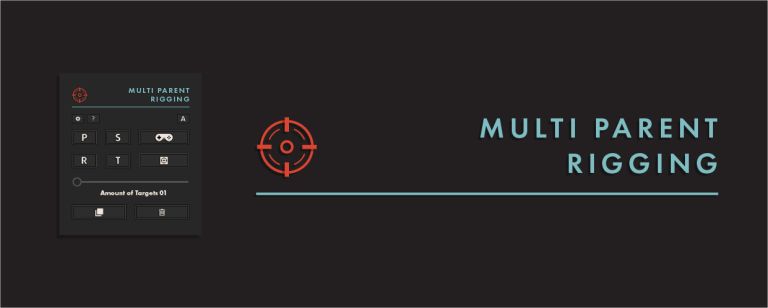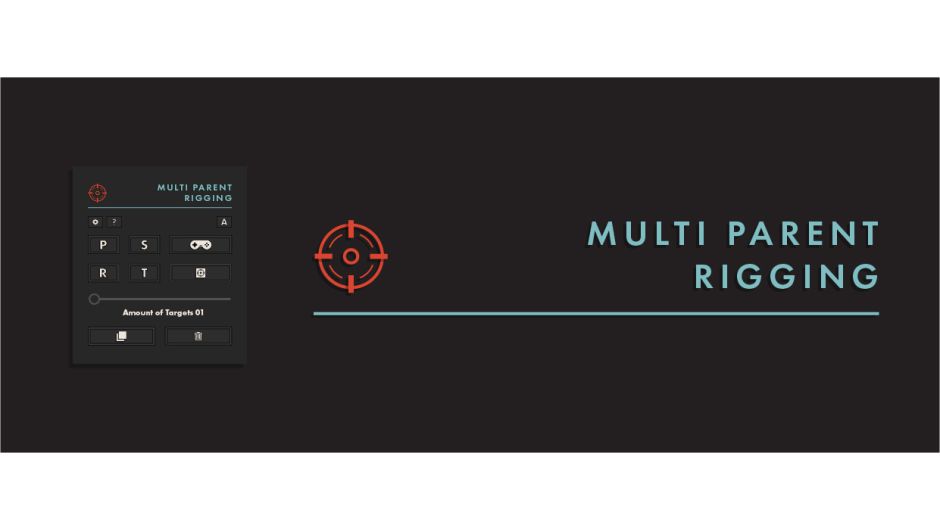
Multi Parent Rigging is an After Effects tool for connecting a layer’s transform properties to other layers. It supports up to 10 additional parents, so position, rotation, scale, and opacity can follow different sources. A global slider controls the properties together; advanced settings provide individual controls for more selective rigging.
This approach can help when an animation needs to switch between reusable movements or make a character interact with a moving object. The product listing describes animating actions on null objects, then using a slider to connect a character rig when that action should happen. For a hand grabbing a moving prop, for example, the arm can follow the prop through the parent control instead of requiring matching keyframes on both layers.
Control individual properties and axes
Advanced settings let you choose which parts of a parent’s transform affect the rig. Position has separate X, Y, and Z controls. Rotation and scale can be controlled by axis and inverted, and opacity has its own control with an invert option. You can combine property sources from different layers, or use the same layer at different points in its animation.
The listing says the tool works with 2D and 3D layers, hidden or locked layers, and layers that are already parented. It also supports layers that already have expressions. Multi Parent Rigging can create a controller layer and automatically generate targets to use as parents.
Check keyframes, trial limits, and compatibility
If the current layer has keyframes, the product listing says they start to be ignored as its slider begins to move. Test that behavior in a copy of an existing composition if those keyframes need to remain active.
The trial limits rigs to two parents, position and opacity, and the non-advanced settings. The listed After Effects versions are 2020, CC 2019, CC 2018, CC 2017, CC 2015.3, CC 2015, CC 2014, CC, and CS6. Its visible version history ends at version 1.4.5, dated August 27, 2020, so confirm compatibility with the seller before using it with a later After Effects release.
See the Multi Parent Rigging product listing for its feature details and tutorial videos.