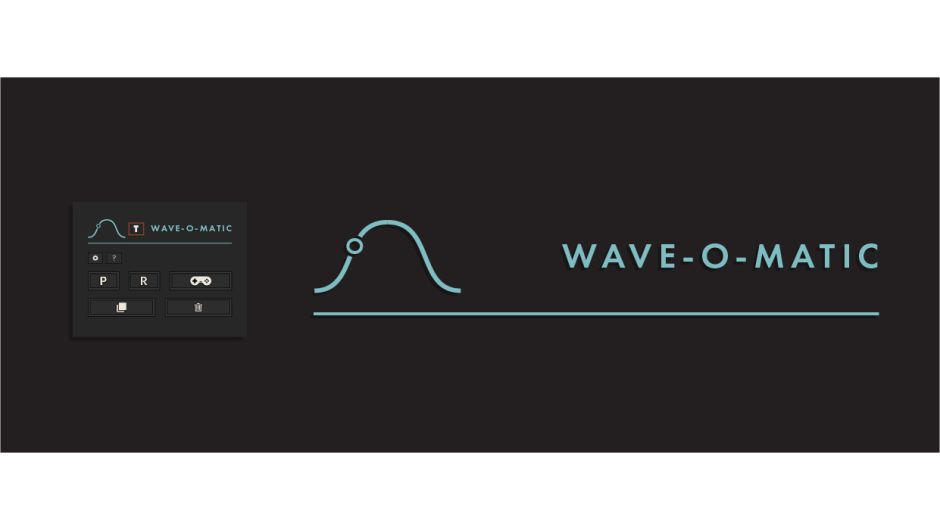
Wave-o-Matic is an After Effects tool for adding adjustable wave motion to layers in 2D or 3D compositions. It can create effects such as floating or flying, with controls for position and rotation, wave angle, and how strongly the motion applies. The product listing also includes tutorials and version history.
Adjust wave motion on layers
Wave-o-Matic applies natural wave motion to one or more layers. Positional and rotational settings can be customized, and the angle supports a full 360 degrees. Impact sliders control how much of the wave affects the layer. You can apply the effect and switch it on or off from its controls.
These controls suit shots where several objects need a floating or flying movement that can be adjusted as the composition changes. Controller options are available when needed, while the on/off setting gives you a way to compare the result with the original layer animation.
Use it with keyframes and expressions
The product listing says Wave-o-Matic supports keyframed layers and works automatically with layers that have expressions applied. That can help when adding wave motion to an existing animation without damaging its keyframes.
Check the trial and compatibility details
The trial is limited to the Position property and does not support controllers. The listing's After Effects compatibility range names CS6, CC, CC 2014, CC 2015, CC 2015.3, and CC 2017 through CC 2019. It does not list later releases, so check compatibility with your After Effects version before relying on it.