Moving Parents is an After Effects script by Gary Reisman for building layer hierarchies and adding adjustable motion. It can parent selected layers to a new null or the first selected layer, temporarily remove and restore parenting links, and apply expression-based drift, movement, or slam-in and fly-out animation to the new parent or parented null. Cameras, lights, OBJ objects, and After Effects 2026 3D Shapes need a null parent for those expressions.
Build a parent hierarchy from selected layers
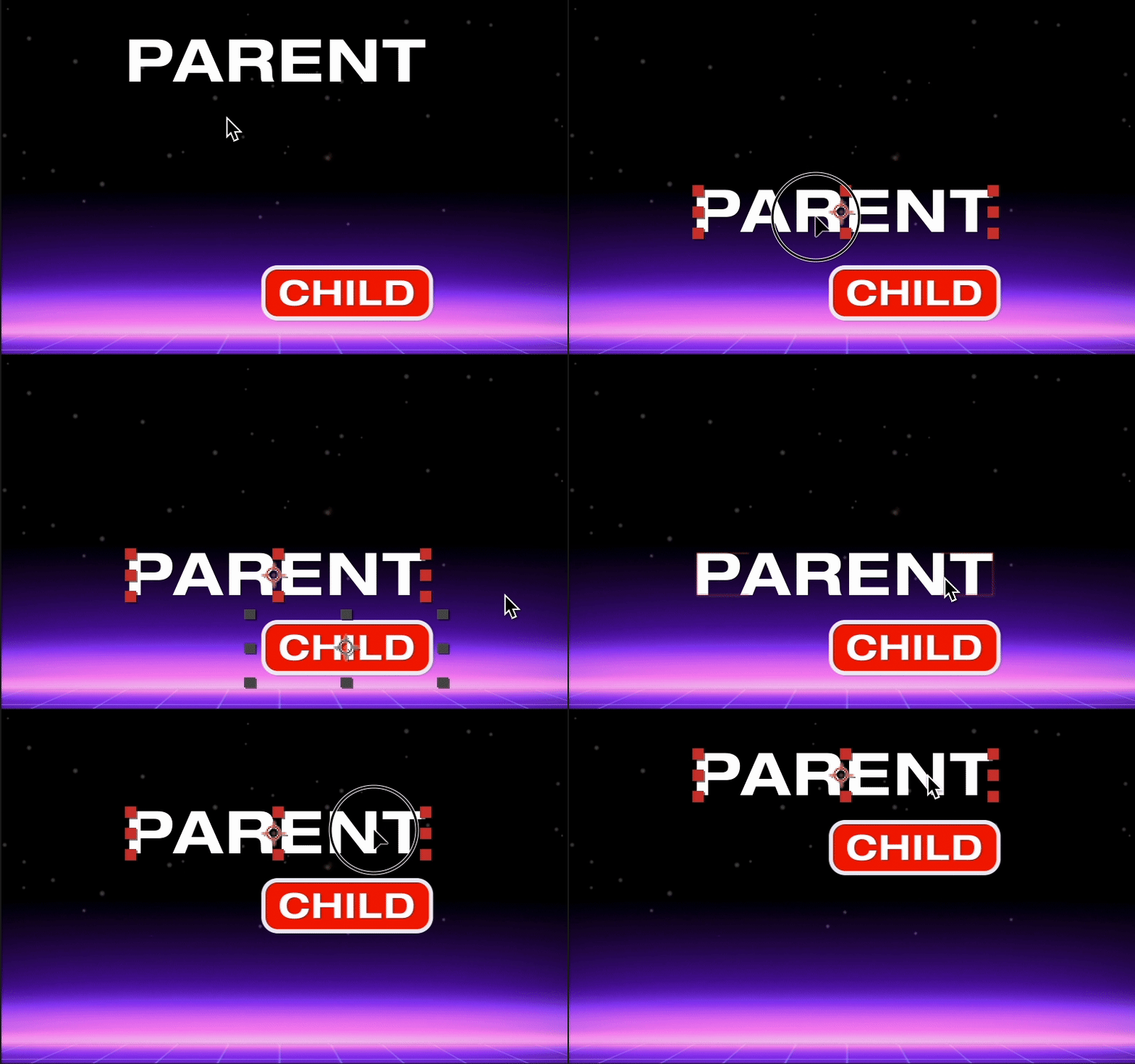
Choose the layer that should lead the hierarchy, select the other layers, and apply parenting. You can use the first selected layer as the parent or create a null. An option limits parenting to layers whose parent is set to None. When creating a null, Moving Parents can place it at the calculated center of the selected layers or at the center of the composition. Another option matches the null's duration to the layers' timeline durations.
Selection controls can select siblings, a parent, or child layers, and another option sets selected layers' parent to None.
Make changes and restore parenting links
To adjust layers that are already parented, select their parent and use Un-Parent. After repositioning the layers, use Re-Parent to restore the previous parenting links. Options can select all child layers or include locked layers in the un-parenting operation.
Resize layers and add expression-based motion
When parenting is enabled, Resize changes the size of the new parent or parented null by the entered percentage. When parenting is off, it resizes each selected layer individually, including its keyframes.
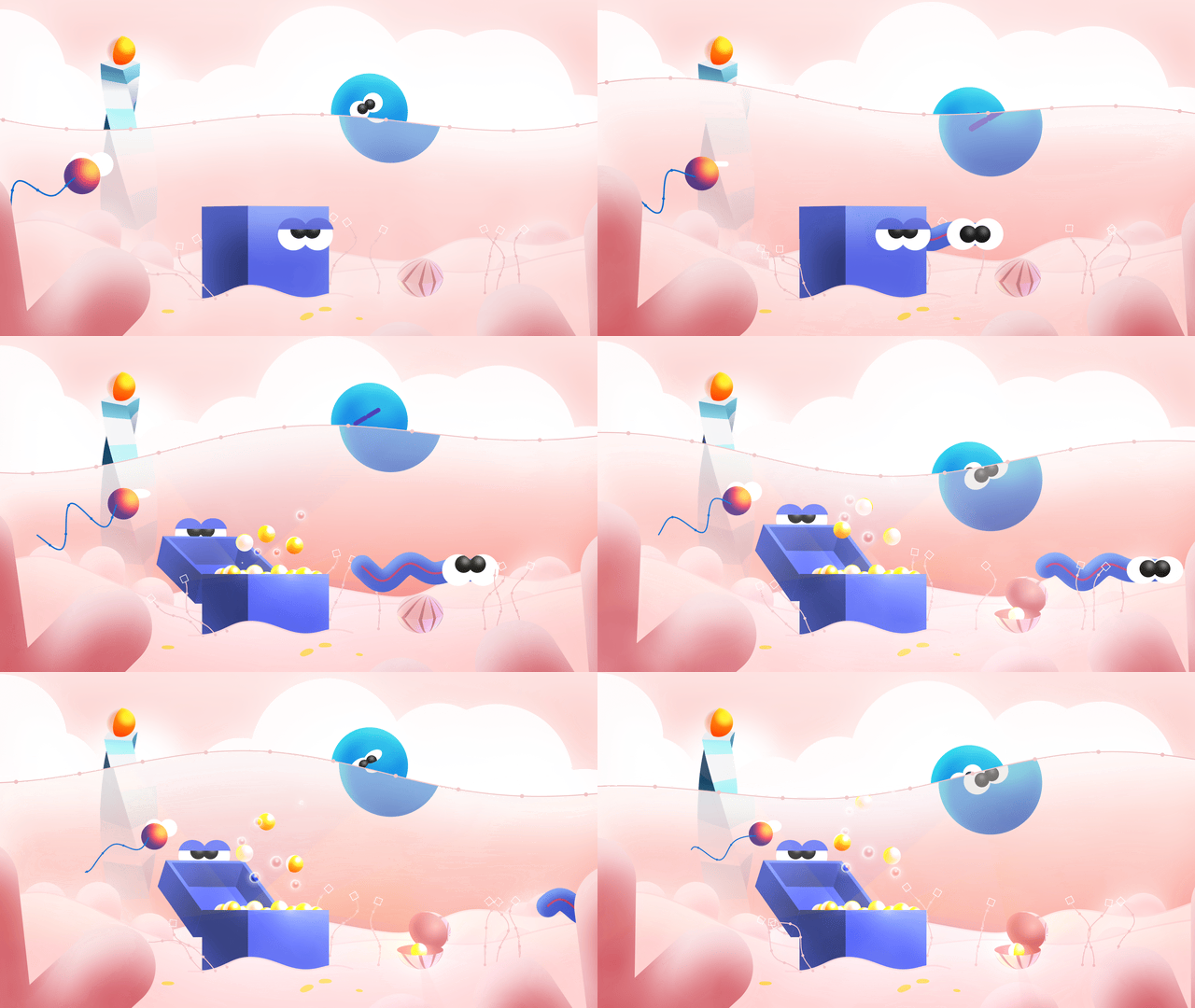
Drift applies a scaling expression to the new parent or parented null. In 3D, it uses a Z-position drift expression on that parent or null. Move adds X and Y position expressions to the new parent or parented null. In 3D, it also adds a Z-position expression. For Drift, Effect Controls sliders adjust the start value and rate, with an option to reverse the drift. For Move, sliders adjust the rate and direction, with an option to reverse the direction. Slam-In/Fly-Out applies an expression to the new parent or parented null for an entrance and exit effect, with controls for starting and ending size, slam-in frame duration, fly-out frame direction, 2D exponential scaling curves, and easing. You can turn off either the slam-in or fly-out portion. The motion options use expressions, so they do not require keyframes for those moves. Multiple options can be combined on nulls, including nested nulls.
Use null parents to move cameras and 3D layers with expressions
The listing says Moving Parents also works with cameras, lights, OBJ objects, and After Effects 2026 3D Shapes. Its Drift, Move, and Slam-In/Fly-Out expressions cannot be applied directly to a camera, light, 3D object, or shape because those layers cannot accept the required Effect Controls sliders. Use a null parent for those expression-based moves.
Interface and compatibility
The script has a dockable interface that can be reduced to its basic controls. The Moving Parents product page lists compatibility with After Effects 2020 through 2026 and provides a free trial.