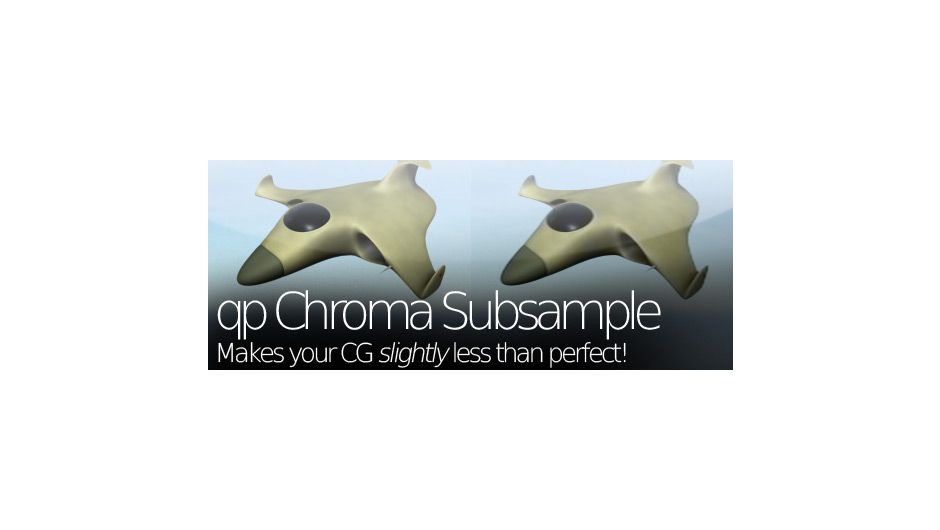
Chroma subsampling for CG compositing
qp_ChromaSubsample simulates chroma subsampling in After Effects, reducing color detail in a CG layer so it sits closer to a video backplate. It is designed mainly for compositing integration, where the effect is subtle at higher quality settings. The effect can also be applied to any footage to simulate chroma subsampling. Its VHeSque mode provides a retro VHS-style treatment.
Sampling options
Choose a sampling rate to approximate these video formats and standards:
4:2:2for Digibeta and Rec.601/7094:2:0for PAL DV4:1:1for NTSC DV and DVCPro3:1:1for HDCAM2:1/4:1/4, labeled VHeSque, as a digital approximation of VHS quality
Compositing workflow
Apply the effect to the CG element in the final composition after grain and color correction. Set the backplate layer as Input 2 so the plugin subsamples the plate alongside the CG, then choose a sampling rate and quality setting. The quality setting affects processing speed; high quality produces much better results and uses complex low-pass filtering. Leave Image Bounds at its default setting.
Except for VHeSque, the plugin is intended as an integration tool rather than a stylized effect. It is unnecessary when compositing onto film, RED, or HDCAM SR plates at 4:4:4.
Compatibility and installation
The listing names After Effects CS4, CS5, and CS5.5, and says the plugin is not compatible with CS6 or later. Its installation instructions specify copying qp_ChromaSubsample.pbg into the After Effects plug-ins folder for CS4 or CS5. The listing includes CS5.5, though the copy instructions specifically name CS4 and CS5.