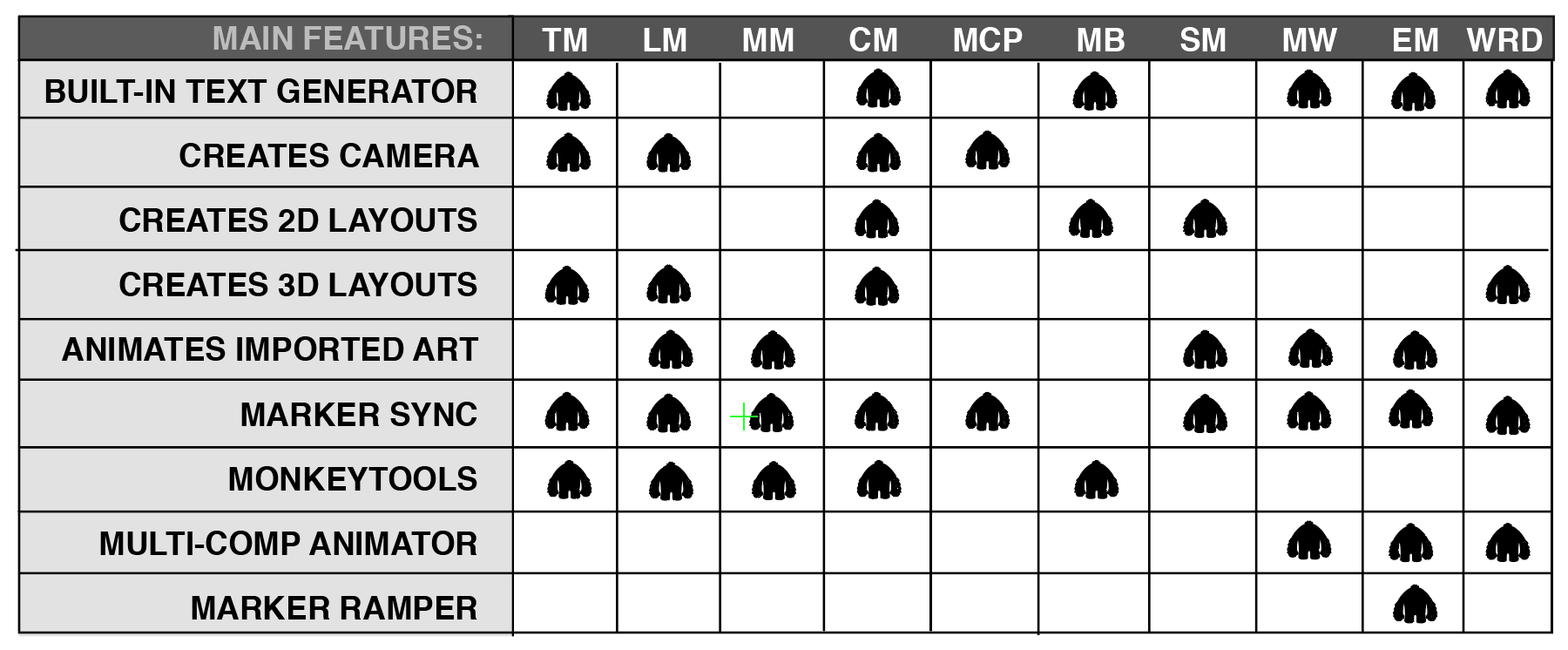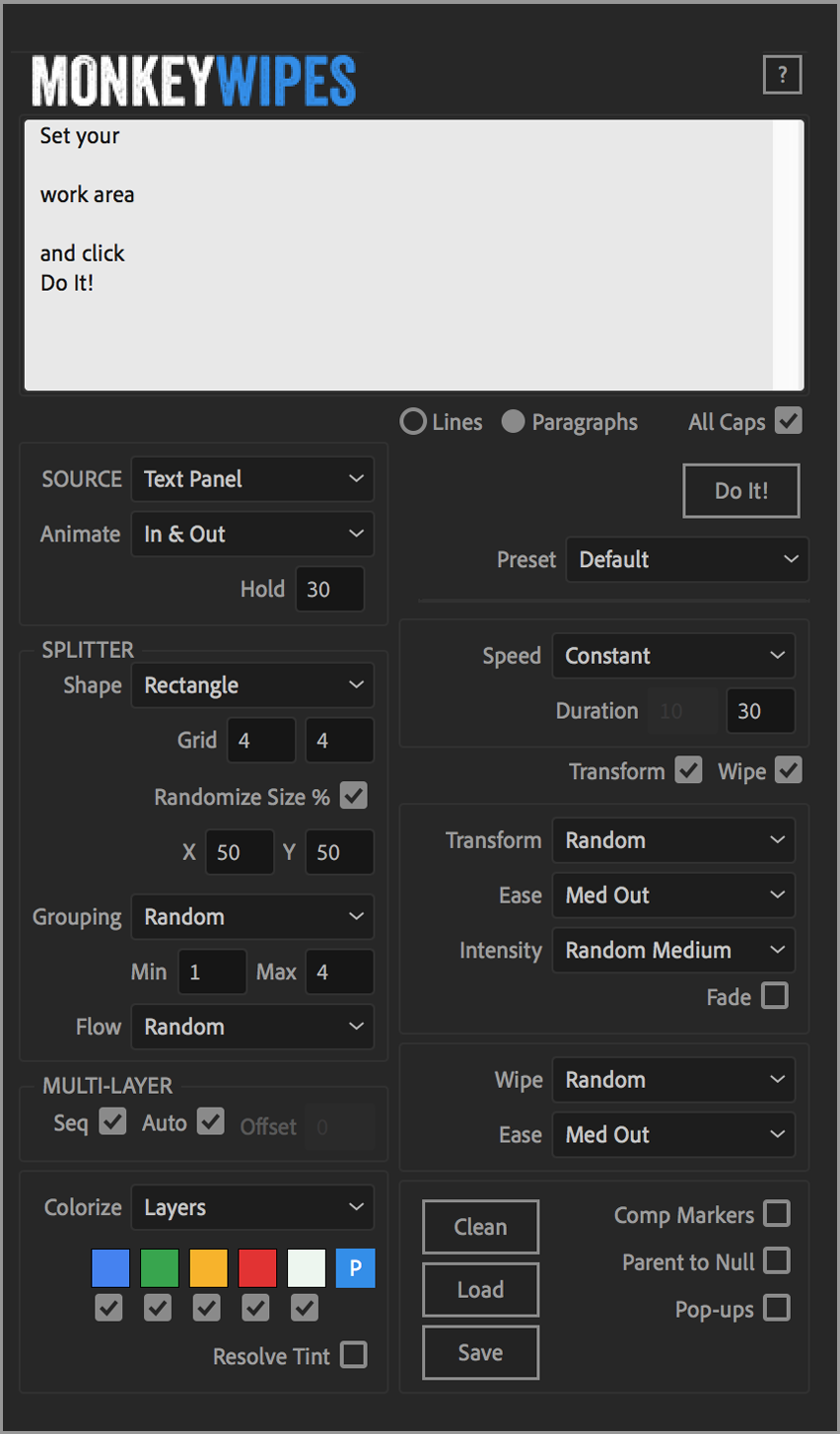
MonkeyWipes is a procedural transition system for Adobe After Effects from Ebberts + Zucker. It generates transitions for text and graphic layers, including logos and motion graphics, using splits, wipes, and transforms. You can set many dropdowns directly or randomize them, then adjust sequencing and offsets for single or multi-layer builds.
Text and layer animation
Use the built-in text generator for words, lines, or paragraphs, or work with existing layers. In the text panel, Lines treats each line as its own layer; Paragraph groups multiple lines on one layer. The Aug 4, 2020 MonkeyWipes FAQ says that skipping a line in Lines mode resets the position of following text layers and can make them overlap; keep the lines continuous.
You can also use imported Illustrator artwork as a layer source. MonkeyWipes applies 2D transforms, so vector source art does not remain vector through the animation.
Preset control and discovery
The product listing includes preset wipes, transforms, and palettes. Choose settings directly for a specific result, or use random options to explore variations. Surprise Me selects Shape, Transform, and Wipe settings at random. Its preview can be edited and rebuilt, while the default random setup assigns selections during the build and cannot reproduce the same animation from its random state. Surprise Me leaves Group 1 and Multi-Layer settings unchanged; alternate its A and B entries to request another result.
MonkeyWipes does not let users create new preset entries. Save and Load can preserve favorite settings, but applying a saved UI setting with any Random option produces different results the next time. For layer timing, automatic sequencing and offsets provide a starting point; unusual easing may call for manual offset changes or adjustments after the build.
Compatibility and practical limits
The product listing reports compatibility with After Effects 2026, 2025, 2024, 2023, 2022, 2021, 2020, CC 2019, CC 2018, and CC 2017. Its version history lists version 1.06, dated Nov 12, 2025, for a licensing framework update.
MonkeyWipes' final layers can be made 3D when Continuously Rasterize is off; splits can also be made 3D and manually adjusted in the Source Comp. For compositions that will be scaled up or viewed through a camera, it recommends working at a larger size and scaling down, since the transform effect does not preserve vector form.
MonkeyWipes also works with other Monkeys, Textsyncr, and Beatnik. Its resources include a quick start, a full tutorial, and integration material for MonkeyCam and Beatnik.