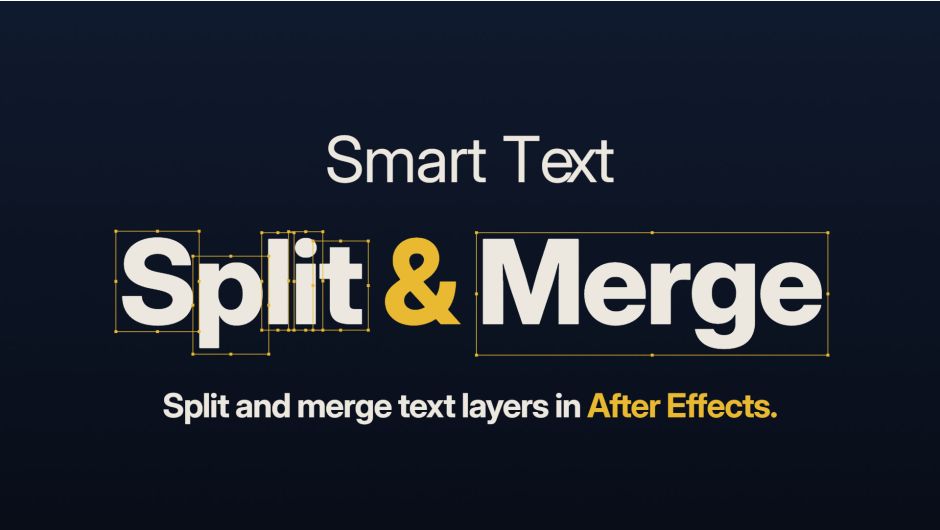
Smart Text Split & Merge is an After Effects panel for splitting a text layer into separate lines, words, characters or paragraphs, and merging selected text layers back into one. When splitting, it keeps the text’s appearance and animation.
Split text while keeping its style and animation
The panel creates a layer for each selected text unit. The product listing says the pieces retain their font, size, colour, stroke, tracking and baseline shift. It also lists mixed styles, box text, justified paragraphs, tracking and leading as supported, and says the result is tested frame by frame.
New layers are named from their text, and each anchor point sits on its own baseline. Keyframes, expressions, effects, masks, layer styles, parenting, track mattes and motion blur are copied to the pieces. When the anchor point, scale or rotation is keyframed, the “If keyframed” setting lets you keep each piece’s original pivot or parent those keys to a null named “Controller.” One Undo reverses the complete Split or Merge.
Choose how text animators run
“Keep identical” carries an animator that acted across the whole text through the pieces in the same order and timing. “Per piece” runs the animator on each piece’s own text.
Merge selected text layers
Merge turns selected text layers into one text layer in reading order, with the letters kept in their existing positions. The top selected layer supplies the transform, effects and timing for the merged layer.
Language and layout limits
The listing reports tests with Latin, Greek and Cyrillic letters with accents; Vietnamese; Chinese, Japanese and Korean; Hindi, Bengali, Tamil, Thai, Khmer and Burmese; and right-to-left Hebrew, Arabic, Persian and Urdu. Emoji stay together as one piece.
- Single-character splits of Arabic, Persian and Urdu lose joined letter shapes. Split those texts by word or line instead.
- Chinese, Japanese and Thai have no spaces between words, so Words mode keeps each line together. Use Characters mode to separate the text.
- Text on a path and vertical text are left unchanged, with a message.
- Layers can look slightly different after splitting when a setting works only within one layer. The listing names Gradient Overlay across text, “All Fills Over All Strokes,” Inter-Character Blending and Wiggly selectors as examples; the panel displays a message when these settings apply.
The listing names After Effects 2025, 2026 and 2027 as compatible, and separately says versions before 25.1 are unsupported. Check the exact After Effects build, especially if you use an early 2025 release. The listed operating systems are macOS and Windows.
Trial and installation
The 10-day trial includes every feature. To start it, choose “Add Trial” from the Account menu in the aescripts + aeplugins manager app. Install through that app or copy the file into After Effects’ ScriptUI Panels folder, then open the panel from the Window menu and dock it where you prefer. The product download includes a PDF guide for both installation methods.
The version history records an initial 1.0.0 release on November 18, 2026. The listing showed a price of $12.99 and a 25% checkout discount on November 28, 2026; see the aescripts product listing for current pricing and product details.