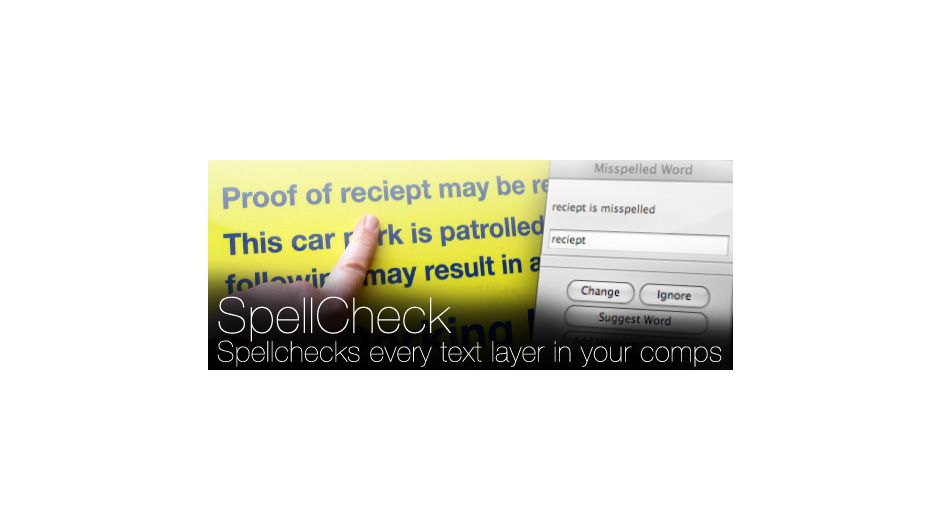
SpellCheck is an After Effects script that checks every text layer in the currently selected composition and any precomps it contains.
Review spelling in a composition
When SpellCheck finds a misspelled word, it gives you the option to enter a correction or request a suggestion. The product listing describes spelling checks; it does not describe grammar or style review, so treat it as a spelling aid rather than a general copy editor.
Suggestions use the developer’s website
If you request a suggestion, SpellCheck sends the misspelled word to the developer’s website, which returns a list of suggestions. The listing does not say how the site handles or retains submitted words. If a word is sensitive, you can enter a correction yourself instead of requesting a suggestion.
Installation and compatibility
Although SpellCheck has a user interface, it belongs in After Effects’ Scripts folder, not the ScriptUI Panels folder. The published compatibility list names After Effects CC 2019, CC 2018, CC 2017, CC 2015.3, CC 2015, CC 2014, CC and CS6. It does not list newer releases, so confirm compatibility with the author if you use a newer version.
The listing records version 2.5, dated February 25, 2023. That release fixed a bug in word suggestions and a bug in the dictionary search.
Price and licensing
The product page displays a suggested price of $9.99 under its Name Your Own Price model. Individual users may pay any amount. Businesses and teams must pay the suggested price for a valid license. Check the product listing for current terms.