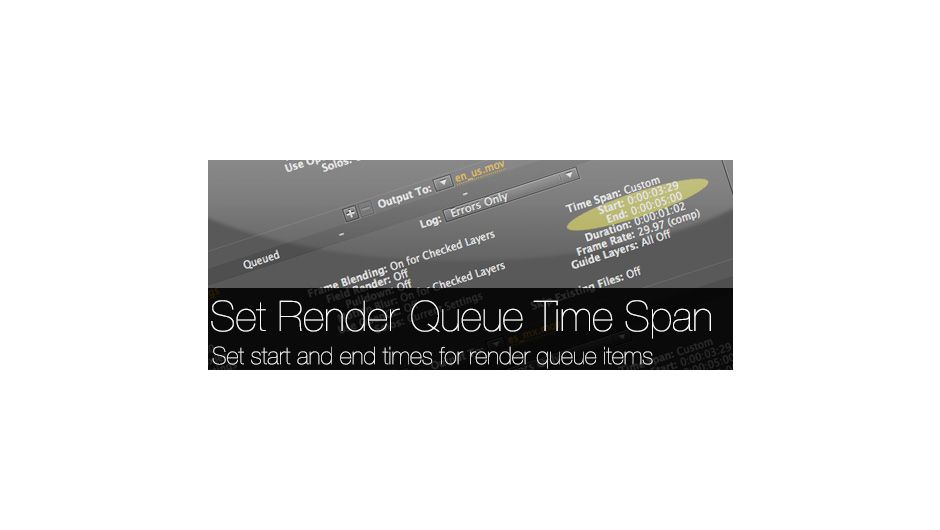
Created by Ryan Ragle, Set Render Queue Time Span is an After Effects script for changing the start and end times of render queue items. The aescripts product listing describes three span styles, a choice of which queue items to update, and a timecode caveat for projects with mixed frame rates.
Choose a span style
- Work Area: Set each item to its individual work area.
- Entire Composition: Set each item to its individual composition length.
- Custom: Set each item to the values entered in the dialog. The start and end frame fields are editable, and their format follows the project’s Time Display Style preference.
Select items and apply the change
- Start the script and select a span style.
- If you choose Custom, enter the start and end values.
- Choose whether to update all renderable items or only items with the Render checkbox selected, which the listing describes as queued.
- Click Change Time Span. The script cycles through the selected scope and changes the items’ time spans.
Timecode with mixed frame rates
When queue items use different frame rates and the project’s Time Display Style is set to timecode, the script attempts to convert entered values to valid timecode for each item. The listing gives 02:45 entered for a 30 fps item as an example: the conversion changes it to 03:15 because 02:45 is invalid at that frame rate. The listing says this issue does not apply when the display style is Frames or Feet and Frames.
Compatibility and version history
The supplied listing names After Effects 2022, 2021, 2020, CC 2019, CC 2018, CC 2017, CC 2015.3, CC 2015, CC 2014, CC, CS6, CS5.5, CS5, CS4, and CS3. Later releases are not included in that compatibility list, so check the seller’s current listing if you use a newer After Effects version. The version history shown lists version 1.0 as the initial release on April 17, 2012.