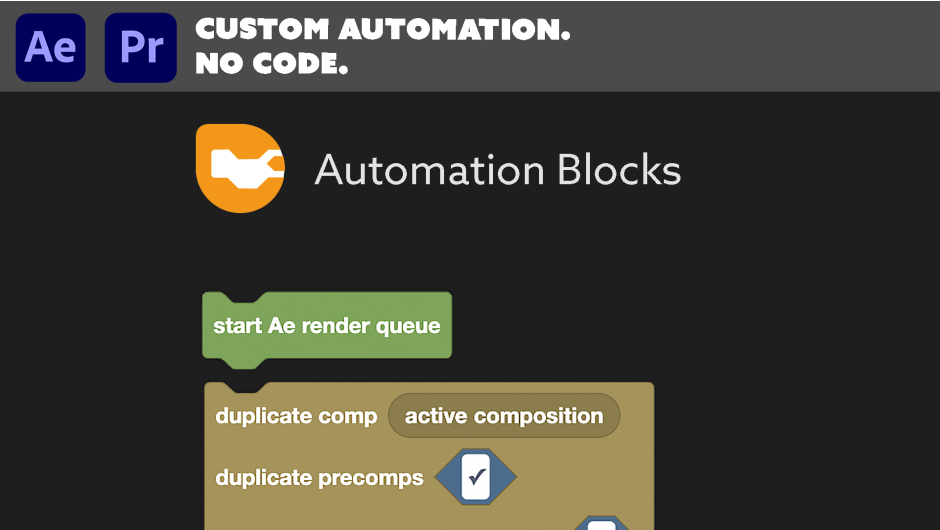
Automation Blocks for After Effects is a library of ready-made tools and a visual block editor for automating work in After Effects projects. Its tools can work with compositions, layers, keyframes, project items, files and render queues. You can start with a library tool, customize it, or build a tool for a repeated task.
Create composition variants and edit text with spreadsheets
For projects that need many versions, mark the parts of a composition or its precomps that should change with spreadsheet columns. Export a sheet from the template, fill in a row for each version, then run the duplicate tool to create one composition copy per row. Marked content can include text, footage, images, colors and other properties.
Separate text tools export text from an active composition and its precomps, including text in Essential Properties, to CSV or XML. You can edit the sheet and import it to replace text, which is useful for language versions. These tools do not process keyframes on source text.
Manage project assets and color
The color palette workflow links selected color properties, text layers or solid layers to colors in a central palette composition. Changing a palette color updates the linked colors in the project. Project Cleanup tools can search and replace project item names, including with regular expressions.
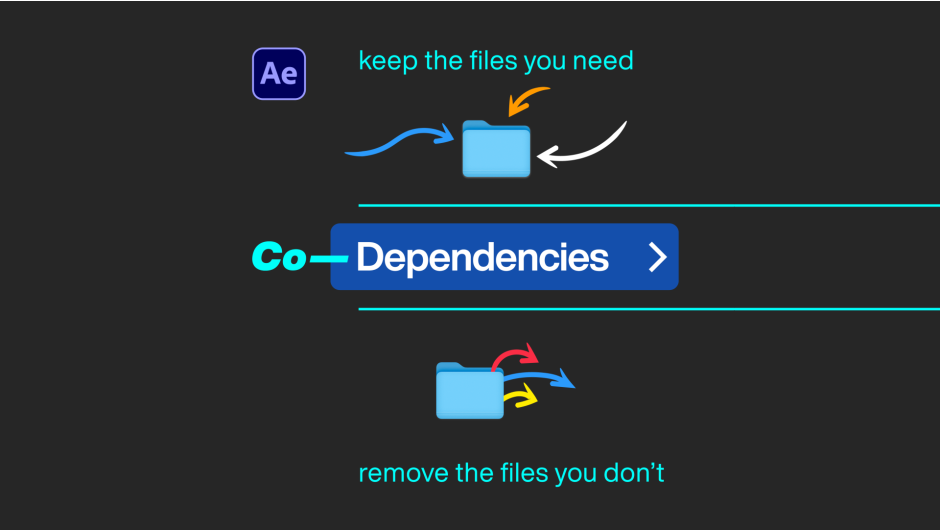
Synced Folders imports a system folder into an After Effects project bin. Its Update tool detects changes, imports new assets and removes project items for assets deleted from the synced folder. Review that folder before updating if you need to keep those items in the project.
Reuse animation and prepare precomps
Save selected keyframed properties as presets in a library, then apply them to other layers. The keyframe workflow adjusts inserted keys to the current context. Precompose and Crop tools can create one precomp per selected layer or put the selected layers together, with an optional margin around the content. The Precompose & Crop tools use After Effects' SourceRectAtTime() function to measure content; it does not account for shape stroke width, so set a margin large enough to compensate when cropping stroked shapes.
Customize and launch tools
The block editor includes After Effects blocks for projects, compositions, layers, properties, keyframes and rendering, along with blocks for files and simple user interfaces. You can adapt an existing tool or assemble your own. More involved workflows use variables, loops and logic in the block editor, which also includes a block for executing JSX code.
Run tools from the library or connect them to keyboard shortcuts, KBar or Quick Menu. To use HTTP remote execution, enable it in the extension settings and restart After Effects; the application must be running when other software or a device triggers a tool.
Compatibility and licensing
The listed compatible versions are After Effects 2026 through 2020, plus CC 2019, CC 2018, CC 2017, CC 2015.3 and CC 2015. It offers a free trial. The EULA grants one copy for one user on one computer; additional users or copies require appropriate licensing.
Who it suits
Automation Blocks fits After Effects users who repeat tasks such as producing composition variations, replacing project text, applying keyframe patterns, organizing assets or setting up projects. Its custom block editor is useful when a ready-made tool needs to match a particular workflow. If you only need a single fixed effect, much of its automation and customization capability may go unused.