SoftShelf.

Developer listing

Leyero

22 tools attributed to this developer in the catalog.

Plugins and software

Showing 1–22 of 22
WorkflowGuide

Anchor Pro

Leyero

Anchor Pro is an anchor point plugin for Premiere Pro and After Effects, with relative positioning, saved positions, Alpha Mode and animation preservation.

WorkflowGuide

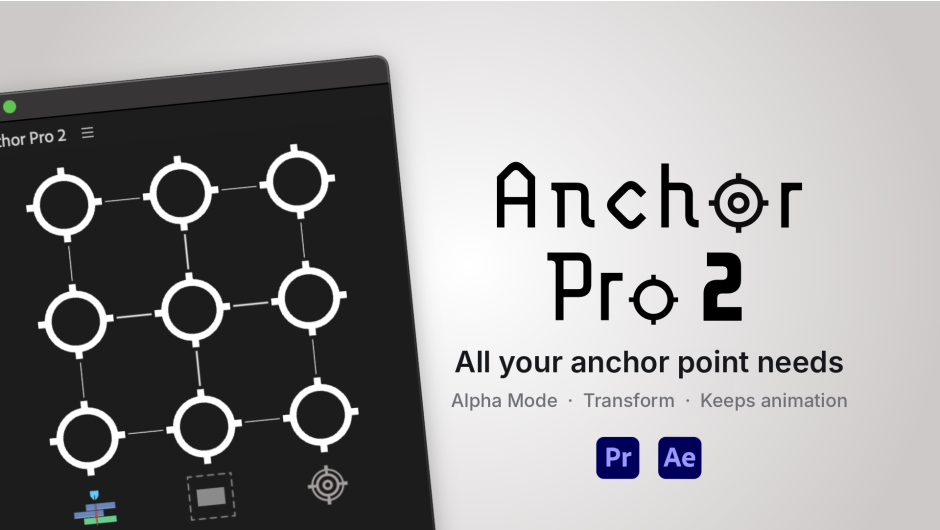
Anchor Pro 2

Leyero

Anchor Pro 2 moves anchor points in After Effects and Premiere Pro, with alpha-aware placement, shared frame targets and animation offsets for clips.

WorkflowGuide

Architect Pro

Leyero

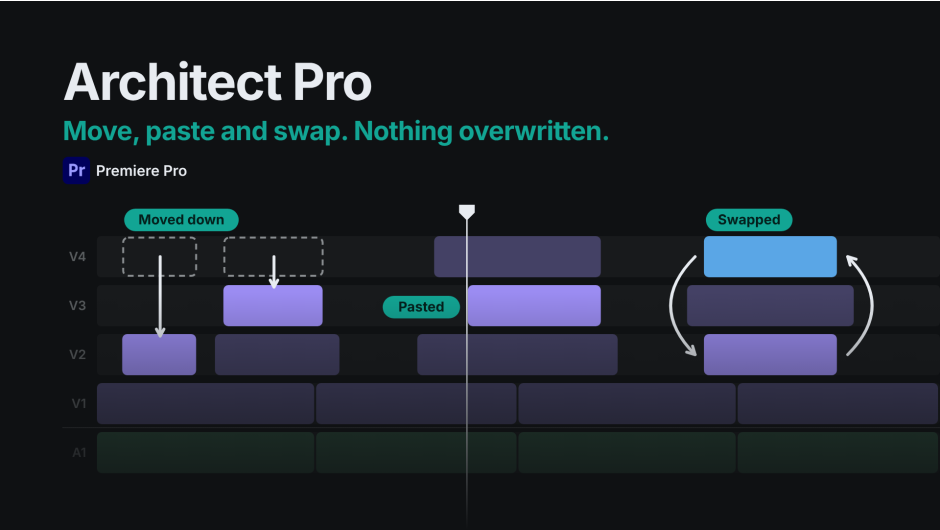
Architect Pro is a Premiere Pro extension for moving, inserting and pasting clips, with free-track placement, marker alignment and track targeting.

Motion GraphicsGuide

Easify 3

Leyero

Easify 3 brings graph-based easing, reusable curve presets, and keyframe tools to After Effects and Premiere Pro. Review its Pro features and version details.

Motion GraphicsGuide

Easify 3 Pro

Leyero

Easify 3 Pro adds a graph editor to Premiere Pro and curve-based keyframe easing in After Effects. Review its features and compatibility before installing.

Motion GraphicsGuide

Easify Pro

Leyero

Easify Pro is a Premiere Pro plugin for graph-based easing, speed ramps, multi-clip editing, curves, transitions and effects, with After Effects support.

WorkflowGuide

Footage Looper

Leyero

Footage Looper turns selected Premiere Pro footage into a sequence by duration or repeat count, with marker, naming and bin controls. Check compatibility.
WorkflowGuide

GrabDrop

Leyero

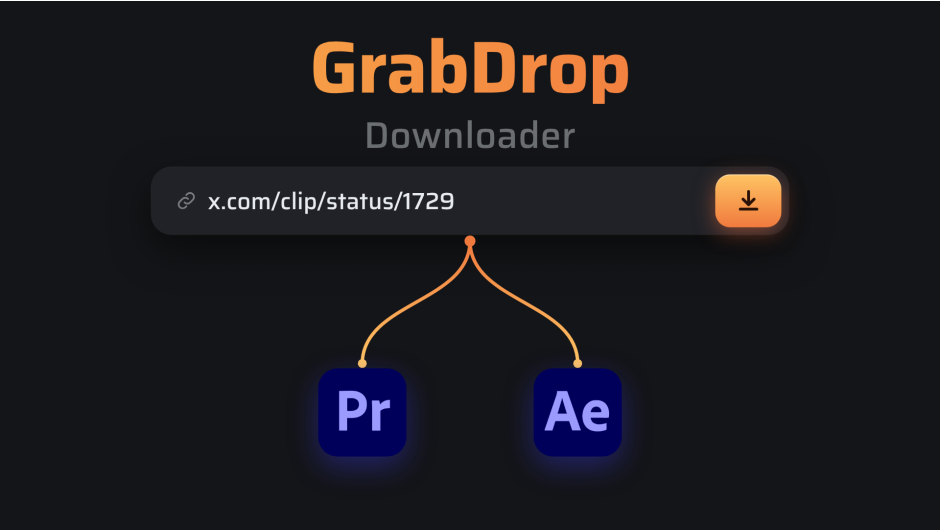
Download linked video, audio and subtitles into Premiere Pro or After Effects; set start and end timecodes to download clips, batch URL lists and convert media.

Motion GraphicsGuide

Looper Pro

Leyero

Looper Pro is a Premiere Pro plugin for cycle, ping-pong and offset loops, with those controls now built into Easify 4 Pro.
WorkflowGuide

Markers Pro

Leyero

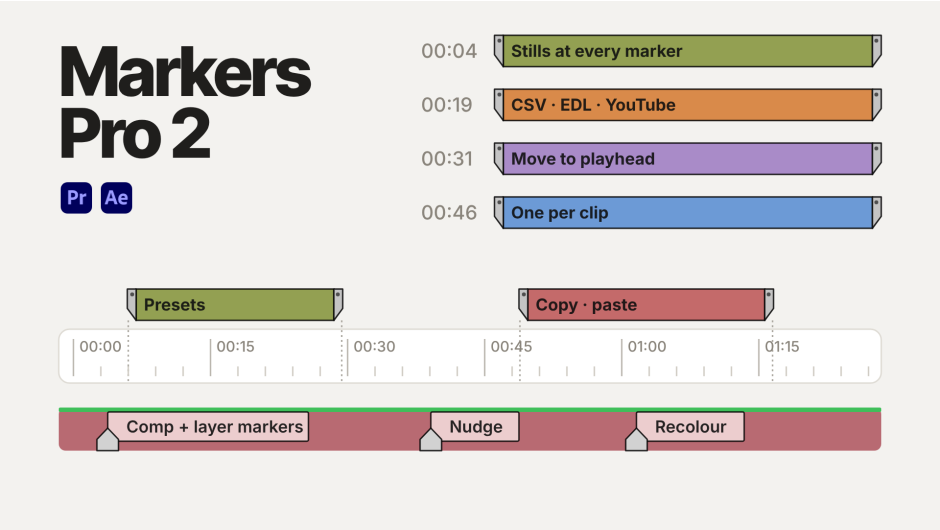
Markers Pro 2 gives Premiere Pro and After Effects editors a visual marker panel for batch renaming, presets, import and export, and still frames.
AudioGuide

Perfect Pitch

Leyero

Perfect Pitch is a Premiere Pro plugin that keeps audio pitch steady when clip speed changes. It uses Premiere's editable Pitch Shifter for each clip.

WorkflowGuide

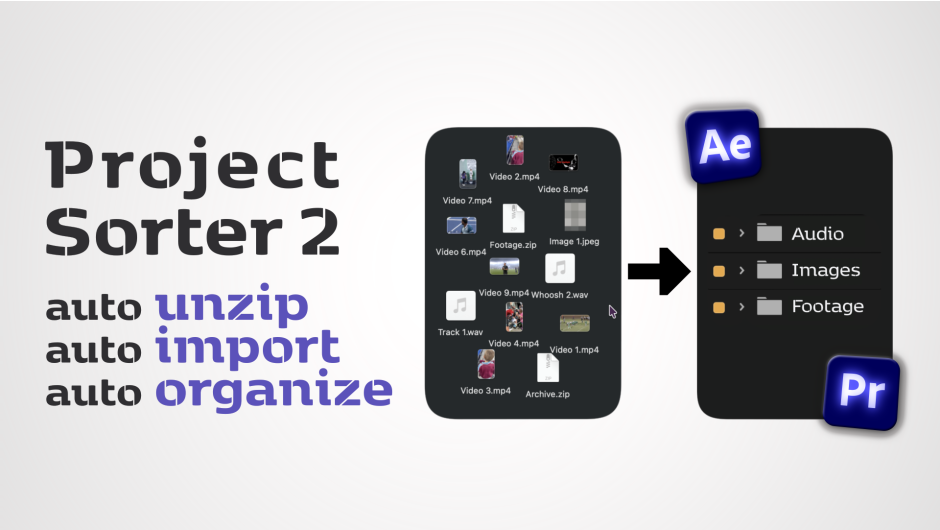
Project Sorter 2

Leyero

Organize media in After Effects and Premiere Pro with sorting rules, watch folders, ZIP imports and disk actions. Check compatibility and current pricing.

Motion GraphicsGuide

Random Wiggler

Leyero

Random Wiggler brings random() and wiggle() expression motion to Premiere Pro. Review its controls and compatibility, then check the listing for current access.
WorkflowGuide

Script2Sequence

Leyero

Script2Sequence is a Premiere Pro plugin that builds timelines from scripts and transcribes narration, with batch downloads from Frame.io and Google Drive.
WorkflowGuide

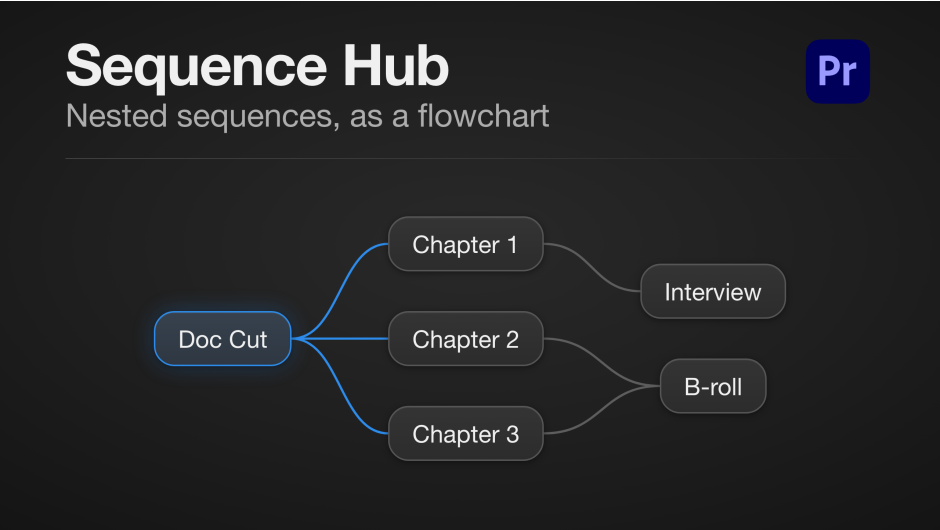
Sequence Hub

Leyero

Sequence Hub maps nested Premiere Pro sequences, opens them from its flowchart, and follows the active sequence. Check its Premiere Pro 26.2+ requirement.

Motion GraphicsGuide

Shifter

Leyero

See how Shifter by Leyero staggers Premiere Pro clips and After Effects layers or keyframes, with easing, direction, timing controls and a live preview.

WorkflowGuide

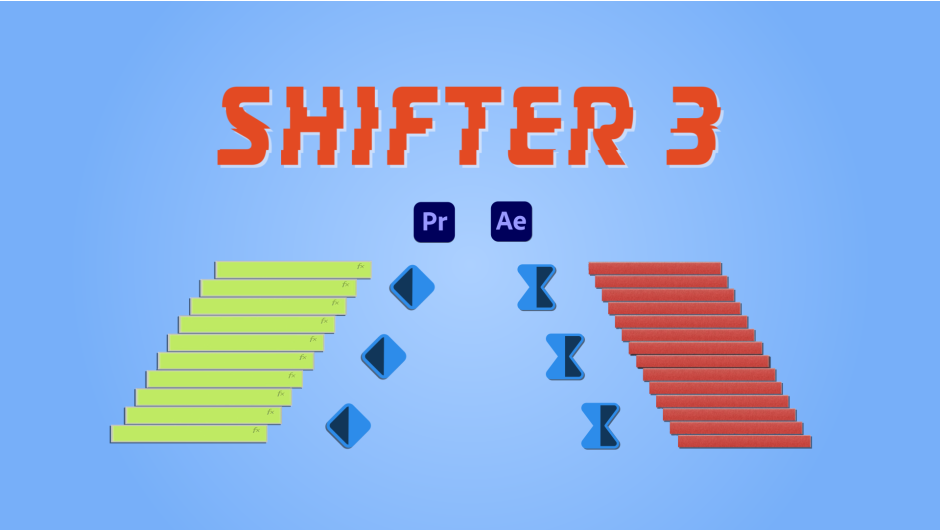
Shifter 3

Leyero

Shifter 3 staircases items in After Effects and Premiere Pro. Review its version history, supported host versions, and current Easify 4 Pro listing.

WorkflowGuide

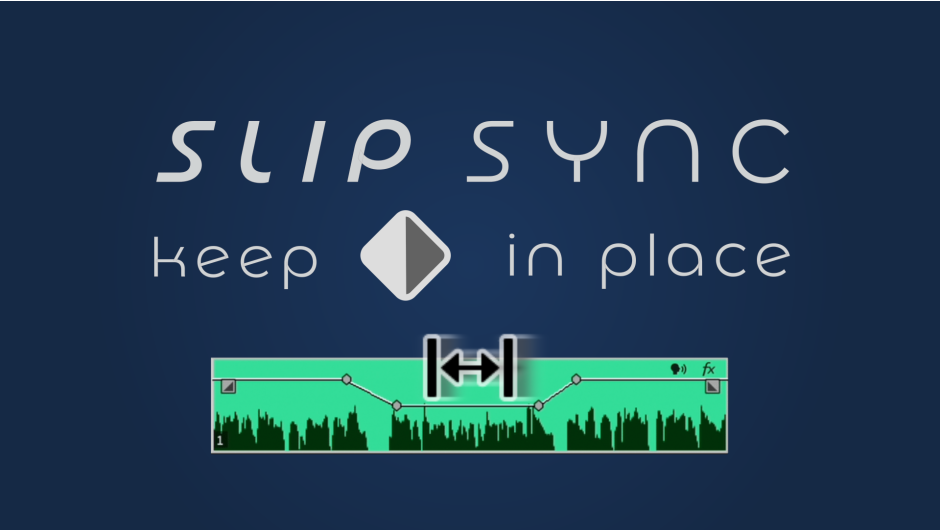
Slip Sync

Leyero

Slip Sync is now built into Easify 4 Pro, where media slides beneath fixed keyframes. Easify 4 supports Premiere Pro and After Effects 2024 through 2027.

WorkflowGuide

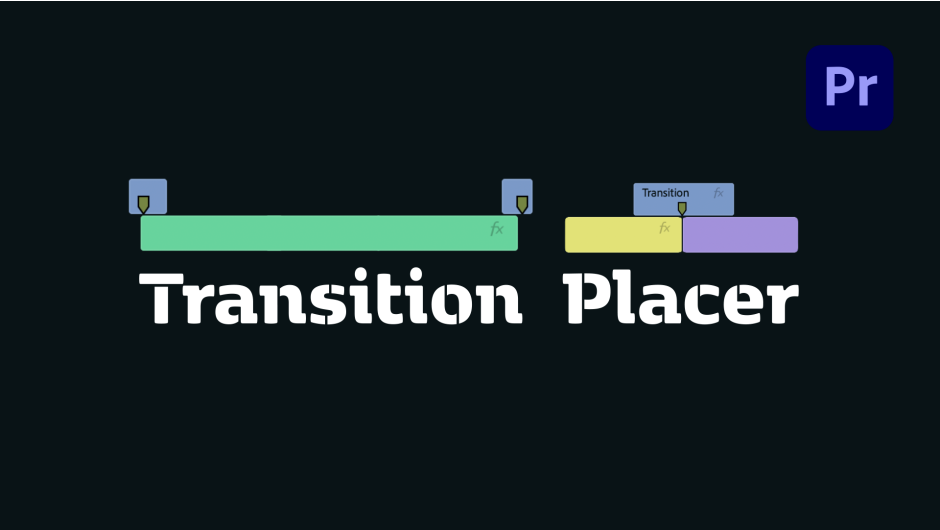
Transition Placer

Leyero

Transition Placer is a Premiere Pro plugin for overlay transitions at cuts, with sequence-frame scaling, a shared blend mode and optional audio removal.
WorkflowGuide

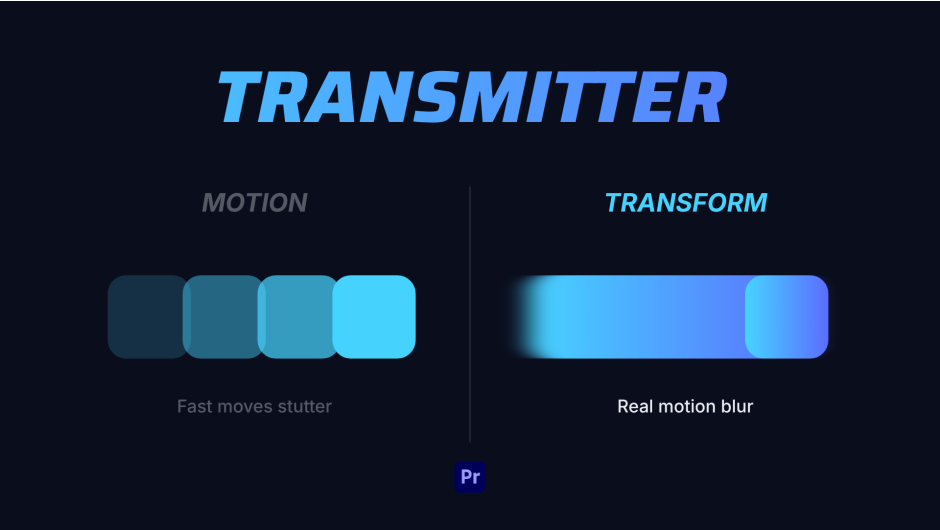
Transmitter

Leyero

Move Premiere Pro Motion keyframes to Transform, then use motion blur, alpha mattes and adjustment layers with Transmitter by Leyero.
WorkflowGuide

Ultimate Toolkit

Leyero

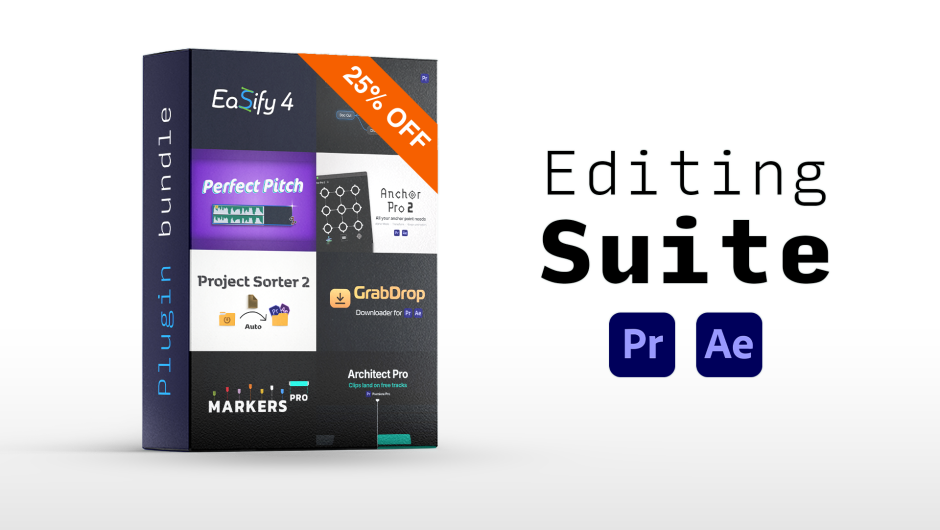
Ultimate Toolkit's listing names nine Leyero tools for Premiere Pro, from animation to sequence navigation. Its current availability and terms are unconfirmed.

Developer attribution comes from the linked product listings. Current product details are available on each product’s website. About our sources