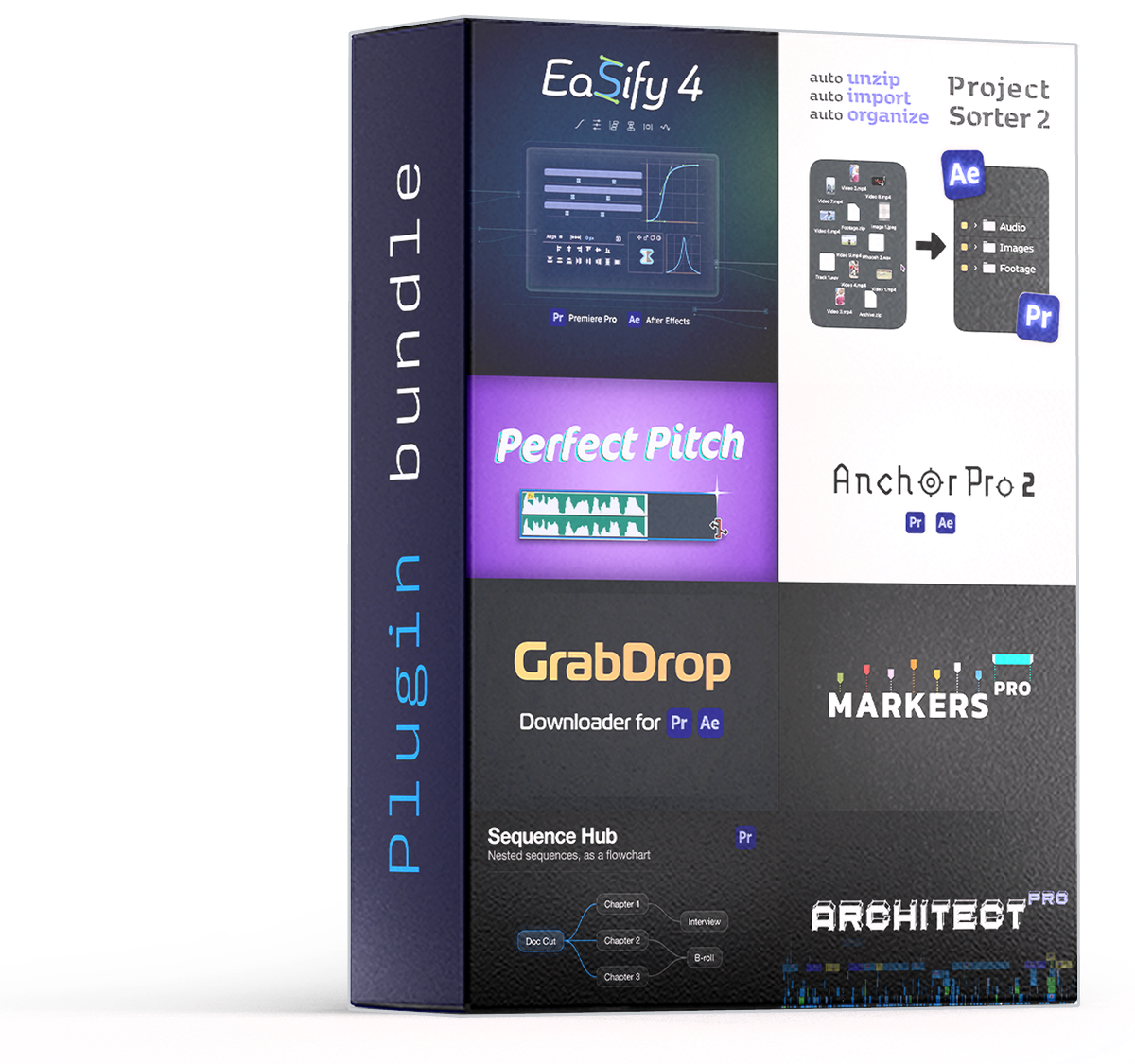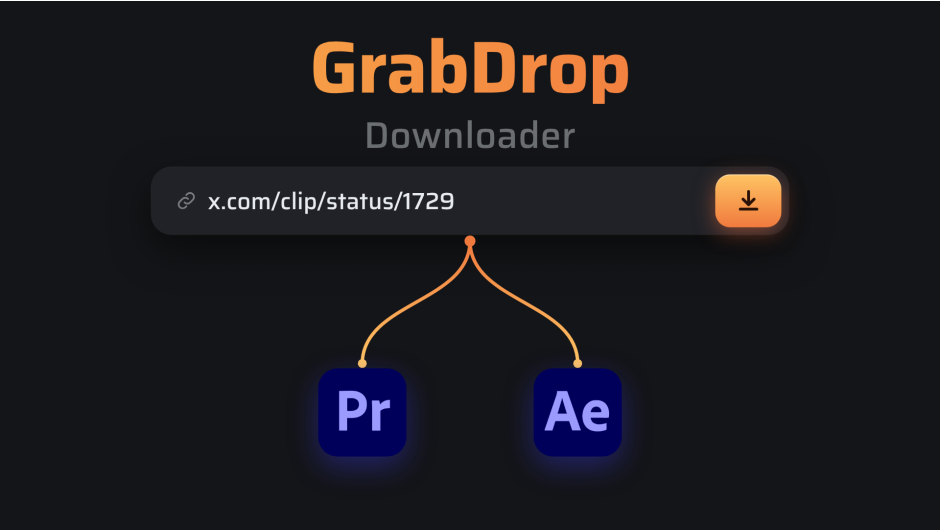
GrabDrop downloads linked video, audio and subtitle media directly into Premiere Pro or After Effects, skipping separate download and import steps.
Bring selected footage into a project
Set start and end timecodes to download a segment of a video. A matching subtitle file can be imported alongside the clip on its own track, or subtitles can be downloaded separately. For chaptered videos, select chapters to create separate clips in a bin named after the source. For playlists, choose which entries to download.
Extract audio and batch links
Extract audio from a video as MP3, WAV or M4A and bring it into Premiere Pro or After Effects without routing it through Audition. To gather media from several sources, load a CSV or TSV file of URLs, or paste a spreadsheet table. Select the links you need, then let the batch download in the background while you keep working.
Convert media and check site support
GrabDrop can convert downloaded media to another video, audio or image format. Version 1.0.8, released June 16, 2026, added conversion of a selected clip instead of the whole video. GrabDrop works with X, Vimeo, Reddit and hundreds of other sites. Its version 1.0.12 release note says YouTube support was removed, so YouTube downloads no longer work after updating to that version.
Compatibility and licensing
The listing names After Effects and Premiere Pro versions 2024, 2025 and 2026. It describes GrabDrop as a one-time purchase and states aescripts' 90-day return policy. The product EULA, updated Oct. 21, 2025, allows one copy on one computer at a time; additional users or copies require an appropriate license for each user and copy. aescripts' License Type FAQ, dated Nov. 5, 2026, says a Single User License can cover up to two computers that are not used at the same time, unless the product notes otherwise. Only Floating Licenses require aescripts' Floating License Server; Single User Licenses do not. Because the GrabDrop listing displays a server notice, confirm the selected license type before purchasing.