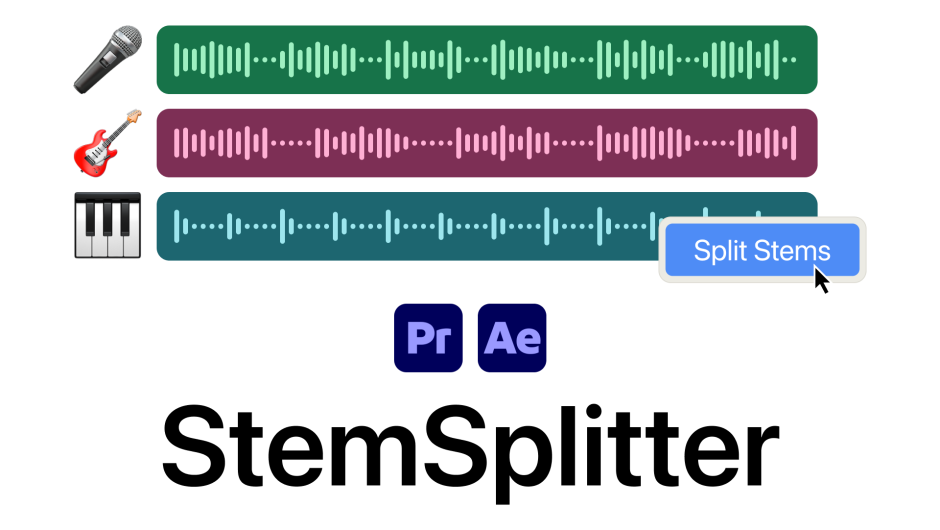
Vocal Isolator is an audio separation and cleanup extension for Adobe Premiere Pro and After Effects. It can extract vocals, isolate instrumental audio, create both stems, or reduce background noise in speech clips. You select a clip on the timeline, choose a mode, and run the process from the extension.
Four modes for separation and cleanup
- Vocals Only extracts the vocal stem.
- Instrumental Only extracts the background music.
- Both Stems creates vocal and instrumental tracks in one pass.
- Denoise and Cleanup targets background noise and room sound in speech recordings.
The product listing describes use cases such as dialogue under music, podcast interviews, documentary recordings and studio vocals. For denoising, it names restaurant ambience, air conditioning hum and room reverb among the sounds the mode targets.
Process clips from the timeline
Select an audio track or video clip in Premiere Pro or After Effects, choose a mode, then run Separate. For vocal and instrumental separation, the resulting files are saved in the project media folder and added to the timeline. The listing gives filenames such as _vocals.wav and _instrumental.wav.
For several clips, add timeline selections to the Batch Queue and process them together. The queue runs in the background, so you can continue editing while the clips are processed. Version 1.2.0 release notes, dated October 30, 2026, describe routing clips from different After Effects compositions back to their original timelines.
Local processing, licensing and hardware
The product listing says audio, video and project data stay on your computer during processing. Local processing may suit projects with confidentiality requirements; follow any separate client or workplace rules that apply to your material. The listing describes a perpetual license with unlimited separations, no monthly fees and no clip length or file size limits.
An NVIDIA GPU with CUDA is recommended, but it is not required. The listing says Intel Core and AMD processors are supported. It estimates that a 60-second clip takes about 8 to 15 seconds on an RTX card, while a multicore CPU may take about 1.5 to 2 times the clip length. These are vendor estimates, and results depend on the hardware and processing model.
Compatibility and storage
Vocal Isolator is Windows only. The listed requirements are Windows 10 or 11, 64-bit, and about 7 GB of disk space for the engine and bundled models. The compatibility list names Premiere Pro and After Effects versions 2022 through 2027. The version history lists 1.3.1, dated November 17, 2026, with an improvement for NVIDIA RTX 50 Series GPUs.
The Vocal Isolator product page lists a free trial and detailed release information. Check it for current compatibility and license details.