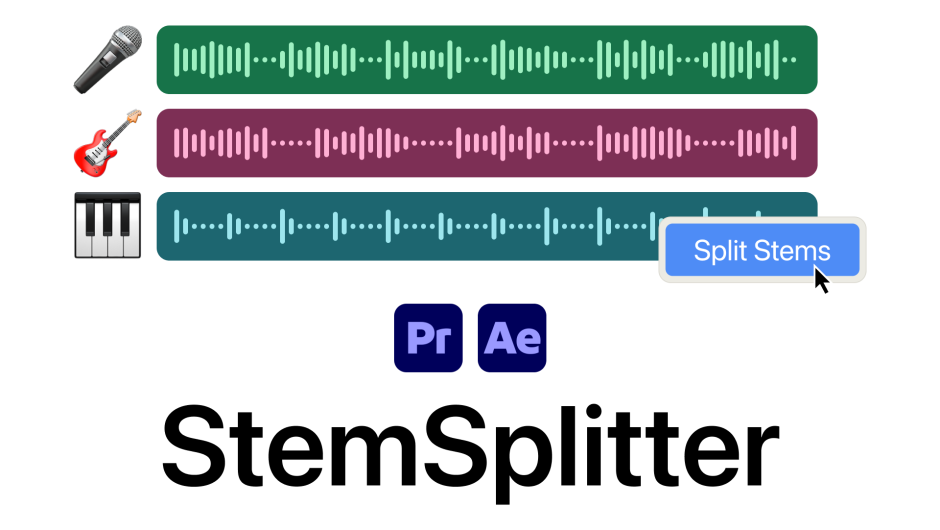
StemSplitter separates a song into six audio stems inside Adobe Premiere Pro or After Effects: vocals, drums, bass, guitar, piano, and other. Its panel provides a Split Stems button, so editors can create separate tracks from audio in their editing project.
Six stems from one song
The six outputs give you distinct parts of a recording to work with on the timeline. Select the audio in StemSplitter and run the split; the resulting stems stay aligned with the source. This can help when an edit needs separate vocal or instrument tracks while the original recording remains in the project.
The product listing names six outputs: vocals, drums, bass, guitar, piano, and other. It does not describe additional stem categories. The outputs are created inside the supported editing apps, without a browser round trip to a separate splitter.
Premiere Pro and After Effects workflows
In Premiere Pro, the stems line up with the original clip. The source is switched off, not deleted, so it remains in the sequence alongside the separated tracks. In After Effects, the six stems appear as layers beneath the original.
Supported formats and compatibility
The version history for release 0.0.2 says StemSplitter added support for video clips in MP4, MOV, and MKV formats, along with OGG, M4A, and AAC audio. WAV, AIFF, MP3, and FLAC were already supported,
The compatibility list names Premiere Pro and After Effects versions 2020 through 2027. The release notes for version 0.0.2 specify macOS 12 Monterey or later and support for Apple Silicon Macs, including M1.
Local audio processing
aescripts says StemSplitter runs on your computer and does not upload audio. That may suit editors working with client or unreleased music who want to keep source files in their local workflow. The listing also says there are no clip limits and that a split does not add a per-clip charge.
The aescripts listing includes a free trial and current product details. Check it for the latest purchase information and release notes: StemSplitter on aescripts.