What VocalSplitter separates
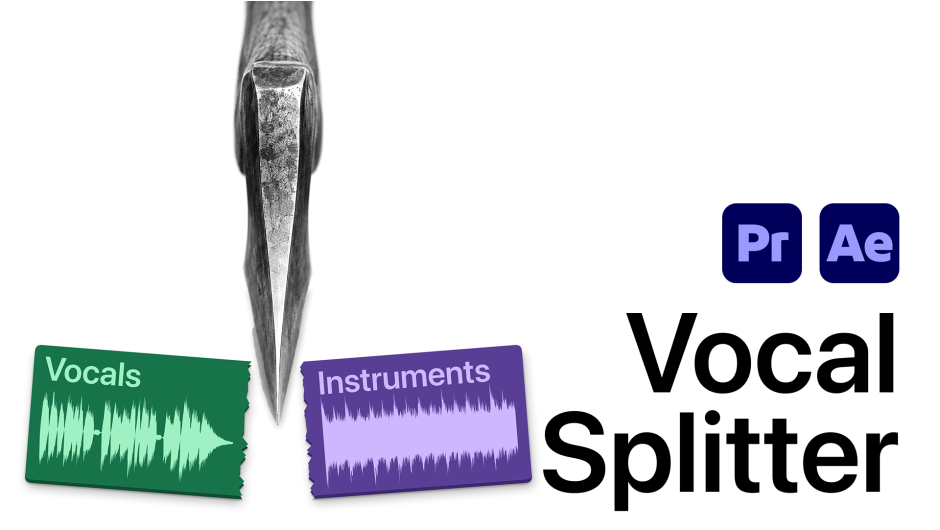
VocalSplitter separates a song into two stems, vocals and instruments, from a panel inside Adobe Premiere Pro or After Effects. Select a clip on the timeline and use Split Stems. The resulting tracks line up with the original clip, which stays in the sequence switched off rather than deleted. You can mute one stem, keep the other, or compare the split with the source audio without rebuilding the edit elsewhere.
Where it fits in an edit
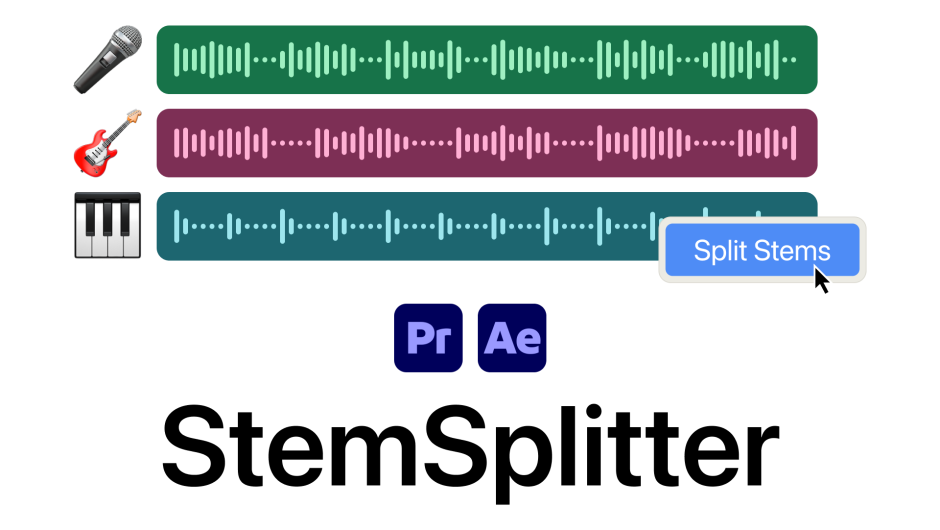
Use the vocals stem when you need an isolated vocal for an edit, or the instrumental stem for music without the singer. The two-stem output is suited to that focused task. For a six-part split into vocals, drums, bass, guitar, piano and other, vogeledits lists StemSplitter as a separate product.
The aescripts product listing says VocalSplitter processes audio on your computer, without uploading it. It also states there are no clip limits and no extra charge per split. A free trial is available from the listing, so you can try a representative clip before relying on the separation in a finished edit.
Supported media
Version 0.0.2 notes support for video clips in MP4, MOV and MKV formats, plus OGG, M4A and AAC audio. The listing says WAV, AIFF, MP3 and FLAC were already supported. This lets editors work with audio from supported video clips as well as standalone audio files.
The product page lists VocalSplitter for Premiere Pro and After Effects and includes compatibility entries for both applications. Version 0.0.2 notes macOS 12 Monterey or later and Apple Silicon support, including M1. Check the current listing for compatibility details that match your installed host application and Mac.
VocalSplitter is made by vogeledits. For a walkthrough of removing vocals in Premiere and After Effects, see the developer's VocalSplitter editing guide.