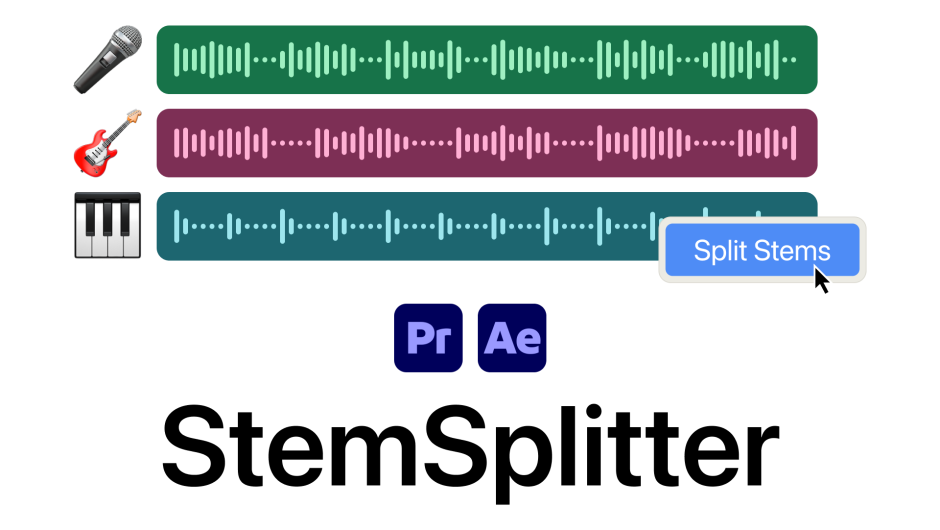
Moises is a panel for Adobe Premiere Pro that separates audio into individual stems. Select a clip on the timeline or choose a file from disk; Moises processes the uploaded audio and imports the resulting WAV tracks into your project bin.
Separate music tracks and video soundtracks
For music, Moises can isolate vocals, drums, guitar, bass, piano, keys, strings, and other parts. This gives editors separate tracks to use when rebalancing music or preparing a different score for a video.
Cinematic mode separates a video soundtrack into dialogue, sound effects, and music. The developer lists podcast cleanup, dubbing, score replacement, and rebalancing a noisy interview among its uses.
How the Premiere Pro workflow works
Connect the panel to a Moises account by scanning its QR code or visiting moises.ai/pair, then approve the device. In Premiere Pro, select timeline audio or choose a file from disk. The panel uploads the audio for processing and imports each separated stem as a WAV file in the project bin, ready to add to the timeline.
Because the selected audio is uploaded for processing, account for that step in projects with specific media-handling requirements. Moises’ Help Center has sections for getting started, FAQs, plans and billing, and account settings.
Compatibility and setup
The listing gives Premiere Pro 26.2.2 or later as the minimum requirement. Check the Adobe Exchange listing for current compatibility and installation details before adding the panel to a production setup.