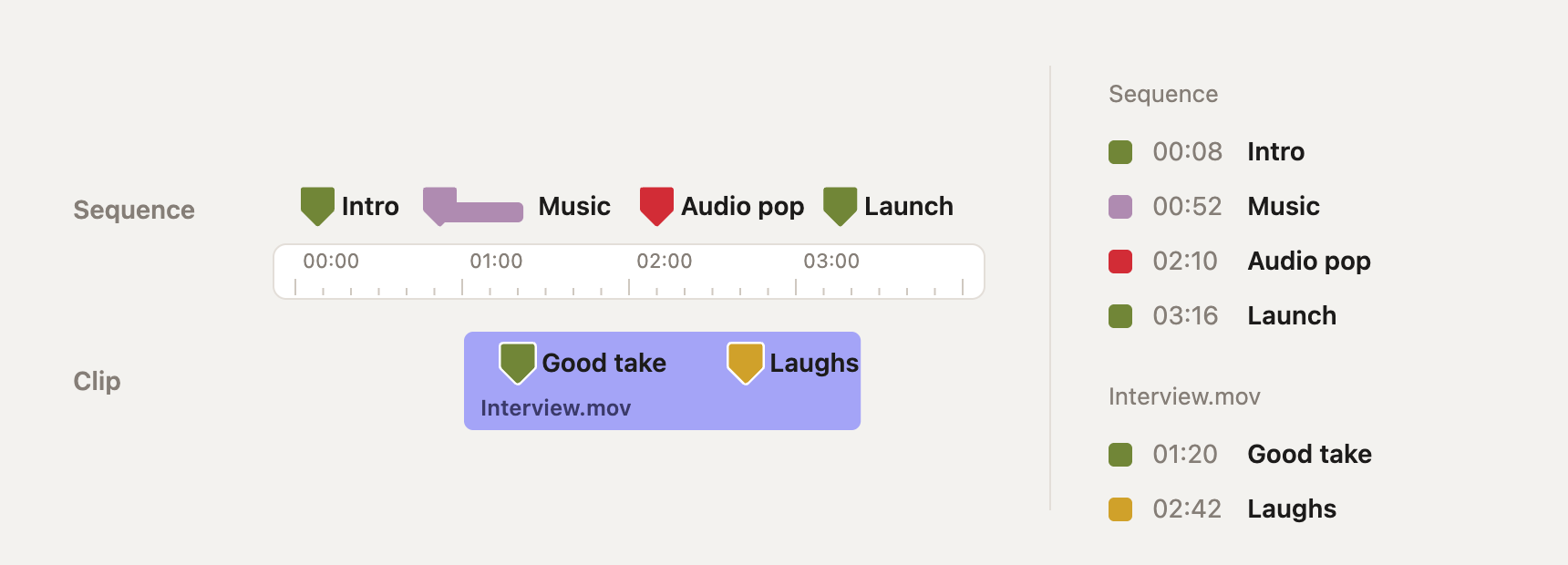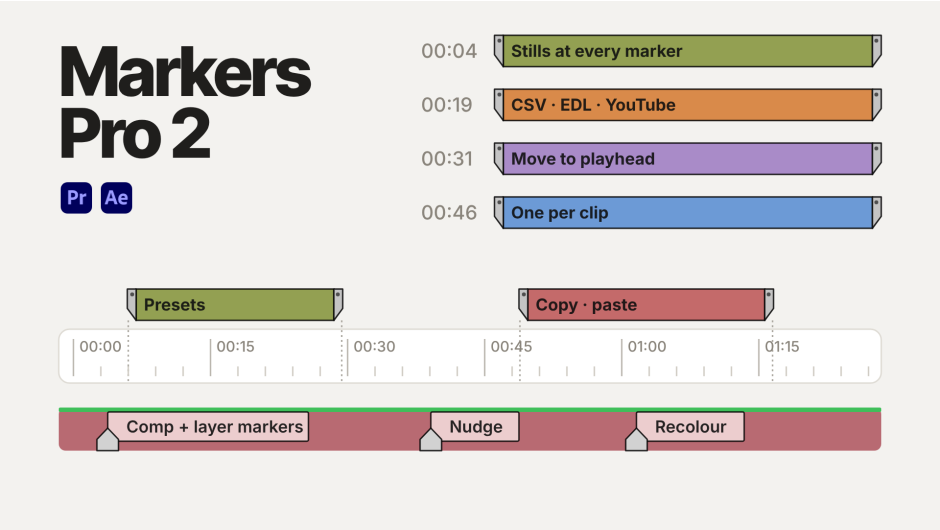
Markers Pro 2 is a marker-editing panel for Premiere Pro and After Effects. In Premiere Pro, its visual ruler and editable marker list stay in sync: selecting a marker in one view selects it in the other, so you can work with a single marker or a group.
Select and edit markers
Click a marker, shift-click several, or draw a box around markers on the ruler. Copying, deleting, nudging, and recoloring apply to the selection; copy, cut, paste, and delete each have a button of their own. When nothing is selected, copying, deleting, nudging, and recoloring apply to every marker in the list you last clicked, so check that list before running a batch operation. You can also filter the list by marker name or comment, then double-click an entry to jump to it.
Move markers and adjust their duration
Drag markers along the ruler, or trim a duration marker by dragging either end. Selected markers can be nudged by a set number of frames or seconds, or moved together to the playhead while keeping their spacing. Scope controls let you target the timeline, selected clips, the in and out range, a color, or a search.
Add markers for a sequence or clip
Create sequence or clip markers at the playhead, across the in and out points, across the selection, or on each selected clip. A preset can add a marker with its name and color already set, at the playhead or under selected clips. The fields beside the list let you edit a selected marker's name, comment, color, type, and duration.
Rename, export, and reuse marker data
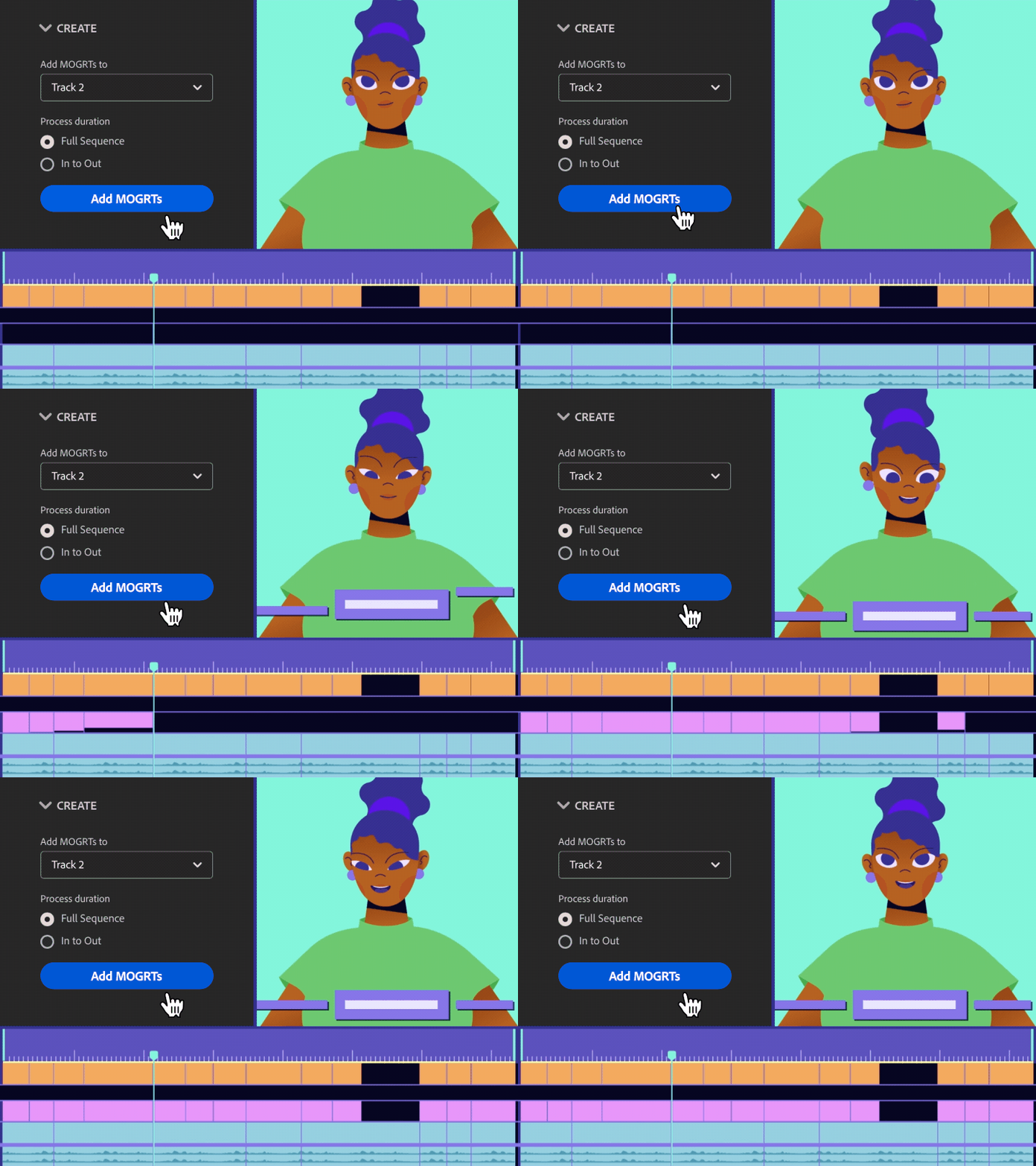
Batch rename or renumber markers with a template that uses number, name, and timecode tokens. Markers Pro can import and export CSV, YouTube chapters, EDL for Resolve, and plain text. It can export a still frame at every marker as PNG, JPEG, TIFF, Targa, or DPX, and add an edit at every marker on unlocked Premiere Pro tracks.
Premiere Pro and After Effects support
In After Effects, comp markers sit above the ruler and selected layers each get a lane below it; the list identifies the layer for each marker, and the in and out controls use the comp work area. Premiere Pro has UXP and CEP panel versions. The aescripts product listing identifies version 2.0.4, dated October 9, 2026, and lists Premiere Pro and After Effects 2027, 2026, 2025, and 2024 as compatible.