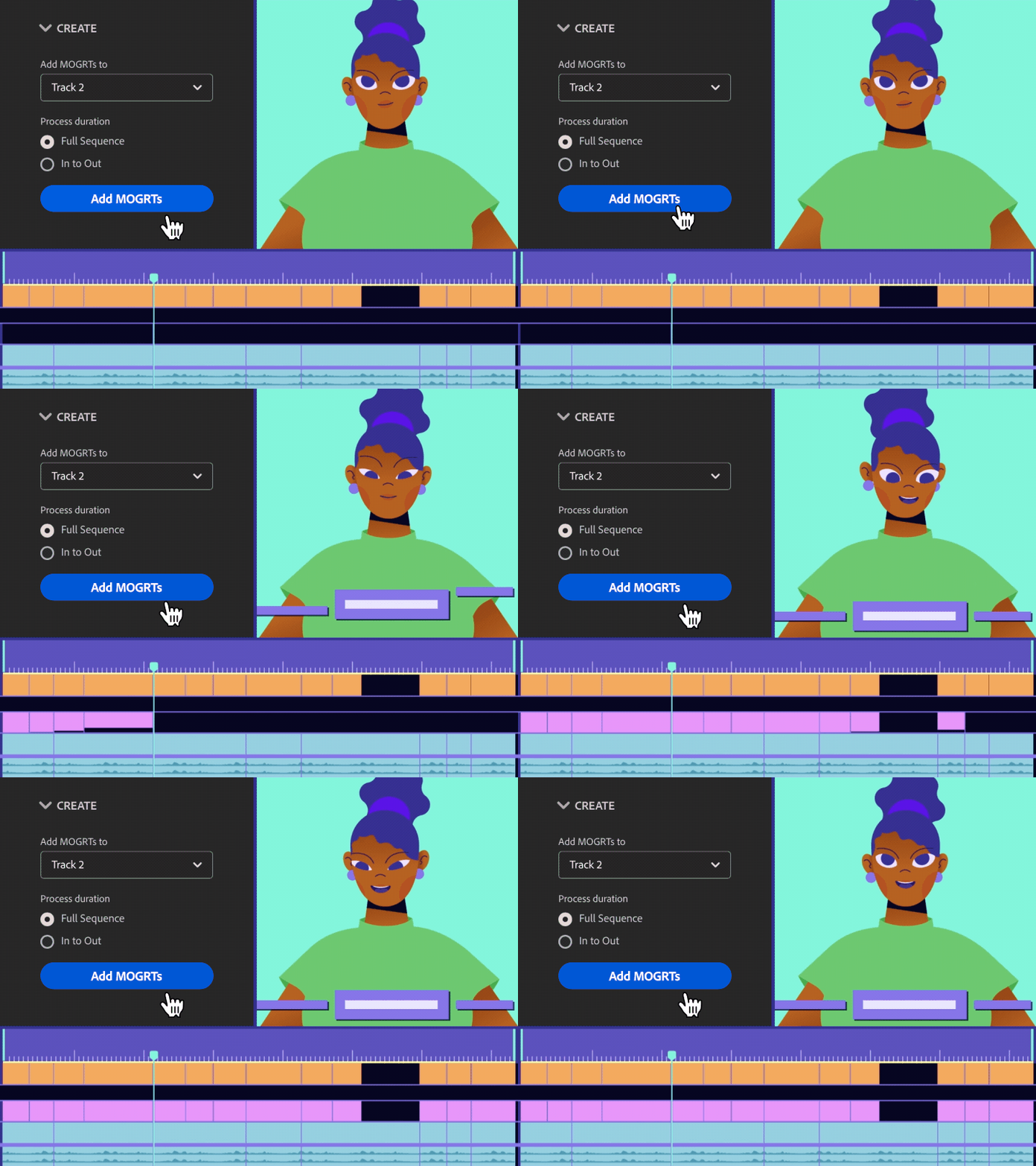
Captioneer for Premiere Pro transcribes a Premiere Pro timeline and turns the resulting caption text and timing into animated Motion Graphics Templates (MOGRTs) that you can style in the edit.
How Captioneer handles captions
Captioneer sends text and timing data from captions to MOGRTs on the Premiere Pro timeline. You can adjust caption timing in Premiere's Text panel or directly in the timeline. Select a MOGRT and use the Properties panel to change its font, color, position, scale, and other settings.
The templates include landscape 16:9, portrait 9:16, and square 1:1 formats. You can add other MOGRTs or create your own in After Effects; Captioneer accepts any MOGRT exported from After Effects.
Trial and compatibility
Captioneer's FAQ allows one free trial per computer but gives no duration or current price. It also describes subscription and lifetime licenses, so check the current terms before installing.
Check compatibility before installing. This catalog lists Premiere Pro 13.0+, while the publisher's FAQ says Captioneer is designed for Windows and macOS systems running Adobe Premiere and After Effects 2025 or later. Captioneer's default MOGRTs are built for Premiere Pro 2025; the FAQ points users of older Premiere versions to separate 2022+ Legacy MOGRTs. Confirm the requirements for both the plugin and templates against your installed versions.
Who it suits
Captioneer fits Premiere Pro editors who want animated captions they can retime and style in the project. Captioneer is exclusive to Premiere Pro and is not available for DaVinci Resolve or Final Cut Pro. See the Captioneer documentation for its current setup and product details.