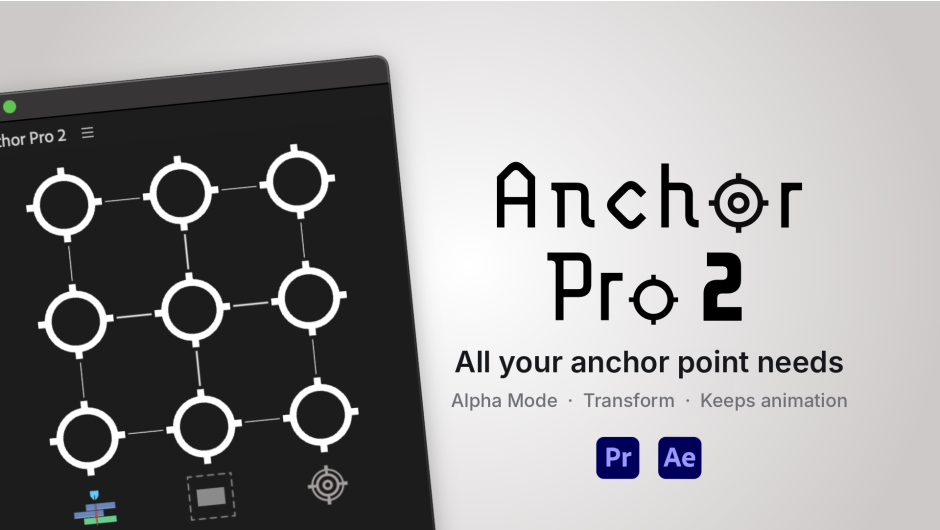
Anchor Pro gives Premiere Pro and After Effects users ways to reposition anchor points on a clip or a group of clips. Choose whether to position relative to the clip, the sequence, or the selected clips, then drag the point for direct placement. The controls suit editors who need consistent anchor positions across clips or who adjust already animated material.
Reuse positions and work with transparency
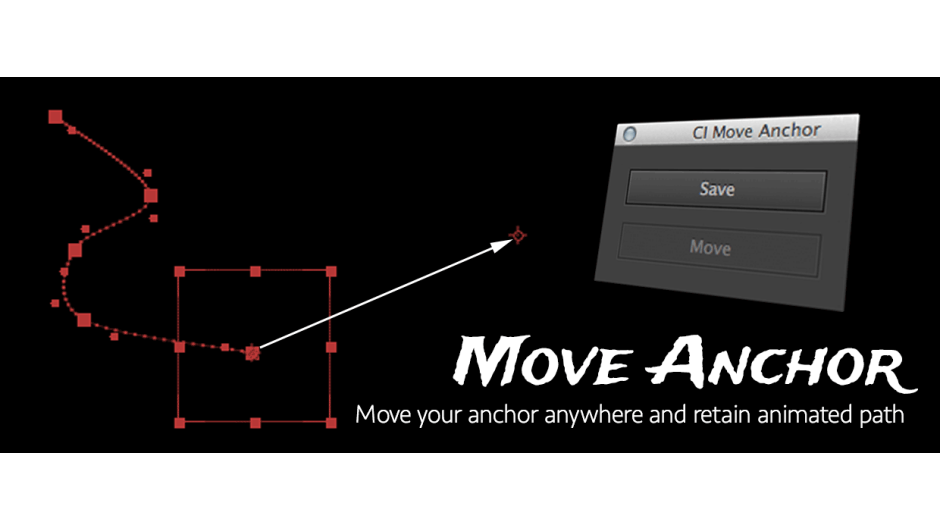
For clips with transparent backgrounds, Alpha Mode supports anchor point adjustment; it also has an option to ignore drop shadows. Save an anchor point position to align other clips. When you move an anchor point, Anchor Pro can keep existing animation intact.
After Effects features
Version 2 adds After Effects support for the Transform effect, Separate Dimensions, and 3D layers, along with Spell Book integration. These additions matter to After Effects users who need anchor point controls on those layer or effect setups.
Host and licensing scope
Anchor Pro is listed for Premiere Pro and After Effects. The available license options are Single User and Floating. A Floating License requires separate floating-license server software.