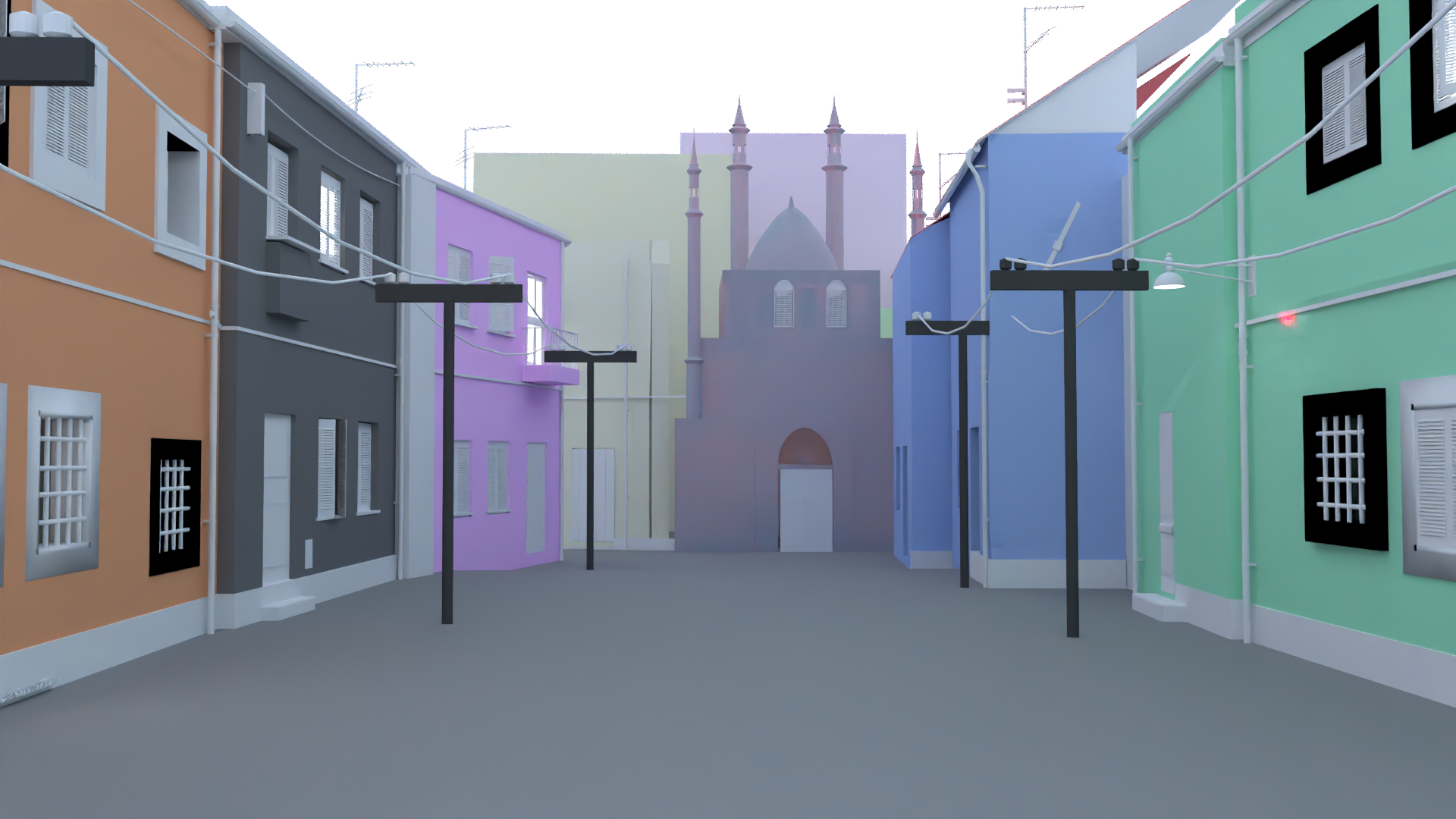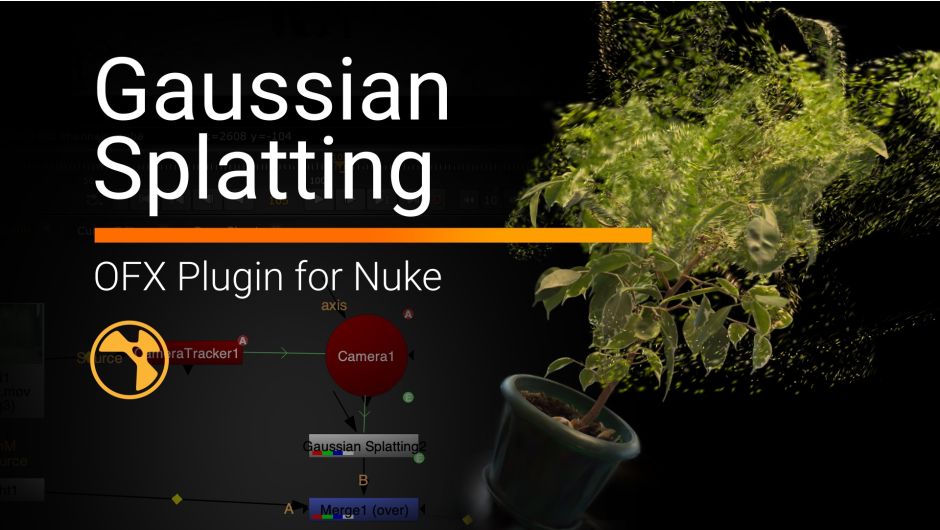
Gaussian Splatting for Nuke imports existing Gaussian splat .ply files into Nuke or NukeX for scene adjustments and rendering. The product page describes Gaussian splatting as a rasterization technique for rendering photorealistic scenes from small image samples. Its listed workflow starts with an already-created splat; capture and training are described as separate steps.
Import and position PLY scenes
Load a .ply file, then use the alignment tools to move the model to the scene center and orient it horizontally. The listing also notes support for compressed .ply files from SuperSplat. Its version history records support for ml-sharp .ply files in version 1.6.8.
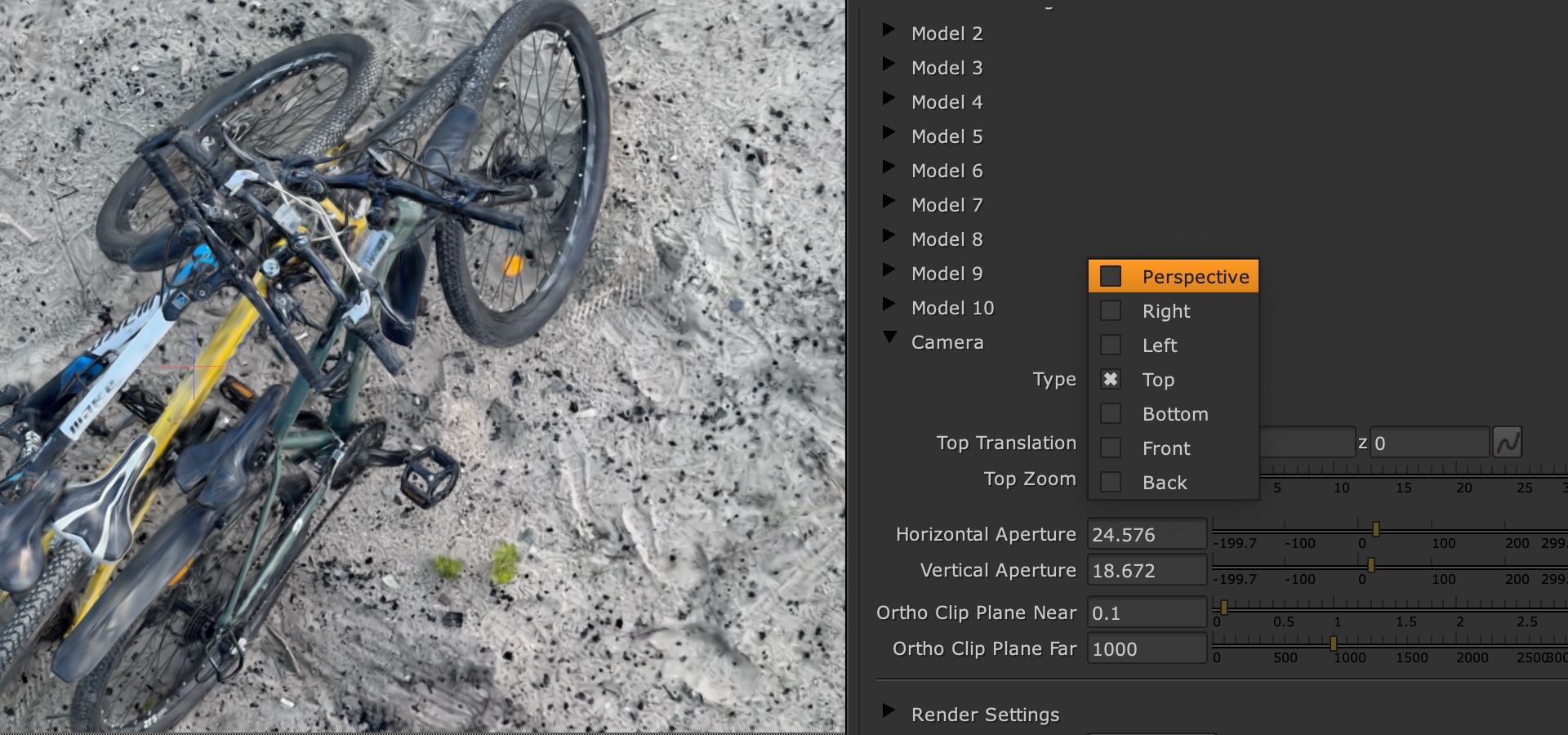
For precise placement, the product documentation describes using orthographic projection cameras. The plugin also supports combining up to 10 models in one scene, which is useful when a composite needs several separate scans.
Shape and animate splats
Crop a scene with a sphere, a box, or a Y plane. Ramp controls can colorize splats with spherical or box-shaped maps, animate their scale, and control opacity. Noise can distort each model, and per-model color correction helps adjust brightness and color temperature before compositing.
Render for compositing
The plugin renders with the GPU and can output a depth pass for 3D compositing. The listing describes rendering as real-time but gives no GPU requirements or benchmark conditions, so performance for a particular workstation or scene size is unspecified.
Compatibility and documentation
The listing identifies compatibility with Nuke and NukeX versions 14, 15, 16, and 17. Version 1.7.0 added Nuke 17 support; version 1.7.1 fixed a crash when importing broken PLY files and incorrect color clamping on some black splats. See the product documentation for setup and controls, and the product listing for the compatibility details and version history.