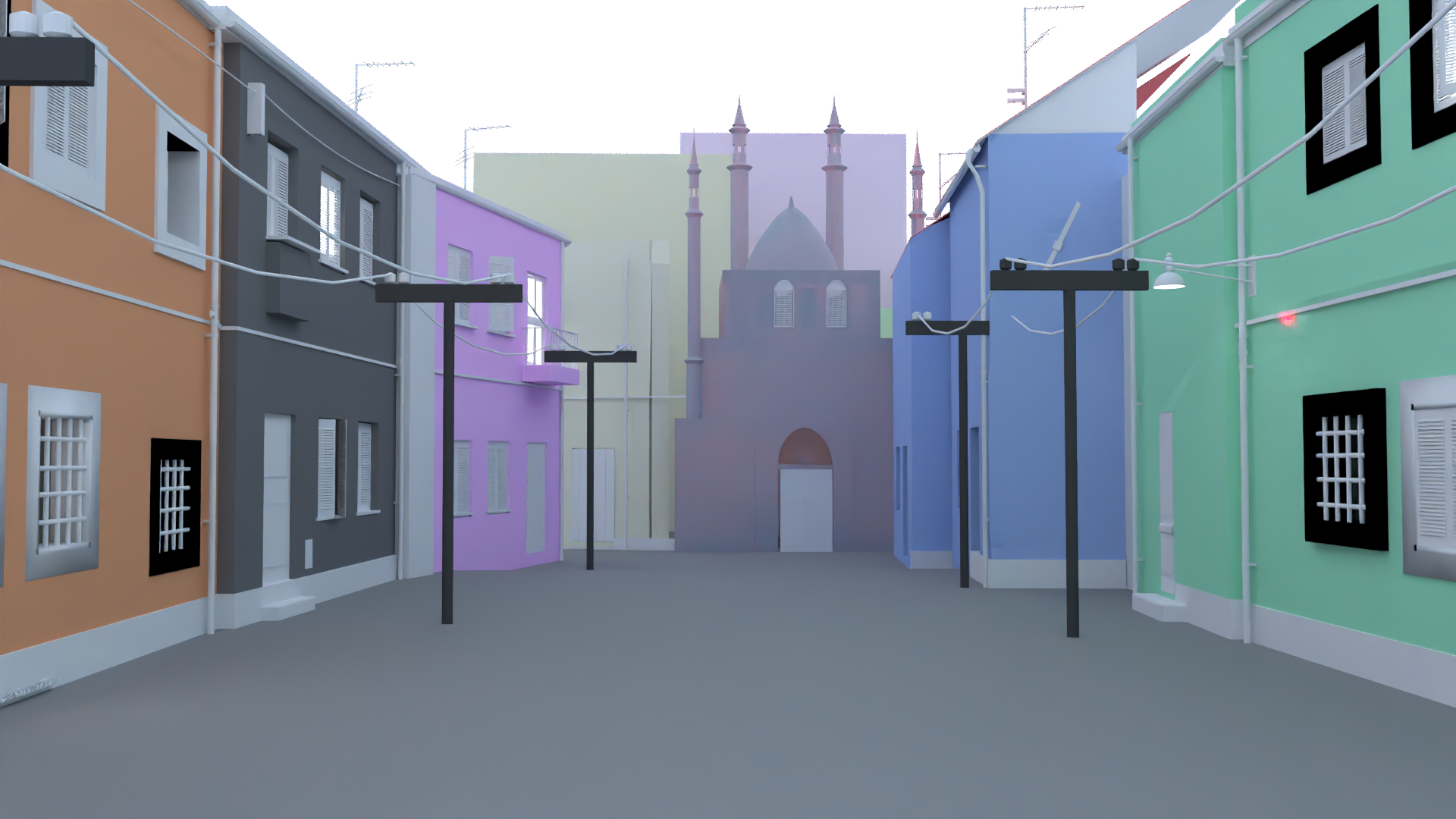
NormLight is a GPU-accelerated After Effects plugin for pseudo-3D lighting on 2D layers. It combines a layer’s color image with a normal map and, optionally, a depth map for depth-aware lighting, using lights in the composition.
Shape the light and shading
NormLight works with After Effects Ambient, Point, Spot and Parallel lights. Choose Lambert shading for a natural look or Toon shading for stepped cel shading. Specular highlights add controls for Roughness and Metal. You can assign normal map channels and invert the X, Y and Z axes to match the After Effects coordinate system.
Add edge lighting and optical effects
Backlight and Rimlight highlight the silhouette edges, with an edge mask based on alpha or depth. For optical effects, Reflection uses an HDRI or environment image, while Refraction uses a background image. Both include Fresnel controls.
Inspect the map setup
Visualization tools let you check normals and light positions within the depth map as you adjust the setup.
Supported systems and rendering
NormLight supports After Effects 2022 or later, Windows 10 or later (64-bit), and macOS 12 or later, with Apple Silicon supported. GPU acceleration uses Metal on Mac, CUDA on NVIDIA GTX 970/980 series GPUs (Maxwell, Compute Capability 5.2) or later, or OpenCL on GPUs supporting OpenCL 1.2 or higher. NormLight supports 8, 16 and 32 bpc color depth and Multi-Frame Rendering.
See the NormLight product listing for GPU requirements and compatibility details.