ShotLink connects a ShotLink Camera in a running Unreal Engine project to Adobe After Effects as a live composition layer. With Realtime Mode enabled, scene changes appear in After Effects without exporting and reimporting an image sequence. The link can reconnect after Unreal restarts.
Render passes for compositing
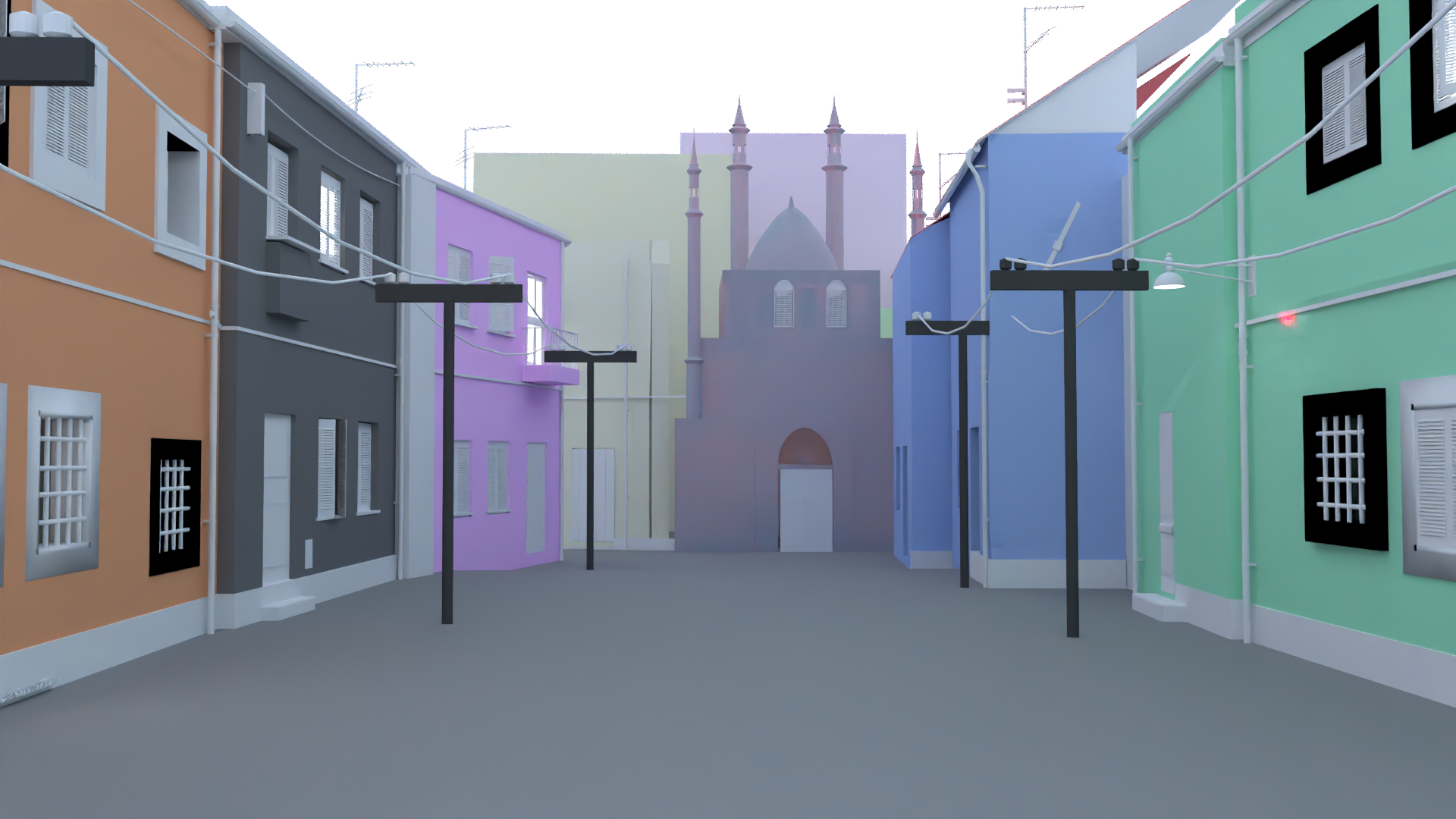
Beauty, depth, normals and object mattes arrive as separate layers with real alpha. Multiple cameras can render at once, and an Unreal Post Process material can provide another pass. This gives you separate scene elements to composite with After Effects footage, text or graphics while the scene, lighting and materials remain in Unreal.
ShotLink can also place a 3D null on scene geometry in the rendered image, with its surface position and rotation resolved by Unreal. The point must have collision and be within the scene ray's roughly 10 km reach; particles, atmosphere and collision-disabled objects will not resolve. Parent After Effects layers to the null to keep them positioned against the scene during a camera move.
Camera and sequence workflow
Choose a Level Sequence to have Unreal follow the After Effects timeline frame by frame. The composition layer follows the sequence duration. You can fly the camera in Unreal and transfer its current position, rotation and lens settings to an After Effects camera, then animate there.
For a final render in Unreal, bake the animated After Effects camera into the selected sequence. ShotLink creates a CineCameraActor and keys its position, rotation, sensor size and focus per frame. Baking requires a connected source and selected sequence, and the layer must span the sequence duration. You can also render from After Effects with Unreal supplying each frame.
Live updates and image quality
Realtime Mode keeps refreshing the frame at the current playhead position. Changes to lights, materials or objects in Unreal then appear in the After Effects composition without further input there. Turn off Cache Frames When Idle during this work because cached frames can be replaced by new live frames. Memory can fill quickly during long sessions.
ShotLink delivers the frame as Unreal renders it. In some scenes, auto exposure, screen space reflections or temporal accumulation can cause flicker or smeared reflections; adjust the affected settings by hand for that project.
Compatibility
The supported setup requires After Effects 2025.2 or newer, Unreal Engine 5.6, 5.7 or 5.8, and Windows 10 or 11. macOS is not supported yet.