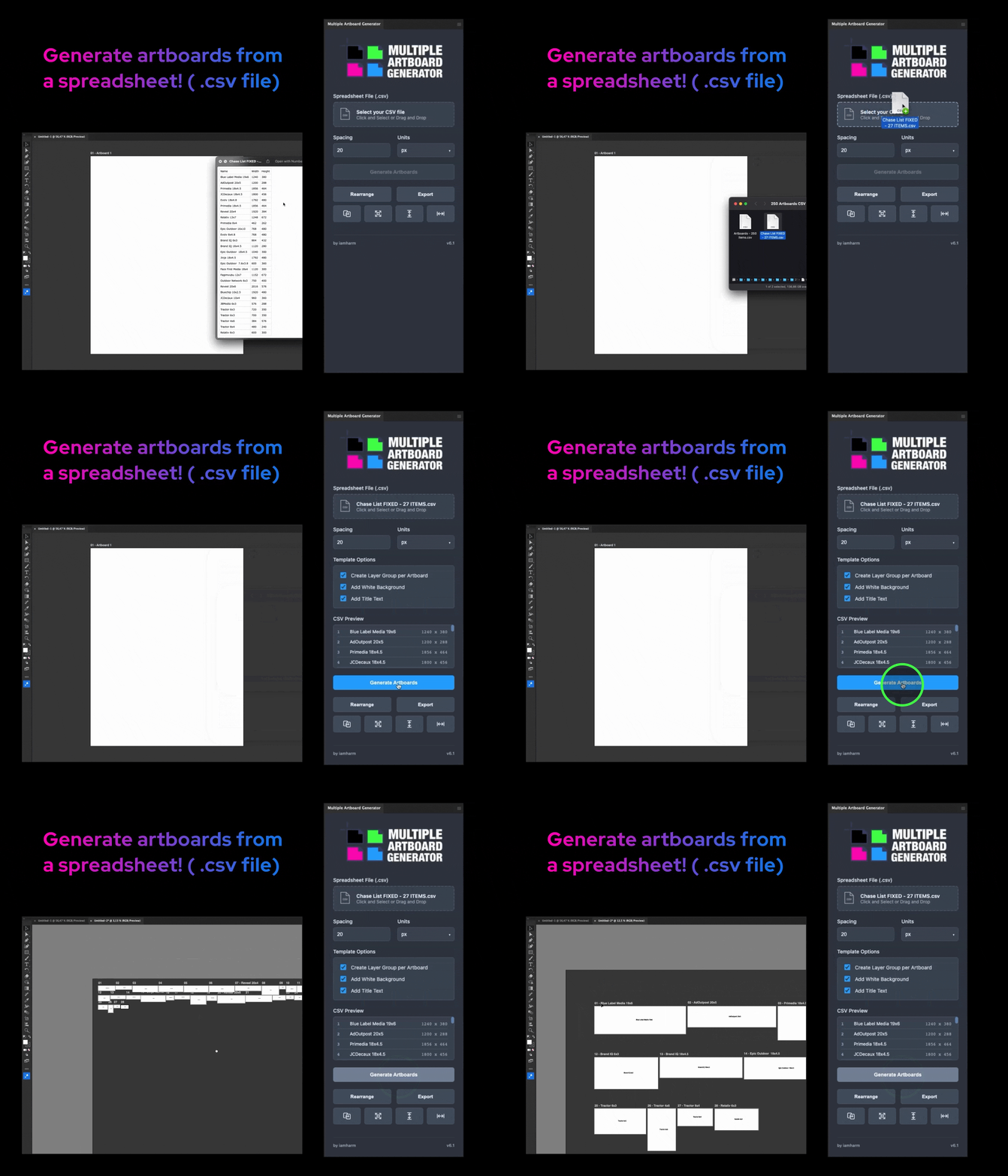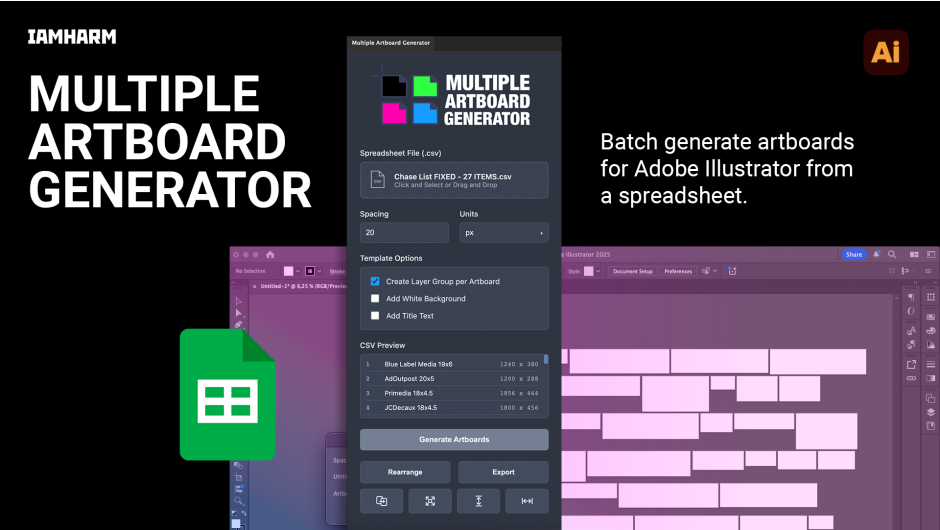
Multiple Artboard Generator for Illustrator builds a batch of artboards from a CSV spreadsheet. Each row supplies a board name and its own width and height, so one CSV can create artboards at different sizes. In Illustrator, choose the measurement unit and spacing, then generate the boards together. This workflow is useful when the output sizes are already recorded in a spreadsheet.
Prepare the CSV and generate boards
Use the supplied spreadsheet in Google Sheets or a similar app, enter the board names and dimensions, then save or download it as a CSV. The product instructions warn that files saved in Numbers on Mac are not compatible.
- Install the extension with aescripts + aeplugins Manager or ZXP Installer.
- In Illustrator, open Window > Extensions > Multiple Artboard Generator.
- Select your CSV, choose points, pixels, millimeters, or inches, and set the spacing between boards.
- Choose Generate Artboards. The new boards appear at the top left of the pasteboard, so zoom out to find them.
Fit and organize artwork
- Fit to Comp resizes a selection to fit an artboard.
- Fit to Dimensions scales layers uniformly to match an artboard's height or width.
- Send Selection to Artboards distributes assets and scales them to fit across the artboards.
- Rearrange Artboards and Export Artboards provide controls for changing the layout and exporting boards.
Optional settings add layer groups, a white background, or title text to generated artboards. The aescripts product listing has installation and compatibility details.